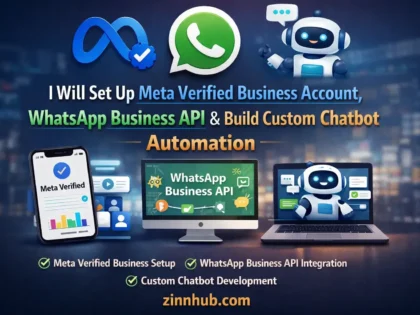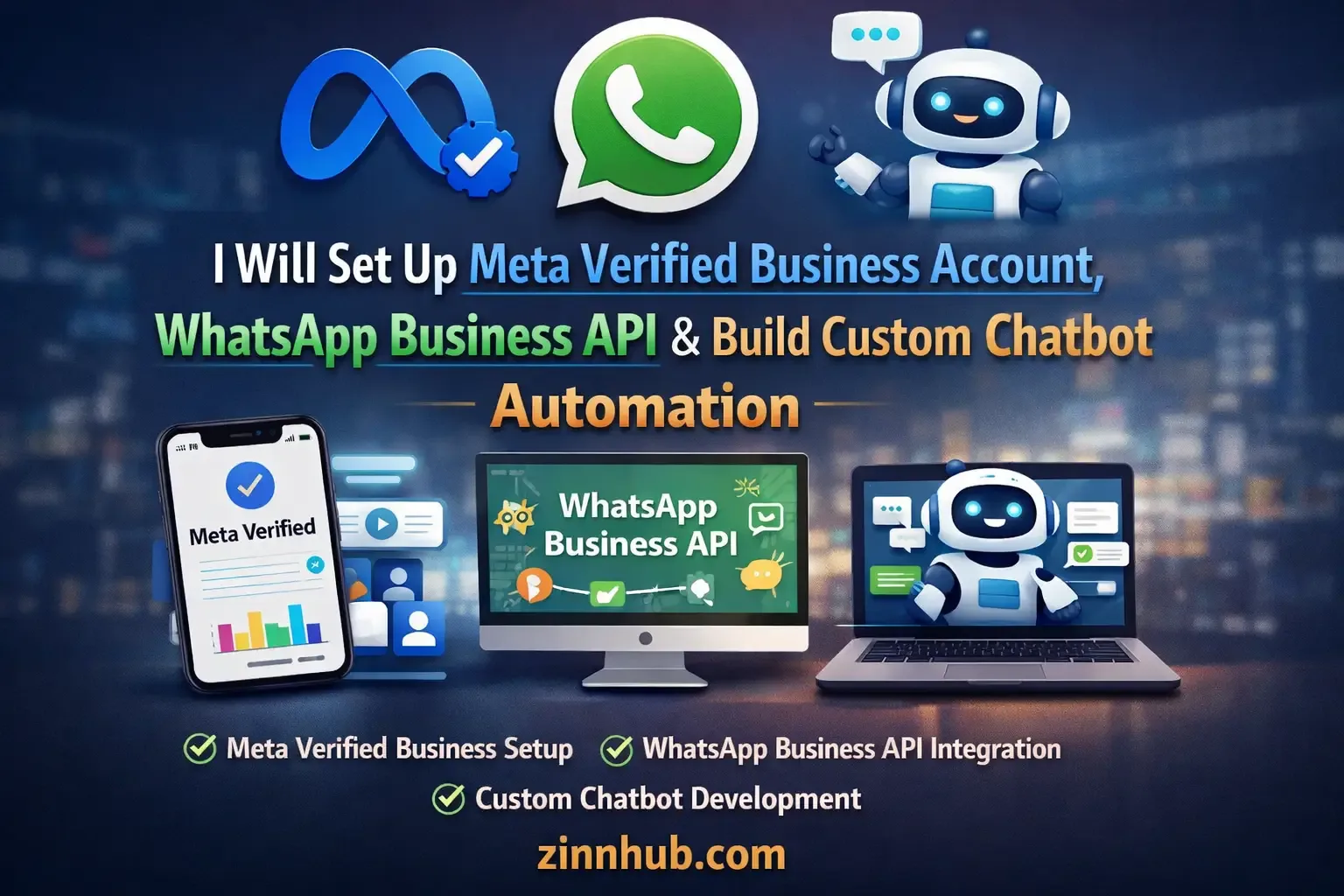
I'll set up your Meta verified business account, configure the WhatsApp Business API (Cloud API, Twilio or Gupshup) and build custom chatbot automation for lead capture, appointment booking and customer support.

I Will Set Up Meta Verified Business Account, WhatsApp Business API & Build Custom Chatbot Automation
Fix Business Manager and profile issues, resolve messaging limit blocks and basic profile configuration.
- Business Manager Issue Resolution
- Messaging Limit Fix
- Profile Setup
- 1 Platform
- 7-Day Support
WhatsApp business badge verification, profile setup, message template approval, API and webhook configuration.
- WhatsApp Badge Verification
- Profile Setup & Configuration
- Message Template Approval
- API / Webhook Setup
- 1 Platform
- 7-Day Support
Green tick verification, full API setup on Gupshup, chatbot automation, message templates, CRM connection and multi-platform integration.
- Green Tick Verification
- Full API Setup (Gupshup)
- Meta Verified Status
- Custom Chatbot Automation
- Message Template Setup
- CRM Connection
- Multi-Agent Inbox Setup
- 2 Platforms
- 7-Day Support
Request a Custom Offer
Log In to Request a Custom Offer
Create a free account or log in to request a personalised offer from this Zinner.
Log In / RegisterAsk a Pre-Sale Question
Log In to Ask a Question
To reduce platform spam, pre-sale messages can only be sent by logged-in users.
Create a free account or log in to message this Zinner directly.
Log In / RegisterAt a Glance
Key details about this service to help you decide. Generated by Zinn Hub, not the seller.
Value Position
API Method
Automation Platforms
Verification Type
Best For
What You'll Receive
Full Description
Need help verifying your Meta Business Account or setting up the WhatsApp Business API? You're in the right place. I provide secure, step-by-step configuration so your business can start using WhatsApp for automation, support and engagement.
I'm an ecommerce marketing specialist with 32 completed orders and a 5-star rating. I handle the full process from Meta Business verification through to API configuration and chatbot deployment — using only official Meta-approved processes with clear technical guidance throughout.
Here's what I can help you with. Meta Business Account verification support to secure the official verified checkmark and unlock all restricted features. WhatsApp Business API and Cloud API setup including number verification, migration, business profile configuration and template message approval. Twilio and Gupshup WhatsApp API integration for advanced messaging infrastructure. Webhook, callback URL and token authentication setup for secure API communication. Meta App Developer configuration and permissions. Multi-number WhatsApp API setup for businesses that need multiple lines.
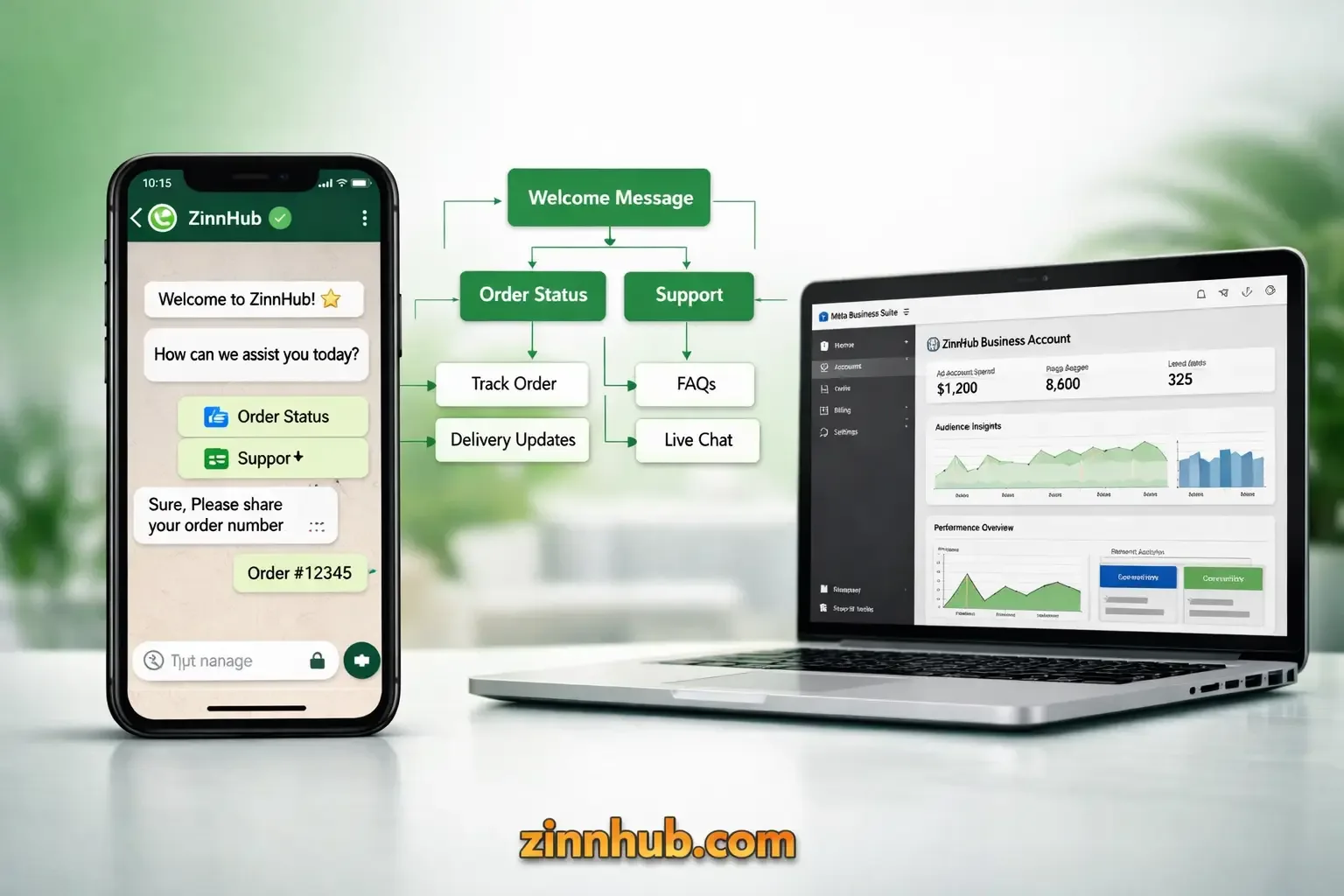
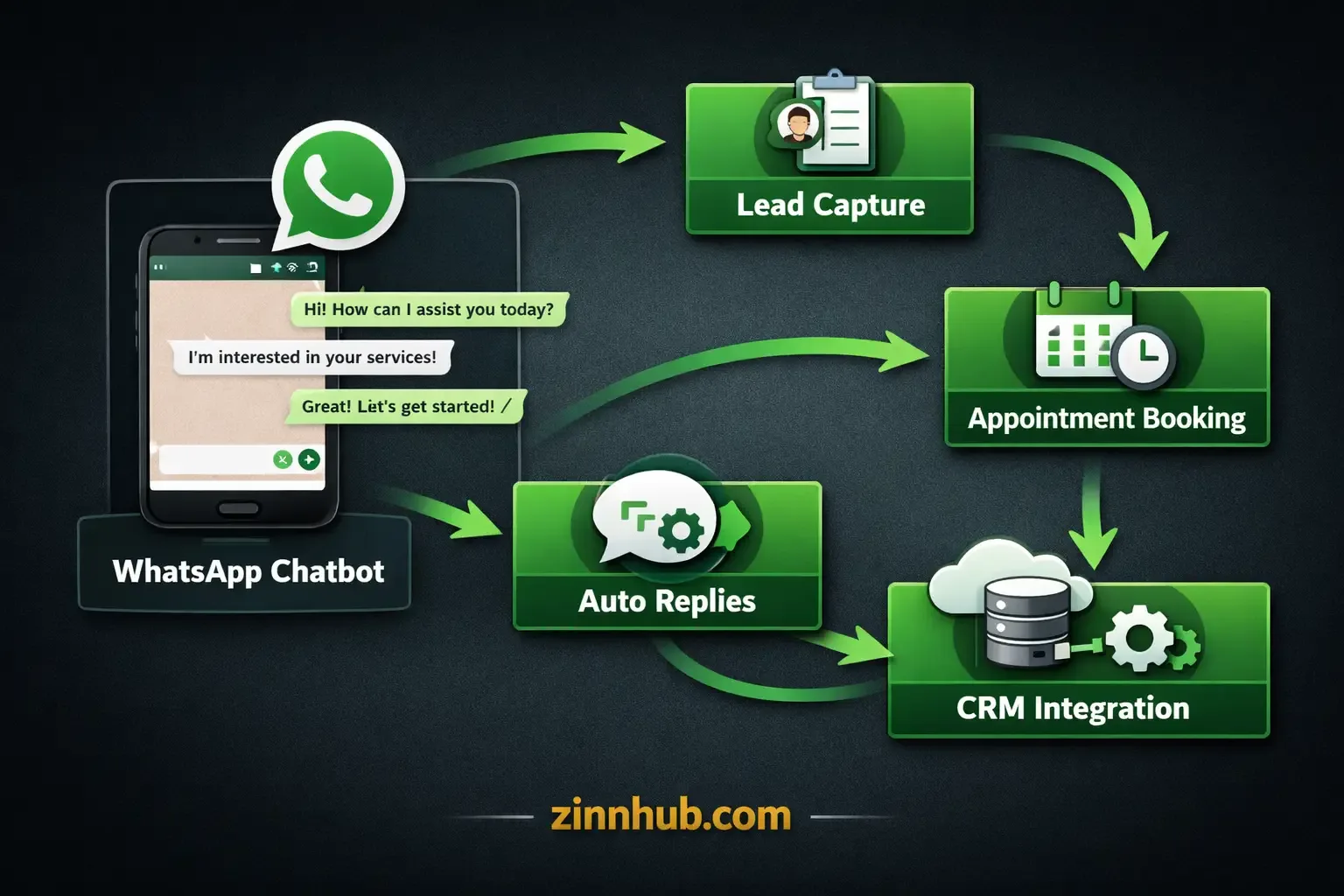
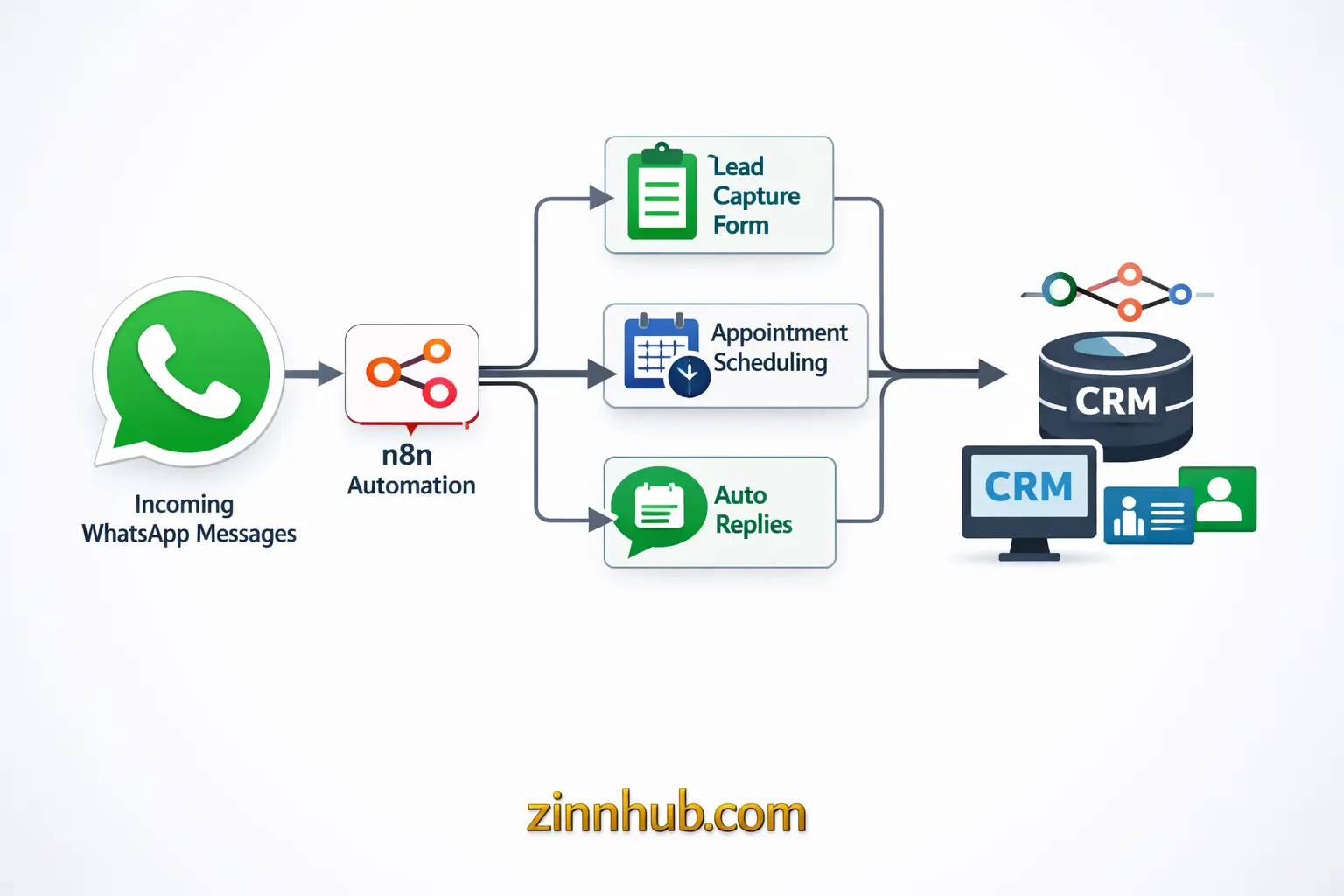
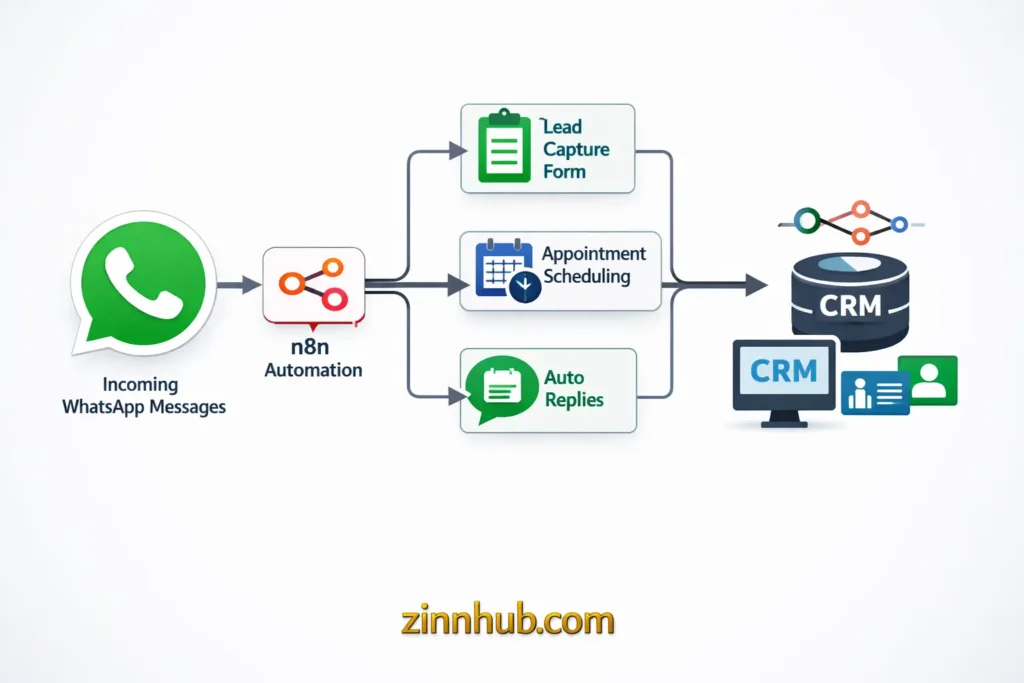
For automation, I build custom chatbot flows including auto-reply sequences, lead capture forms, appointment booking, customer support routing and CRM connection. I integrate with n8n, Make.com and other automation platforms to create intelligent workflows that handle lead qualification, scheduling and support around the clock without human intervention.
The starter package fixes common Business Manager and profile issues including messaging limit blocks. The standard package covers full WhatsApp business badge verification, profile setup, message template approval and API/webhook configuration. The premium package is the complete system — green tick verification, full API setup on Gupshup, chatbot deployment, message templates and multi-platform integration.
Whether you're a startup needing your first WhatsApp API setup or an established brand wanting to automate customer communication, I'll configure a fully functional WhatsApp API environment designed for secure communication, automation and business growth.
Message me with your requirements and let's get your WhatsApp business system running.
Zinner Quality Guarantee
Every Zinner is reviewed and approved before joining the platform.
All services are backed by our quality assurance commitment.
Your payment is protected until you approve the delivered work.
Compare Packages
| Feature | Quick Fix | Verified Setup | Full Business System |
|---|---|---|---|
| Delivery Time | 3 days | 5 days | 7 days |
| Revisions | 1 | 2 | 3 |
| Business Manager Issue Resolution | ✓ | ✕ | ✕ |
| Messaging Limit Fix | ✓ | ✕ | ✕ |
| Profile Setup | ✓ | ✕ | ✕ |
| 1 Platform | ✓ | ✓ | ✕ |
| 7-Day Support | ✓ | ✓ | ✓ |
| WhatsApp Badge Verification | ✕ | ✓ | ✕ |
| Profile Setup & Configuration | ✕ | ✓ | ✕ |
| Message Template Approval | ✕ | ✓ | ✕ |
| API / Webhook Setup | ✕ | ✓ | ✕ |
| Green Tick Verification | ✕ | ✕ | ✓ |
| Full API Setup (Gupshup) | ✕ | ✕ | ✓ |
| Meta Verified Status | ✕ | ✕ | ✓ |
| Custom Chatbot Automation | ✕ | ✕ | ✓ |
| Message Template Setup | ✕ | ✕ | ✓ |
| CRM Connection | ✕ | ✕ | ✓ |
| Multi-Agent Inbox Setup | ✕ | ✕ | ✓ |
| 2 Platforms | ✕ | ✕ | ✓ |
Portfolio
Examples of the seller's work related to this Zinn.
WhatsApp Business API & Meta Verified Badge — Boutique Client
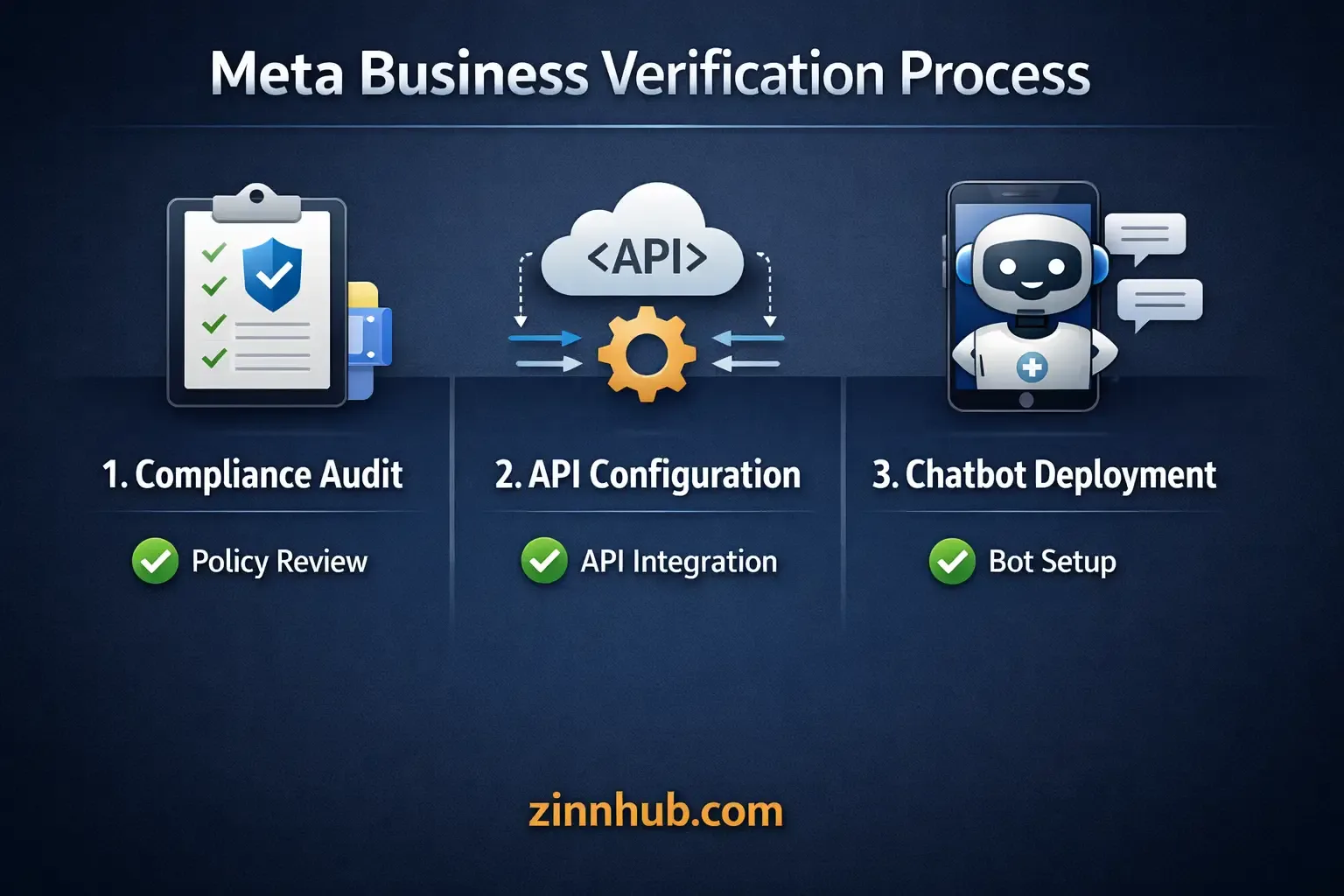
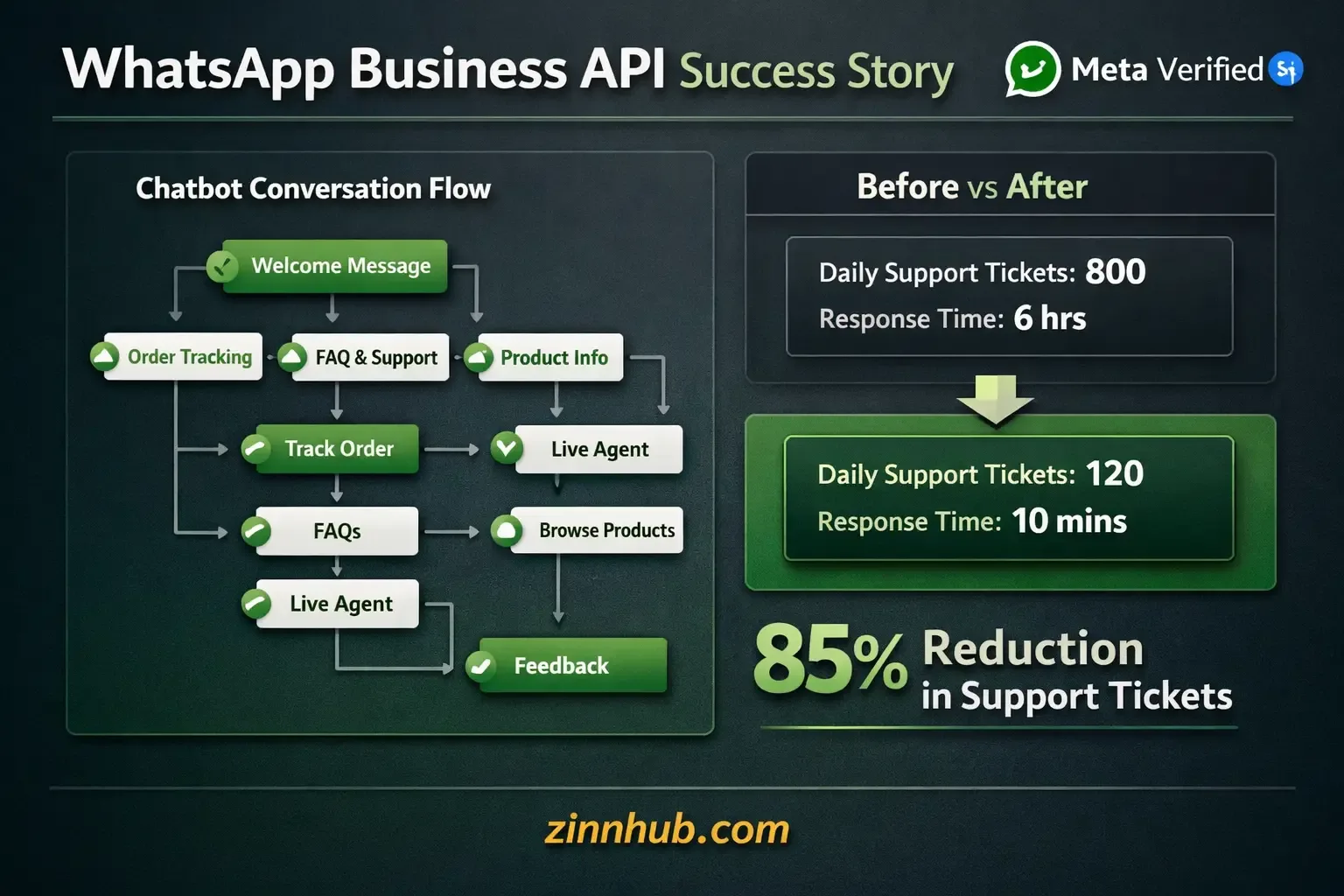
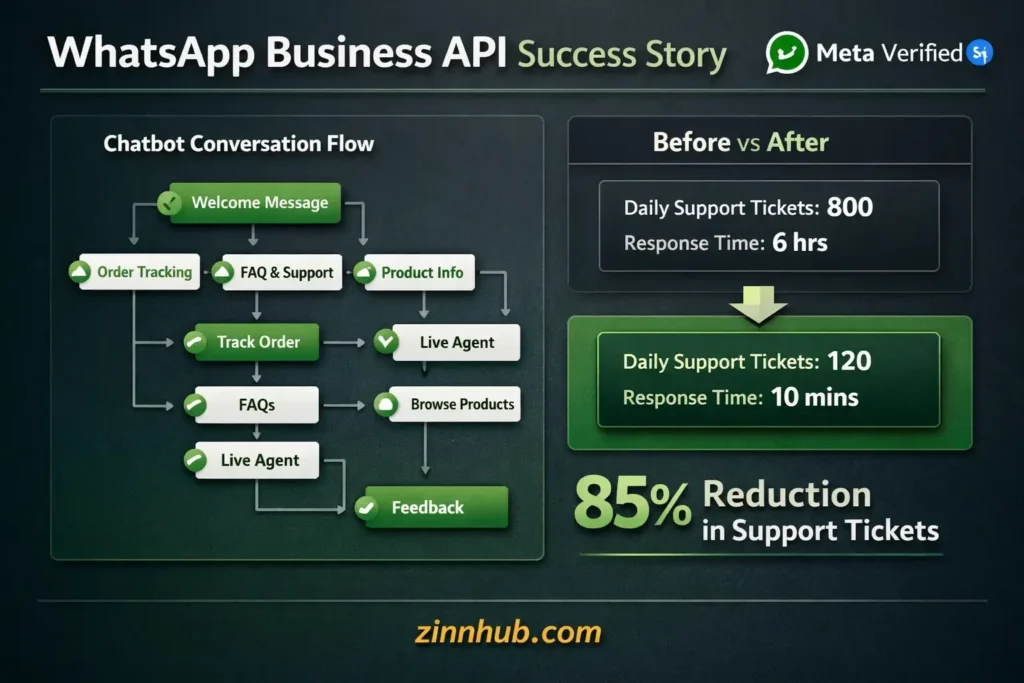
Client was stuck in a verification rejected loop which limited messaging capacity and blocked official WhatsApp API access. Executed a three-phase strategy: compliance audit and strategic Meta appeal, WhatsApp Cloud API migration with developer console configuration, and custom AI chatbot deployment for lead qualification, appointment scheduling and 24/7 customer support. Result: Meta verified status secured, 85% reduction in manual support workload through automated API responses.
Multi-Channel Chatbot Automation — Ecommerce Lead Capture
Built an intelligent chatbot automation system using WhatsApp Cloud API integrated with n8n workflows. The system handles lead qualification, product recommendations, appointment booking and order status updates automatically. Connected to the client's CRM for seamless lead tracking and multi-agent inbox for escalated queries.
Extra Information
Why Choose Me
What I Set Up
Service Details
Frequently Asked Questions
I submit the complete documentation and set up everything correctly. Final approval is by WhatsApp/Meta and depends on your business eligibility. I provide guidance on how to qualify.
Message template rejections, webhook/API mis-setup, message limit blocks, account locked, profile not approved. If the issue is highly niche, message me first.
Yes. In the premium package, I build chatbot automation with API/webhook integration — auto responses, lead capture and more. For complex flows, I can offer a custom quote.
Cloud API, Twilio, Gupshup, n8n, Make.com and various CRM platforms.
The setup and submission takes 3–7 days depending on the package. Meta's review typically takes an additional 1–5 business days.
Yes. Multi-number API setup is available for businesses that need multiple lines.
Customer Reviews
See what our customers say about this Zinn

Nice work, delivered in only 3 hours.
Well done, professional work. Communication skills 100 percent. Will recommend always.
Professional is the key, and this project outcome was above and beyond. Work was done to a high standard. Communication between us was good and reachable at all times.
Good job as usual.
Wonderful, professional work. Good communication, responds on time. Will always work with Abdulsalam and recommend highly.