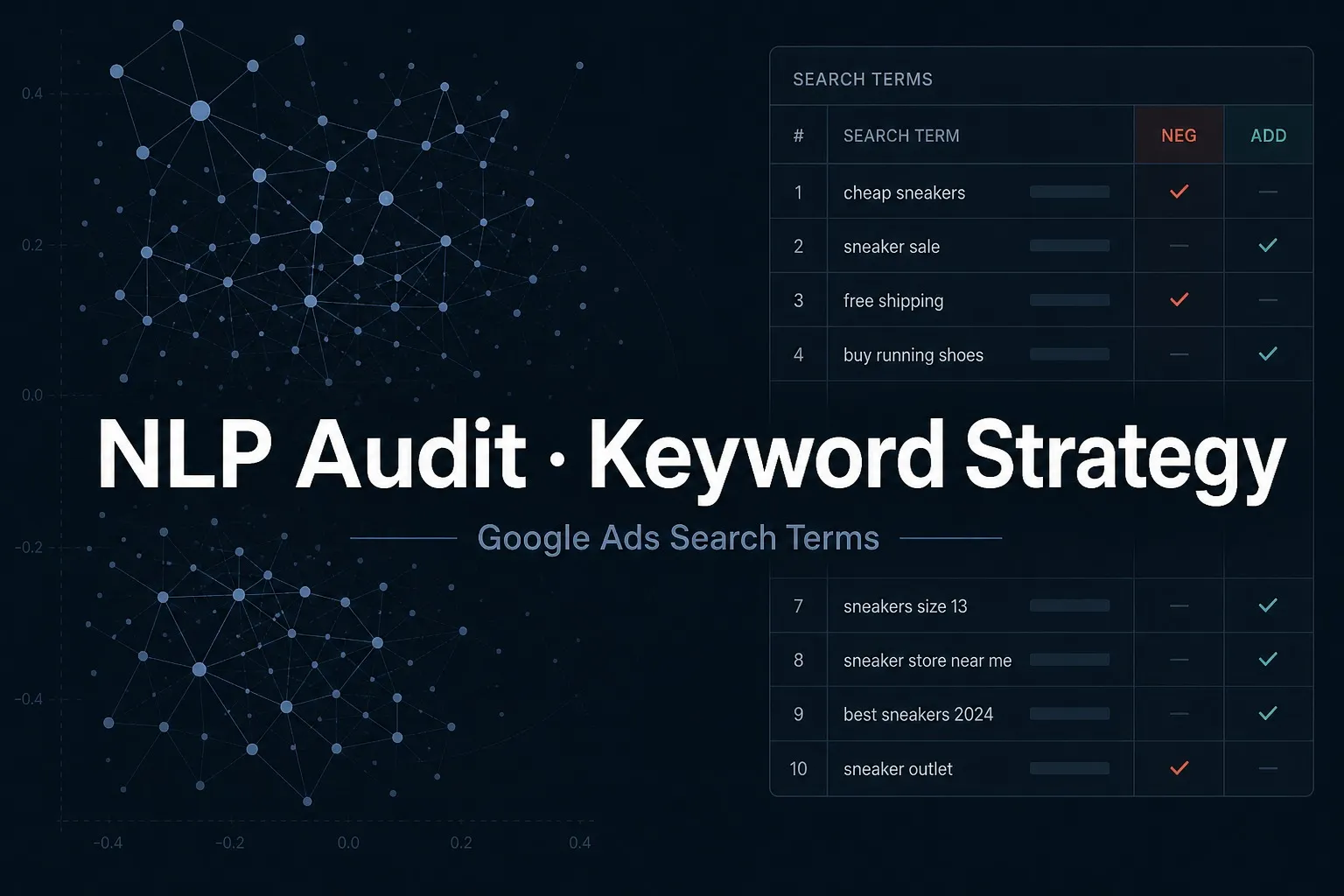
Read-only Google Ads Search terms strategy: ranked negatives from an NLP audit, then harvested keywords, match guidance, and bid or budget notes by package—no account edits.

I Will Analyse Your Google Ads Search Terms With NLP and Build a Negatives and Expansion Strategy
Ranked negatives, watch list, theme map, and protect notes from your Search terms CSV.
- Emergency exact negatives with reasons
- Watch list
- Theme and intent map
- Protect versus block notes
- Waste / spend burn notes
- Written apply guidance
- CSV tables
Everything in Starter, plus harvested keywords and match-type plan.
- Harvested add-keyword candidates
- Exact / Phrase / sandbox Broad match plan
- Brand or competitor isolation notes when lists are provided
- Emergency exact negatives with reasons
- Watch list
- Theme and intent map
- Protect versus block notes
- Waste / spend burn notes
- Written apply guidance
- CSV tables
Everything in Standard, plus bid bands, budget shifts, and action sequence.
- Harvested add-keyword candidates
- Exact / Phrase / sandbox Broad match plan
- Brand or competitor isolation notes when lists are provided
- Emergency exact negatives with reasons
- Watch list
- Theme and intent map
- Protect versus block notes
- Waste / spend burn notes
- Written apply guidance
- CSV tables
- Bid bands by theme or ad group
- Budget shift recommendations
- Action sequence (negatives → match → bids → budget)
Request a Custom Offer
Log In to Request a Custom Offer
Create a free account or log in to request a personalised offer from this Zinner.
Log In / RegisterAsk a Pre-Sale Question
Log In to Ask a Question
To reduce platform spam, pre-sale messages can only be sent by logged-in users.
Create a free account or log in to message this Zinner directly.
Log In / RegisterAt a Glance
Key details about this service to help you decide. Generated by Zinn Hub, not the seller.
Value Position
Analysis Method
Account Access
Deliverable Format
Best Fit
What You'll Receive
Full Description
Problem: Google Search waste rarely sits in one obvious query. High-cost terms mix junk intent, brand queries you must protect, and converting queries that never get promoted into keywords. A quick negatives-only pass can stop leaks—but it does not explain themes, meaning, or what to change next.
You get: a read-only Search terms strategy pack—ranked negatives with a full NLP audit first; higher packages add harvested keywords, match guidance, and bid or budget sequencing. No account login. Implementation remains on your side.
How the analysis works
• Validate Search terms columns, date window, and spend coverage; state thin-sample limits in writing
• Daily-budget cost thresholds, zero-conversion signals when available, and CTR/CPC versus account medians
• Score term importance with term frequency × inverse document frequency to surface distinctive waste or junk patterns across the Search terms report
• Extract high-frequency unigrams, bigrams, and trigrams (fixed search phrases) for negative-keyword and structure decisions
• Group queries with the same or closely related meaning despite different wording
• Compare query meaning with your offer (business anchor) to catch off-topic traffic that looks related on the surface
• Tag informational, navigational, commercial, and transactional intent; flag common non-buyer patterns (e.g., how-to, jobs, freebie)
• On brand queries, flag negative or complaint-style wording for protect-or-handle decisions
• Apply your protect list; keep borderline terms on a watch list before aggressive negatives
Every recommendation stays tied to spend and performance in your own export—not a generic keyword list.
What you get (each higher package includes the lower one):
STARTER
• Emergency negatives — exact negatives to add now
• Watch list — borderline terms to hold
• Theme map — themes, intent, spend burn
• Protect notes — keep versus block
Implementation on your side — no account edits
STANDARD (recommended) — Everything in Starter, plus:
• Add keywords — harvest winners from search terms
• Match plan — Exact, Phrase, sandbox Broad
• Isolation notes — brand/competitor when listed
PREMIUM — Everything in Standard, plus:
• Bid bands — raise/lower by theme or ad group
• Budget shifts — fund efficient themes
• Action sequence — negatives → match → bids → budget
Best for: live Google Search campaigns with a Search terms export. Optimized for English search terms; other languages still support cost-based scoring, while theme/intent depth may be limited—confirm language before Higher packages.
Not for: cold start with no spend, Amazon or Meta as the primary scope, Performance Max-only cleanup, account login or edits, ongoing management, or ROAS guarantees.
Zinner Quality Guarantee
Every Zinner is reviewed and approved before joining the platform.
All services are backed by our quality assurance commitment.
Your payment is protected until you approve the delivered work.
Compare Packages
| Feature | Theme Map & Negatives | Match & Expansion | Bid & Budget Plan |
|---|---|---|---|
| Delivery Time | 3 days | 4 days | 5 days |
| Revisions | 0 | 0 | 0 |
| Emergency exact negatives with reasons | ✓ | ✓ | ✓ |
| Watch list | ✓ | ✓ | ✓ |
| Theme and intent map | ✓ | ✓ | ✓ |
| Protect versus block notes | ✓ | ✓ | ✓ |
| Waste / spend burn notes | ✓ | ✓ | ✓ |
| Written apply guidance | ✓ | ✓ | ✓ |
| CSV tables | ✓ | ✓ | ✓ |
| Harvested add-keyword candidates | ✕ | ✓ | ✓ |
| Exact / Phrase / sandbox Broad match plan | ✕ | ✓ | ✓ |
| Brand or competitor isolation notes when lists are provided | ✕ | ✓ | ✓ |
| Bid bands by theme or ad group | ✕ | ✕ | ✓ |
| Budget shift recommendations | ✕ | ✕ | ✓ |
| Action sequence (negatives → match → bids → budget) | ✕ | ✕ | ✓ |
Service Details
Frequently Asked Questions
No. This is report-only. You upload the Search terms CSV; I return files and written guidance. You apply changes yourself.
Spreadsheets for negatives, watch list, theme notes, and—by package—keyword adds, match plan, bid bands, and budget shifts, plus short written guidance. Fixed price, one delivery.
You still receive ranked exact negatives and a watch list, plus a theme and intent map with protect-versus-block notes. Higher packages add harvested keywords, match guidance, and bid or budget sequencing.
Search terms CSV, average daily Search budget (USD), search-term language, and ideally a brand protect list. Premium bid notes work best with target CPA or ROAS. Minimum data window 14 days; 30 days preferred.
No. Guidance depends on your export and how you implement changes, plus competition, ads, and landing pages.
Optimized for English search terms. Cost-based stop-loss scoring still works in other languages; theme and intent depth may be limited. Confirm language before ordering Higher packages.
Customer Reviews
See what our customers say about this Zinn