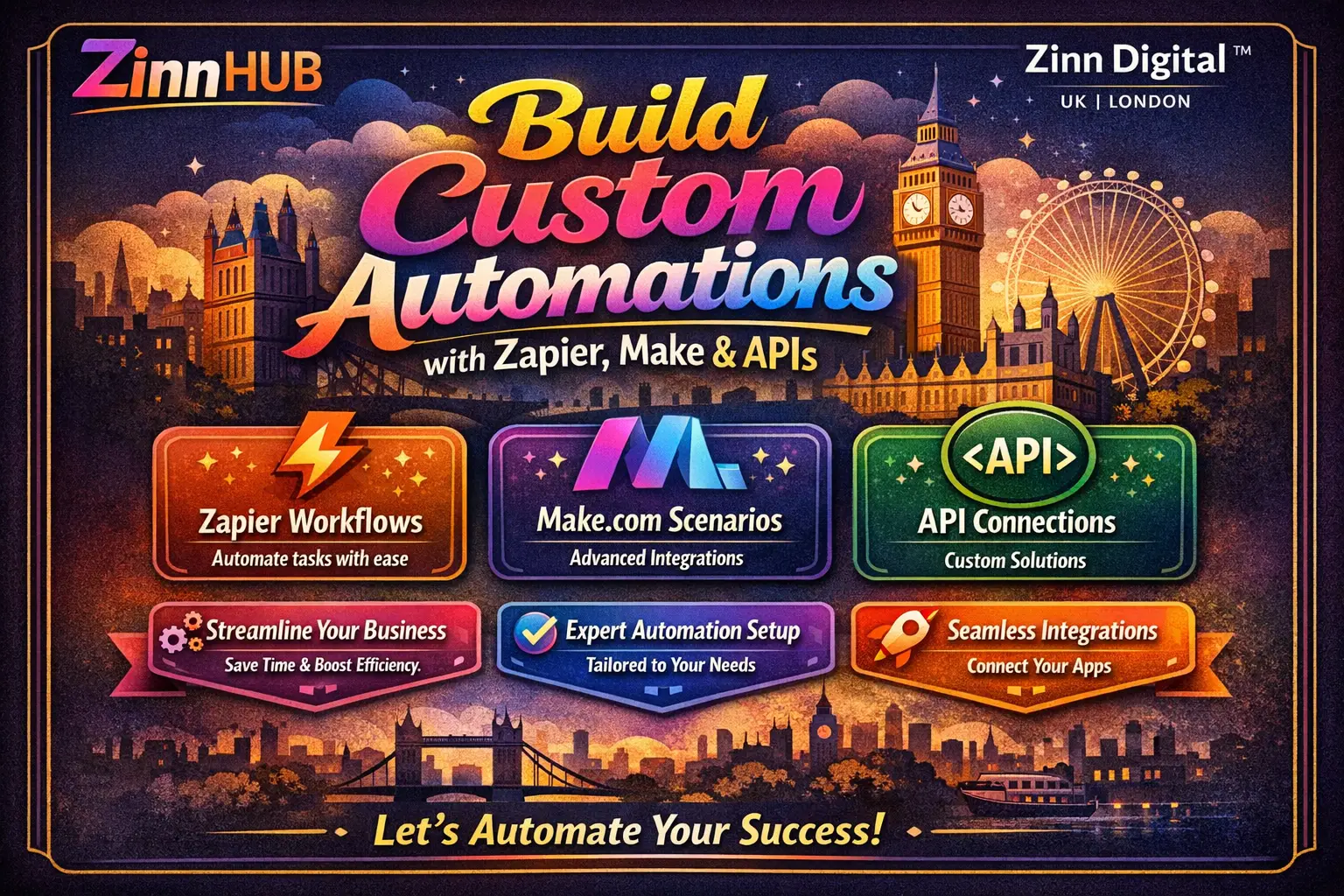

Save hours every week with bespoke automation workflows that connect your tools, sync your data, and eliminate repetitive manual tasks — built by a London-based automation specialist.

I Will Build Custom Zapier, Make or API Automations for Your Business
A focused, single automation connecting up to 2 tools with basic logic — ideal for straightforward workflows.
- Up to 2 platforms or tools integrated
- Up to 3 triggers and actions
- 1 API integration
- Conditional logic included
- Basic error handling
- Loom video walkthrough available on request
A broader automation suite connecting up to 5 tools with data syncing — suitable for growing operational workflows.
- Up to 5 platforms or tools integrated
- Up to 10 triggers and actions
- Conditional logic included
- Real-time data syncing between platforms
- Additional API integration available
- Loom video walkthrough available on request
A comprehensive multi-platform automation system with high trigger volume — built for complex, business-critical workflows.
- Up to 10 platforms or tools integrated
- Up to 30 triggers and actions
- Conditional logic included
- Real-time data syncing across all connected platforms
- Advanced third-party API integrations
- Loom video walkthrough available on request
Request a Custom Offer
Log In to Request a Custom Offer
Create a free account or log in to request a personalised offer from this Zinner.
Log In / RegisterAsk a Pre-Sale Question
Log In to Ask a Question
To reduce platform spam, pre-sale messages can only be sent by logged-in users.
Create a free account or log in to message this Zinner directly.
Log In / RegisterAt a Glance
Key details about this service to help you decide. Generated by Zinn Hub, not the seller.
Value Position
Automation Platforms
Complexity Range
Communication Style
Best For
What You'll Receive
Full Description
If your team is copying data between platforms, manually following up on leads, or losing time to tasks a workflow could handle in seconds, this service is built for you.
We design and build custom automation workflows using Zapier, Make (formerly Integromat), and third-party APIs — tailored precisely to how your business operates. From simple two-tool connections to complex multi-platform ecosystems with conditional logic and real-time data syncing, every workflow is built to be reliable, scalable, and easy for your team to use.
**What your automation can include:**
Automated lead capture connected directly to your CRM — whether that is HubSpot, Salesforce, or another platform. Real-time data syncing between your website, databases, and operational tools. Notifications and alerts triggered by form submissions, payments, or user actions. Conditional logic to route data and trigger different actions based on rules you define. AI-driven workflow branches that analyse user data and deliver actionable outputs. Integration with third-party APIs to unlock advanced functionality your existing tools do not natively support. Analytics hooks to monitor automation performance over time.
**How it works:**
1. You share your project brief — the platforms involved, the outcome you want, and any existing setup details.
2. We review your requirements and confirm scope before work begins.
3. We build, test, and document your workflow, then deliver it within the agreed timeframe.
4. You review, and we refine within the revision allowance until it works exactly as intended.
**Who this is for:**
E-commerce businesses automating order management, inventory updates, and customer notifications. Service businesses connecting intake forms, scheduling tools, and CRMs. Marketing teams automating lead nurture, tagging, and CRM updates. Any website owner who wants their tools talking to each other without manual intervention.
Based in London, England, Zinn Digital works with businesses that take their digital infrastructure seriously. Communication is clear, proactive, and in plain English — with Loom video updates available throughout the project where helpful.
Select the package that fits your scope below, or get in touch via the order chat if you are unsure which tier suits your needs.
Zinner Quality Guarantee
Every Zinner is reviewed and approved before joining the platform.
All services are backed by our quality assurance commitment.
Your payment is protected until you approve the delivered work.
Compare Packages
| Feature | Starter | Growth | Enterprise |
|---|---|---|---|
| Delivery Time | 7 days | 14 days | 30 days |
| Revisions | 1 | 2 | 2 |
| Up to 2 platforms or tools integrated | ✓ | ✕ | ✕ |
| Up to 3 triggers and actions | ✓ | ✕ | ✕ |
| 1 API integration | ✓ | ✕ | ✕ |
| Conditional logic included | ✓ | ✓ | ✓ |
| Basic error handling | ✓ | ✕ | ✕ |
| Loom video walkthrough available on request | ✓ | ✓ | ✓ |
| Up to 5 platforms or tools integrated | ✕ | ✓ | ✕ |
| Up to 10 triggers and actions | ✕ | ✓ | ✕ |
| Real-time data syncing between platforms | ✕ | ✓ | ✕ |
| Additional API integration available | ✕ | ✓ | ✕ |
| Up to 10 platforms or tools integrated | ✕ | ✕ | ✓ |
| Up to 30 triggers and actions | ✕ | ✕ | ✓ |
| Real-time data syncing across all connected platforms | ✕ | ✕ | ✓ |
| Advanced third-party API integrations | ✕ | ✕ | ✓ |
Portfolio
Examples of the seller's work related to this Zinn.

Build Custom Zapier, Make or API Automations for Your Business


Build Custom Zapier, Make or API Automations for Your Business
Extra Information
Why Choose Me
Tools I Use
Perfect For
Frequently Asked Questions
Not necessarily. For most platforms, you can invite us as a collaborator or team member rather than sharing login credentials directly. For Zapier and Make, you can invite us to manage workflows within your account. For Webflow, adding us as a Team Member works well if you are on a team plan — otherwise sharing access temporarily is the fastest route. We will guide you through the best approach for your specific tools.
We primarily build with Zapier and Make (formerly Integromat), both of which integrate with hundreds of popular tools. We also work with third-party APIs directly for more advanced or custom integrations. If you have a specific platform in mind, feel free to mention it in your brief and we will confirm compatibility before work begins.
All communication takes place through the order chat on this platform. We will keep you updated at key milestones and can provide Loom video updates to show progress or walk you through the completed workflow. We believe clear, proactive communication is essential — you will never be left wondering where things stand.
The more detail the better. At a minimum, please describe the platforms you use, the task or process you want automated, and the outcome you are aiming for. If you have any existing workflow documentation, login access instructions, or API keys ready, those are helpful too. We will ask follow-up questions in the order chat if anything is unclear.
Each package includes a set number of revisions as described. A revision covers adjustments to the delivered workflow based on your feedback — for example, changing a trigger condition, adjusting data mapping, or tweaking an action step. Revisions do not cover entirely new requirements added after delivery. If your needs expand during the project, we can discuss scope adjustments via the order chat.
If you have a single process you want to automate involving two tools and a handful of steps, the Starter package is a sensible place to begin. If your workflow spans multiple platforms or involves data syncing, Growth or Enterprise will be more appropriate. When in doubt, message us via the order chat before purchasing and we will help you select the right tier.
Yes. Common e-commerce use cases include automating order notifications, syncing inventory between platforms, triggering CRM updates on purchase, and routing customer data to fulfilment or support tools. Please include your platform details in your brief so we can confirm the best approach.
We will deliver the completed automation along with any agreed documentation or video walkthrough. You will have the opportunity to test it and submit revision requests within the scope of your package. Once you are satisfied, the order is marked complete. If you need ongoing support or additional automations in future, we are happy to discuss further work.
Customer Reviews
See what our customers say about this Zinn

Outstanding work across the full project. Emra handled a complex, multi-phase integration involving Connecteam, WP Amelia, Zoom, and our wider learner workflow with real care and professionalism. From the outset, he took time to understand our operating model, asked the right questions, and helped shape a solution that was practical, scalable, and aligned with how we actually work, not just how the tools behave in isolation. The project was delivered in clear phases, with sensible scoping, realistic timelines, and excellent communication throughout.

Sfera Studio delivered an EXCEPTIONAL software development experience, showcasing remarkable attention to detail and flawless, bug-free code. Their expertise truly shined through, complemented by their quick responsiveness and polite communication. It's a pleasure to work with such a talented team!

Amazingly patient and brilliant!

Thanks again to Sufri who met and exceeded expectations.
Only logged in customers who have purchased this product may leave a review.