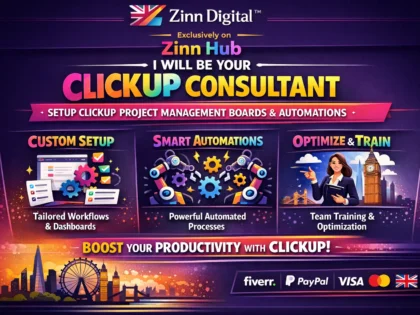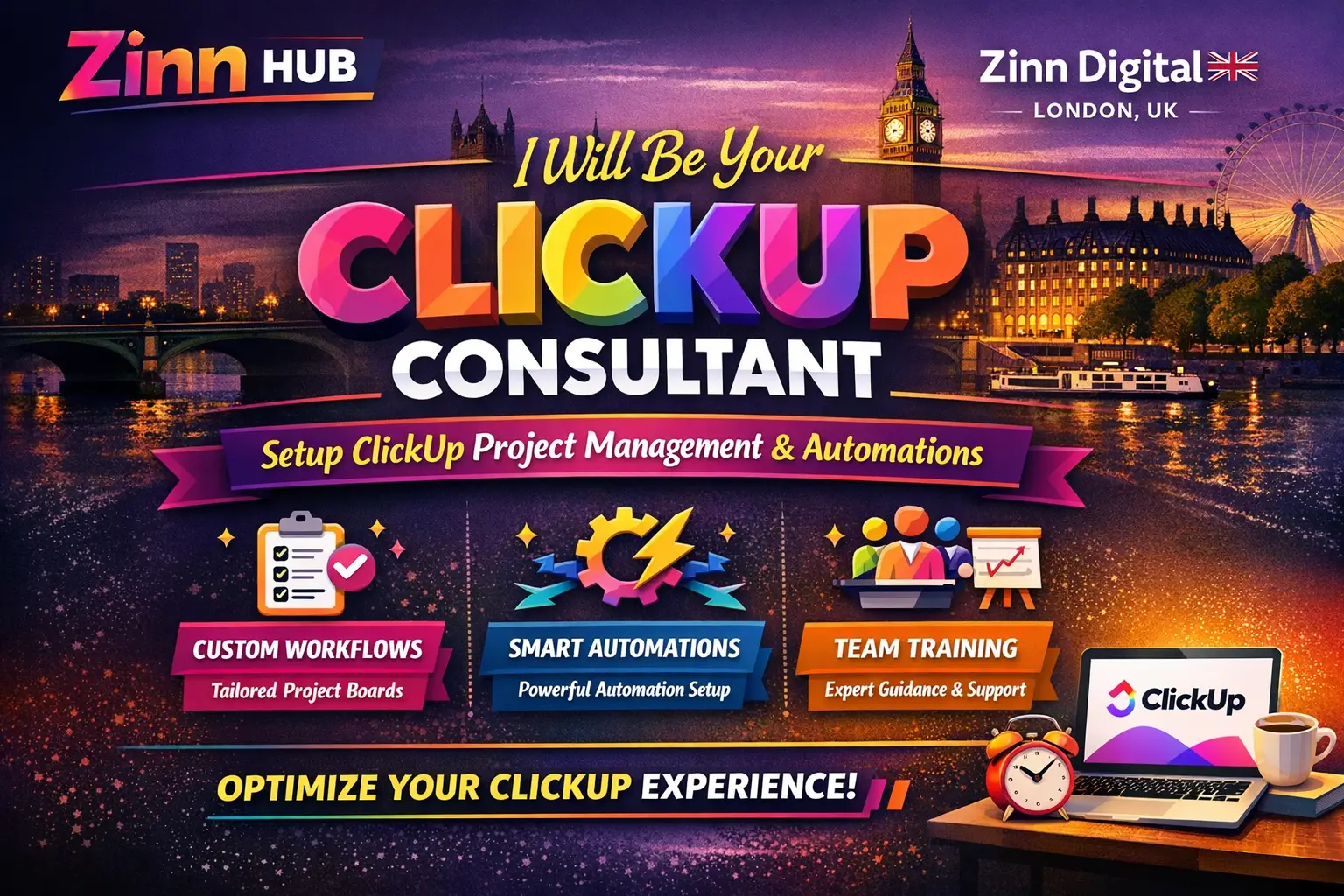
Get expert ClickUp consultancy and full workspace setup — from strategy and structure to automations, dashboards, and integrations — so your team saves real time every single week.

I Will Set Up and Optimise Your ClickUp Workspace
A focused one-hour ClickUp strategy session to map out your setup and give you a clear action plan.
- 1-hour live ClickUp consultation session
- Review of your current workflows and business processes
- Guidance on Space, Folder, and List structure for your use case
- Overview of key ClickUp features relevant to your team
- Advice on automations, dashboards, and integrations to implement
- Post-session clarity on your next steps and priorities
Full ClickUp workspace setup with a hands-on session, complete implementation, and one week of chat support.
- Everything in Consultation, plus full hands-on implementation
- Custom Spaces, Folders, Lists, statuses, and task templates built out
- Process automations configured to eliminate repetitive manual work
- Custom dashboards designed to surface your key business metrics
- 4-hour working session covering complete system design and build
- 1 week of post-delivery chat support to ensure smooth adoption
Comprehensive end-to-end ClickUp system build covering every feature, integration, and workflow your business needs.
- Everything in Setup & Build, at full premium scope and depth
- Advanced automations, goal tracking, sprint management, and workload charts
- Third-party app integrations (e.g. Slack, Google Suite, HubSpot, Shopify, Stripe)
- Resource management and time tracking systems fully configured
- Bespoke templates and intuitive dashboards for data-driven decisions
- Extended support and a complete handover walkthrough for your team
Request a Custom Offer
Log In to Request a Custom Offer
Create a free account or log in to request a personalised offer from this Zinner.
Log In / RegisterAsk a Pre-Sale Question
Log In to Ask a Question
To reduce platform spam, pre-sale messages can only be sent by logged-in users.
Create a free account or log in to message this Zinner directly.
Log In / RegisterAt a Glance
Key details about this service to help you decide. Generated by Zinn Hub, not the seller.
Value Position
Platform Expertise
Setup Approach
Integrations Supported
Best For
What You'll Receive
Full Description
If your team is spending more time managing work than doing it, a properly configured ClickUp workspace changes everything. Whether you are starting from scratch or untangling a messy existing setup, this service gives you a structured, automated, and genuinely usable ClickUp environment built around how your business actually operates.
Based in London and working with clients across Europe, the USA, and Canada, Ali from Zinn Digital has delivered professional ClickUp consultancy across 100+ projects spanning a wide range of industries — including digital marketing, real estate, food, and more. This is not a templated hand-off. Every engagement starts with understanding your workflows, your team structure, and your goals before a single Space, Folder, or List is created.
**What can be implemented for you:**
Custom Spaces, Folders, and Lists structured around your operations — Accounting, HR, Sales, Customer Service, and beyond. Task management with custom statuses, multiple assignees, task dependencies, and checklist templates. Goal tracking and sprint management for teams running agile or milestone-driven projects. Intuitive dashboards that surface the data your leadership actually needs. Process automations that eliminate repetitive manual work. Time tracking, workload charts, and resource management. Third-party integrations with tools such as Gmail, Google Drive, Google Calendar, Slack, HubSpot CRM, Mailchimp, Shopify, Stripe, Dropbox, Outlook, QuickBooks, Trello, and many more (available as an add-on).
**How it works:**
The process begins with a discovery conversation to confirm we are the right fit and to understand your priorities. A kickoff call then defines goals, scope, timeline, and strategy. From there, implementation proceeds until your workspace is complete and your team is ready to use it confidently.
**Who this is for:**
Business owners, operations managers, project managers, and team leads who want to work smarter inside ClickUp — whether they are brand new to the platform or looking to rebuild and scale an existing workspace. If you are migrating from another tool, launching a new team structure, or simply drowning in tasks with no clear system, this service is built for you.
Before placing your order, a brief chat about your project requirements is strongly recommended to ensure the right tier is selected and the engagement starts smoothly.
Zinner Quality Guarantee
Every Zinner is reviewed and approved before joining the platform.
All services are backed by our quality assurance commitment.
Your payment is protected until you approve the delivered work.
Compare Packages
| Feature | Consultation | Setup & Build | Premium System |
|---|---|---|---|
| Delivery Time | 5 days | 10 days | 14 days |
| Revisions | 0 | 0 | 0 |
| 1-hour live ClickUp consultation session | ✓ | ✕ | ✕ |
| Review of your current workflows and business processes | ✓ | ✕ | ✕ |
| Guidance on Space, Folder, and List structure for your use case | ✓ | ✕ | ✕ |
| Overview of key ClickUp features relevant to your team | ✓ | ✕ | ✕ |
| Advice on automations, dashboards, and integrations to implement | ✓ | ✕ | ✕ |
| Post-session clarity on your next steps and priorities | ✓ | ✕ | ✕ |
| Everything in Consultation, plus full hands-on implementation | ✕ | ✓ | ✕ |
| Custom Spaces, Folders, Lists, statuses, and task templates built out | ✕ | ✓ | ✕ |
| Process automations configured to eliminate repetitive manual work | ✕ | ✓ | ✕ |
| Custom dashboards designed to surface your key business metrics | ✕ | ✓ | ✕ |
| 4-hour working session covering complete system design and build | ✕ | ✓ | ✕ |
| 1 week of post-delivery chat support to ensure smooth adoption | ✕ | ✓ | ✕ |
| Everything in Setup & Build, at full premium scope and depth | ✕ | ✕ | ✓ |
| Advanced automations, goal tracking, sprint management, and workload charts | ✕ | ✕ | ✓ |
| Third-party app integrations (e.g. Slack, Google Suite, HubSpot, Shopify, Stripe) | ✕ | ✕ | ✓ |
| Resource management and time tracking systems fully configured | ✕ | ✕ | ✓ |
| Bespoke templates and intuitive dashboards for data-driven decisions | ✕ | ✕ | ✓ |
| Extended support and a complete handover walkthrough for your team | ✕ | ✕ | ✓ |
Portfolio
Examples of the seller's work related to this Zinn.

Set Up and Optimise Your ClickUp Workspace
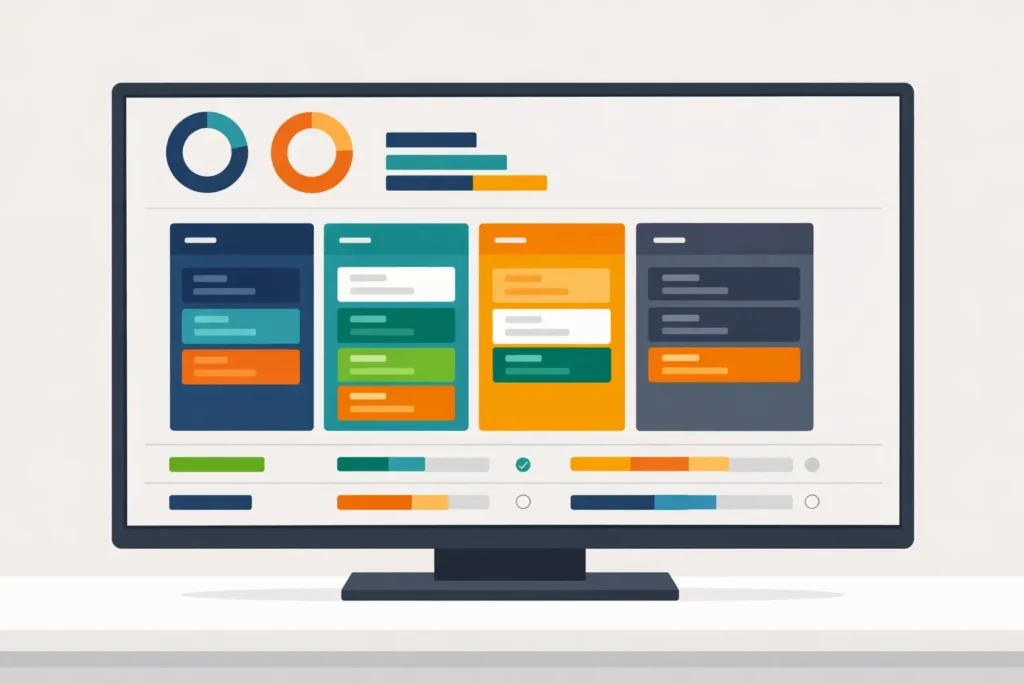

Set Up and Optimise Your ClickUp Workspace

Extra Information
Why Choose Me
My Process
Perfect For
Frequently Asked Questions
Ideally, a brief overview of your business, the teams or departments involved, and how you currently manage work. If you have an existing ClickUp workspace, access to it is helpful. The more context you share upfront, the faster and more accurately the session or build can be tailored to you.
Both options are available. A blank workspace can be set up for you to populate with your own tasks, or if you share your task list or existing data, tasks can be added for you. Task population is available as an add-on.
Yes. ClickUp can be integrated with a wide range of tools including Gmail, Google Drive, Google Calendar, Slack, Google Sheets, Google Forms, HubSpot CRM, Mailchimp, Trello, Stripe, Dropbox, Shopify, Zendesk, Outlook, QuickBooks, PayPal, and more. Third-party integrations are available as an add-on or are included in the Premium System tier.
A Space represents a major area of your business — for example, Accounting, HR, or Sales. Within each Space, Folders group related projects or teams, such as Senior Accountant or Bookkeeper. Lists sit inside Folders and contain the individual tasks. Together they create a clean, navigable structure for your entire operation.
Absolutely. The consultation tier is specifically designed to give first-time users a clear understanding of the platform and a practical plan for their setup. The Setup & Build and Premium System tiers handle everything hands-on, so you do not need prior ClickUp knowledge.
The Setup & Build tier is delivered within 10 days and the Premium System within 14 days. Delivery begins once all required information has been received. Complex requirements or larger team structures may require additional scoping, which will be discussed before work begins.
A short initial call — typically around 15 minutes — to confirm the project is a good fit and to understand your goals, team structure, and priorities. This is followed by a more detailed kickoff call where scope, timeline, strategy, and budget are finalised before implementation begins.
The service has been delivered across a broad range of sectors including digital marketing, real estate, food, and more. Previous professional experience as a project manager and scrum master coach means certain business models — particularly digital marketing and real estate — are areas of particular depth.
Customer Reviews
See what our customers say about this Zinn

Excellent as always, thank you.

Neil is always so helpful!

Very knowledgeable and focused on customer needs.
Always an exceptional experience working with Neil!

Amazing work! Went above and beyond, helped with explaining and building a great foundation for us to work off of. Will be back for more work in the future.
Only logged in customers who have purchased this product may leave a review.