Table of Contents
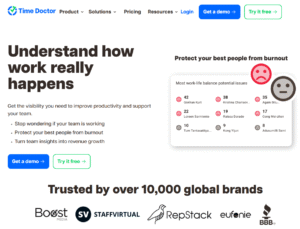
1. Time Doctor
- Features: Time tracking, screenshots, website & app monitoring, activity levels (keyboard/mouse), task tracking, reports, and distraction alerts.
- Use Case: Freelancer teams, agencies, SMBs.
- Pros: Detailed productivity insights; integrates with tools like Asana, Slack and Trello.
- Cons: Some regions may view screenshots as intrusive, raising privacy concerns.
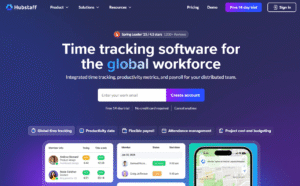
2. Hubstaff
- Features: Time tracking, GPS location tracking, screenshots, app/URL tracking, productivity scores.
- Use Case: Remote, hybrid, and field teams.
- Pros: Great for managing on-site workers too (with GPS), many integrations.
- Cons: Some users find the interface complex; screenshot policy needs careful handling.
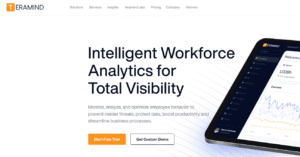
3. Teramind
- Features: User behaviour analytics, real-time screen recording, keystroke logging, threat detection.
- Use Case: Enterprise-level security and compliance.
- Pros: Powerful for insider threat detection.
- Cons: Very intrusive — not suitable for general productivity tracking unless used carefully.
4. ActivTrak
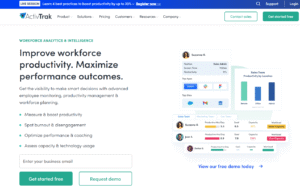
- Features: Application usage, productivity reports, behaviour analytics, screen captures (optional).
- Use Case: Mid-sized to large businesses focused on productivity and engagement insights.
- Pros: Focuses on productivity without feeling overly invasive; offers anonymised data options.
- Cons: Can be costly at scale.
5. RescueTime
- Features: Automatic time tracking, productivity analysis, goal setting, focus sessions.
- Use Case: Individuals and teams focused on self-improvement, not surveillance.
- Pros: Employee-focused; great for personal development and burnout prevention.
- Cons: Less detailed for managers compared to others.
6. Toggl Track
- Features: Simple time tracking, manual entry, team dashboards, project budgeting.
- Use Case: Freelancers, creative teams, startups.
- Pros: Transparent and easy to use; less invasive.
- Cons: No screenshots or activity monitoring (which some teams may need).
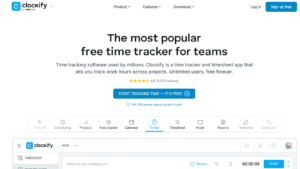
7. Clockify
- Features: Time tracking, timesheets, activity monitoring (via extensions), and billable hours.
- Use Case: Cost-conscious teams, startups.
- Pros: Free plan is generous; it’s great for billing and project costing.
- Cons: The monitoring features are not as extensive as they could be.
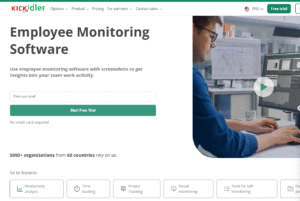
8. Kickidler
- Features: Screen recording, real-time monitoring, productivity analytics, employee warnings.
- Use Case: High-control environments and compliance-heavy industries.
- Pros: Detailed live monitoring tools.
- Cons: Very intrusive; may create employee resistance.
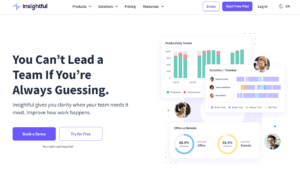
9. Insightful
- Features: Time tracking, automatic time mapping, remote team monitoring, employee analytics.
- Use Case: B2B service teams, consultancies.
- Pros: Balances productivity insight with ethical tracking.
- Cons: Some monitoring functions still raise privacy flags if not disclosed transparently.
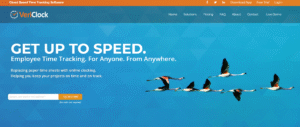
10. VeriClock
- Features: GPS tracking, time clocks, voice verification, photo verification (for mobile workers).
- Use Case: Field workers and mobile teams.
- Pros: Great for workforce validation; accurate logs.
- Cons: Limited insight for knowledge workers.
⚠️ Important Reminder:
Many of these tools can be very intrusive if used without clear policies and consent.