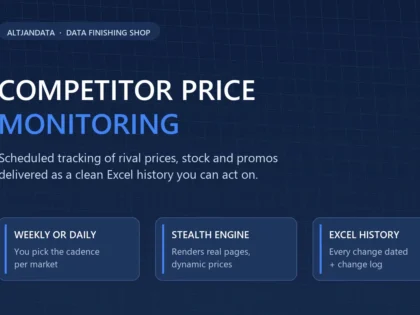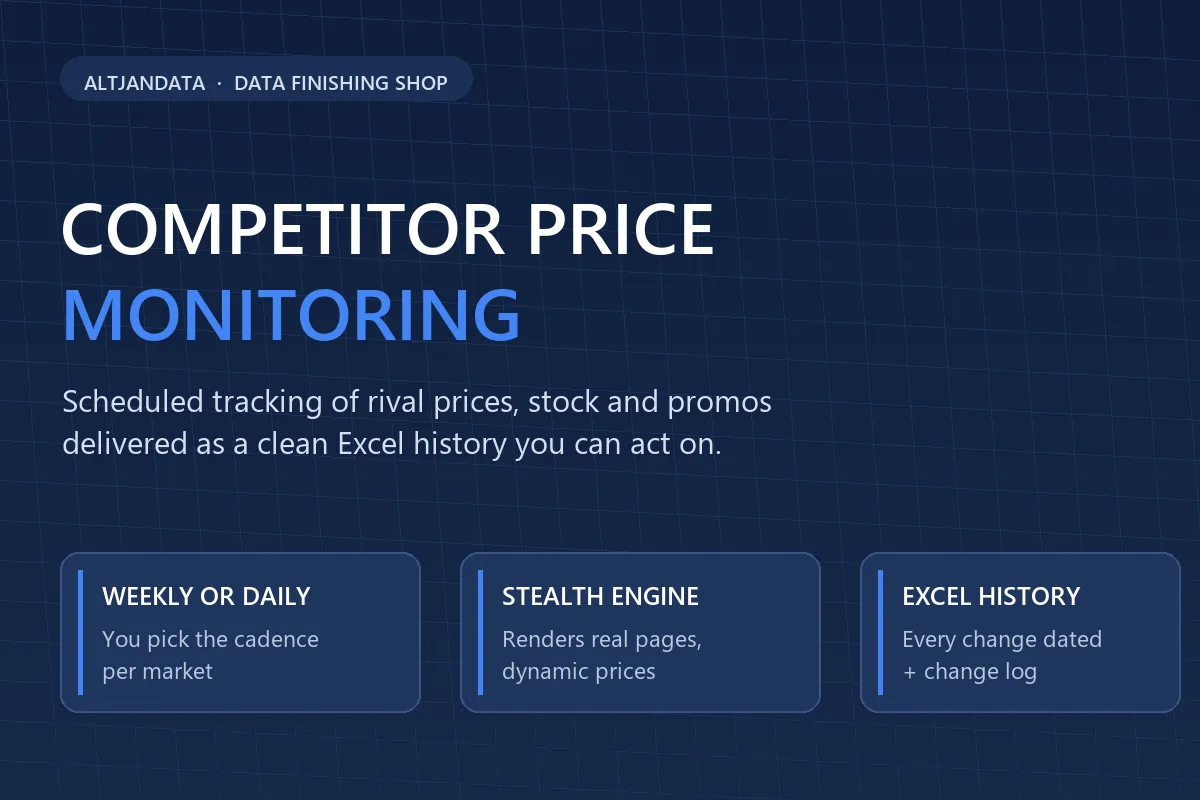
Scheduled competitor price tracking delivered as clean Excel: current snapshot, full price history and a change log — so you always know what your rivals charge before they close the sale.

I Will Monitor Competitor Prices Weekly and Deliver Clean Excel Reports
Weekly Excel price snapshot for one competitor site — current prices, stock status and a QA report, up to 100 products.
- Weekly price snapshot (1 site)
- Up to 100 products monitored
- Excel workbook + QA report
Up to 500 products across 3 sites with price-history and change-log sheets, delivered daily or weekly.
- Everything in Basic
- Up to 500 products on 3 sites
- Price-history sheet + change log
- Daily or weekly cadence
Up to 2,000 products on unlimited sites, daily monitoring with stock and promotion tracking plus custom fields.
- Everything in Standard
- Up to 2,000 products, unlimited sites
- Daily updates + stock & promo tracking
- Priority turnaround & custom fields
Request a Custom Offer
Log In to Request a Custom Offer
Create a free account or log in to request a personalised offer from this Zinner.
Log In / RegisterAsk a Pre-Sale Question
Log In to Ask a Question
To reduce platform spam, pre-sale messages can only be sent by logged-in users.
Create a free account or log in to message this Zinner directly.
Log In / RegisterAt a Glance
Key details about this service to help you decide. Generated by Zinn Hub, not the seller.
Value Position
Collection Method
Delivery Format
Monitoring Cadence
Best For
What You'll Receive
Full Description
Basic monitoring covers up to 100 competitor products on the same schedule, so you can start small and scale the list whenever you like.
Know exactly what your competitors charge before you lose the sale. Competitor price monitoring is a scheduled, stealth data-collection service that watches the product pages you choose and turns every price movement into a clean Excel workbook you can act on the same day.
WHAT YOU RECEIVE
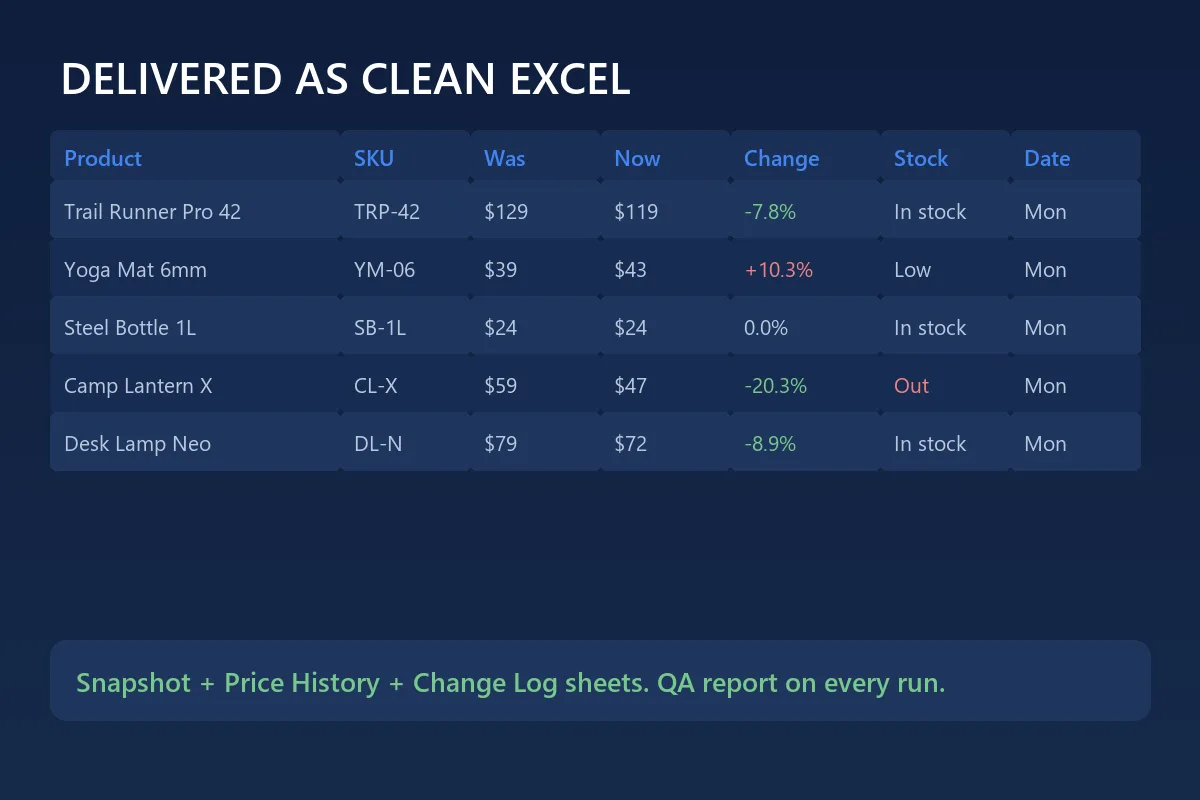
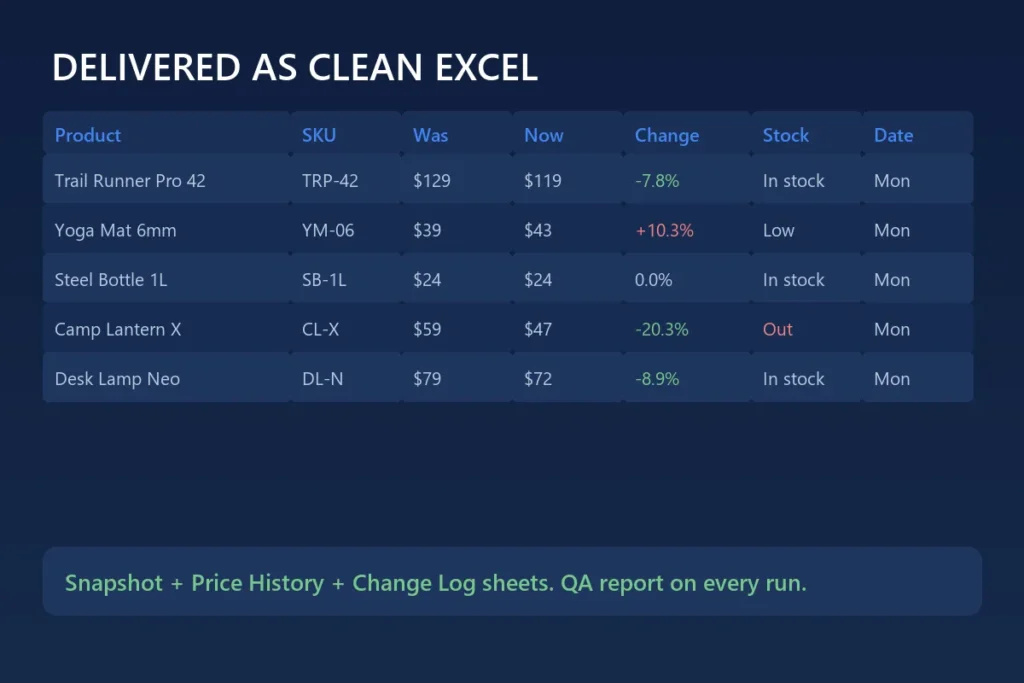
Every cycle you get a workbook with three sheets. The Snapshot sheet lists the current price, stock status, shipping cost and promotions for each product we watch. The History sheet keeps a dated row for every check, so you can chart how a rival’s price evolved week by week instead of guessing. The Change Log highlights exactly what moved since the previous run — the product, the old price, the new price, the percentage difference and the date it happened.
HOW IT WORKS
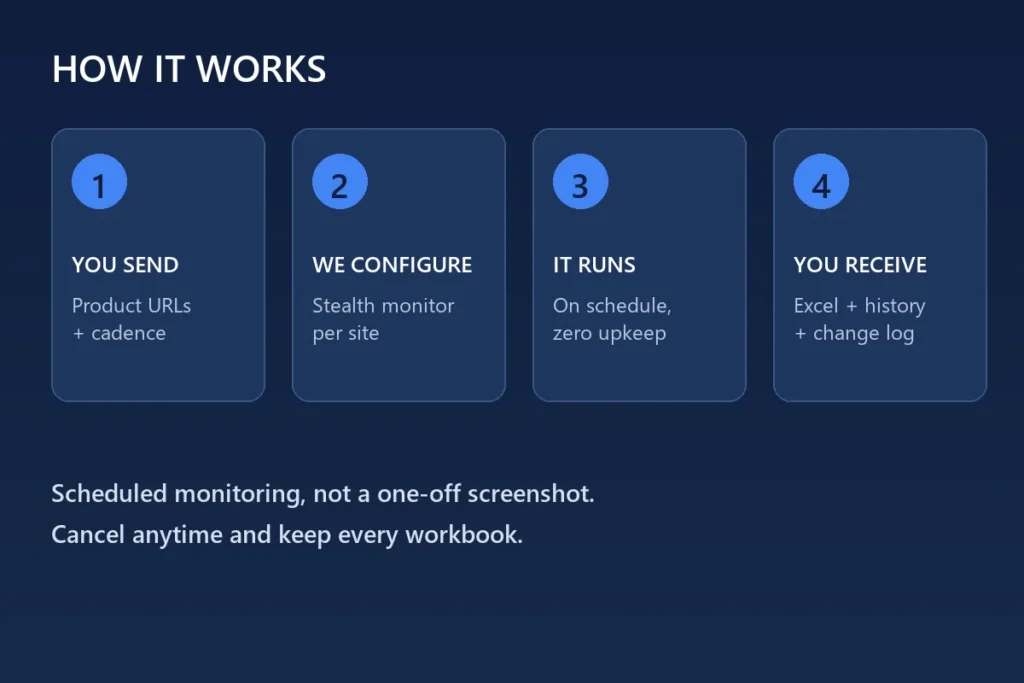
We configure a monitoring pipeline in a stealth browser environment that renders pages like a real visitor, so dynamic prices, member-only discounts and region-based offers are captured correctly. Ordinary scrapers often miss these details or get blocked; our approach reads the final rendered page. You choose the cadence that matches your market: weekly for stable categories, daily for fast-moving ones.
WHAT MAKES IT USEFUL
Price intelligence only creates value when it is consistent. A single screenshot answers one question; a scheduled feed answers the questions that actually matter. Is our pricing drifting above the market? Which competitor discounts at the end of the month? When does a rival run out of stock, and can we win that demand with a small promotion? The History sheet gives you the evidence to answer those questions with data rather than intuition.
DELIVERY FORMAT
Files arrive as .xlsx workbooks compatible with Excel and Google Sheets, with clear column headers and no merged cells, so you can pivot, filter and plug the data straight into your own dashboards. Each run is checked before delivery, and the accompanying report notes the rows collected, any page that failed to load and the exact timestamp of the check.
BEFORE YOU ORDER
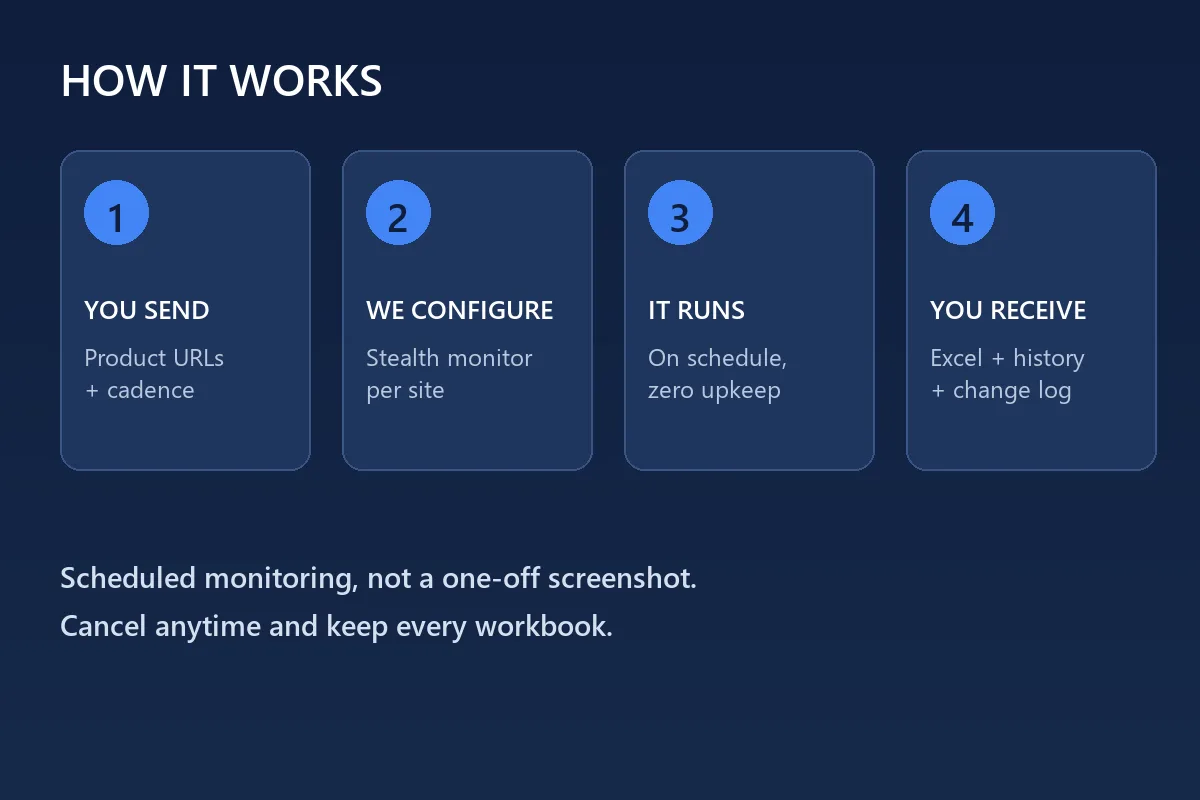
Send the list of product URLs to monitor, your preferred cadence, the currency you want to see, and any fields that matter most to you such as SKU, brand, margin or notes. If your targets need a login or sit behind heavy bot protection, message me first so we can confirm coverage before you purchase.
The service runs as a subscription. Cancel whenever you like and keep every workbook delivered to date.
Zinner Quality Guarantee
Every Zinner is reviewed and approved before joining the platform.
All services are backed by our quality assurance commitment.
Your payment is protected until you approve the delivered work.
Compare Packages
| Caractéristique | Basic | Standard | Premium |
|---|---|---|---|
| Delivery Time | 3 days | 2 days | 1 days |
| Revisions | 1 | 3 | Unlimited |
| Weekly price snapshot (1 site) | ✓ | ✕ | ✕ |
| Up to 100 products monitored | ✓ | ✕ | ✕ |
| Excel workbook + QA report | ✓ | ✕ | ✕ |
| Everything in Basic | ✕ | ✓ | ✕ |
| Up to 500 products on 3 sites | ✕ | ✓ | ✕ |
| Price-history sheet + change log | ✕ | ✓ | ✕ |
| Daily or weekly cadence | ✕ | ✓ | ✕ |
| Everything in Standard | ✕ | ✕ | ✓ |
| Up to 2,000 products, unlimited sites | ✕ | ✕ | ✓ |
| Daily updates + stock & promo tracking | ✕ | ✕ | ✓ |
| Priority turnaround & custom fields | ✕ | ✕ | ✓ |
Portfolio
Examples of the seller's work related to this Zinn.
Live price-tracking workbook for a retail client
Scheduled monitoring of 240 competitor products on three sites, delivered weekly as an Excel snapshot with a full price-history sheet and change log.
Extra Information
Service details
Service Details
Frequently Asked Questions
As an Excel (.xlsx) workbook with three sheets: the current snapshot, the full price history and a change log. A short QA report is included with every run.
In most cases yes. I use a stealth browser that renders pages like a real visitor. Message me the URLs before ordering and I will confirm coverage for free.
No. Once the monitor is configured it runs on your chosen schedule and each cycle is delivered automatically. You can change the cadence at any time.
The QA report lists any row that could not be captured. Failed pages are retried in the same cycle and anything still outstanding is flagged in the report.
Yes. Cancel whenever you like and keep every workbook already delivered. There is no minimum term.
Customer Reviews
See what our customers say about this Zinn