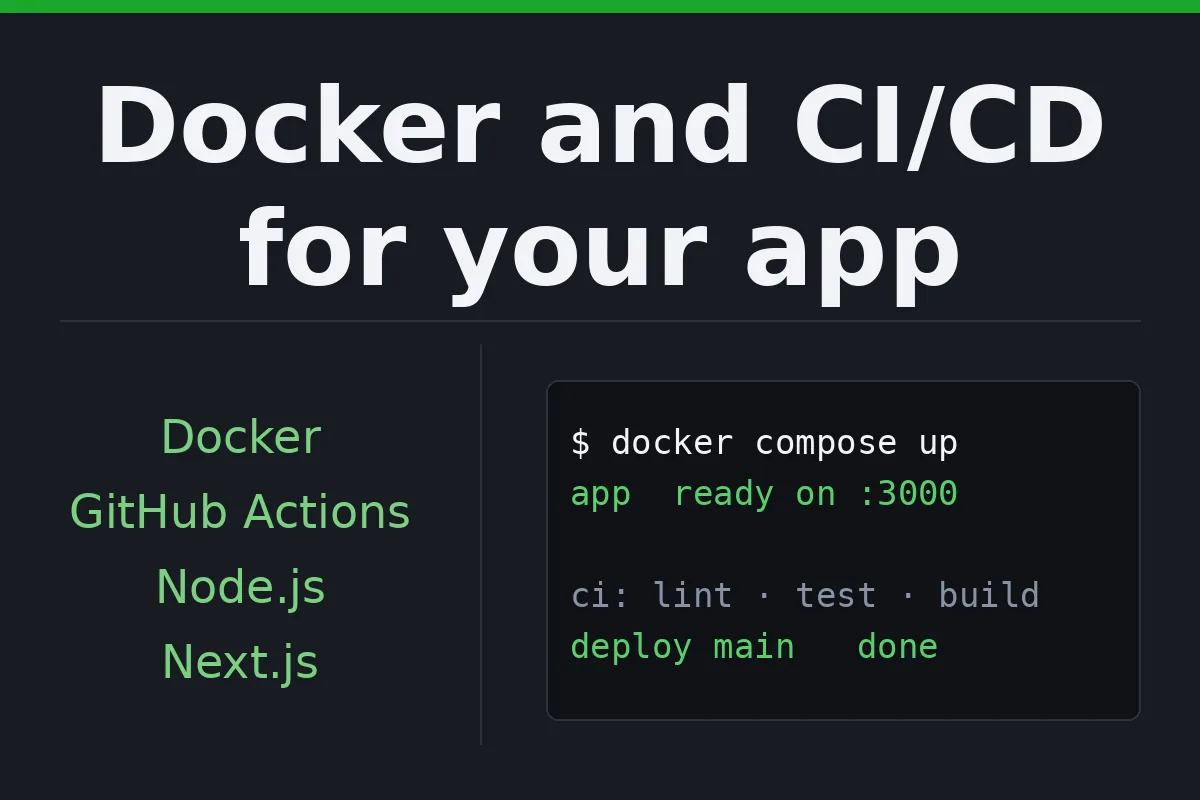
Your app runs on one laptop and deploys by hand. I put it in Docker, add a GitHub Actions or GitLab CI pipeline that tests and builds it on every push, and set up a deploy to your server or platform that runs from the repository.

I Will dockerize your Node.js, Next.js or Rust app and set up CI/CD with GitHub Actions or GitLab CI
A production Dockerfile, a compose file for local runs and a README.
- Docker setup
- README
- Config in environment variables
Docker plus a GitHub Actions or GitLab CI pipeline that tests and builds on every push.
- Docker and CI pipeline
- README
- Config in environment variables
Docker, CI and an automatic deploy to your server or platform on merge.
- Docker, CI and deploy
- README
- Config in environment variables
Request a Custom Offer
Log In to Request a Custom Offer
Create a free account or log in to request a personalised offer from this Zinner.
Log In / RegisterAsk a Pre-Sale Question
Log In to Ask a Question
To reduce platform spam, pre-sale messages can only be sent by logged-in users.
Create a free account or log in to message this Zinner directly.
Log In / RegisterAt a Glance
Key details about this service to help you decide. Generated by Zinn Hub, not the seller.
Value Position
Tech Stack
CI Platform
Deploy Targets
Vendor Independence
What You'll Receive
Full Description
If your deploy is a list of commands someone has to remember, this service replaces it. I make the app reproducible first, then automatic: the same image runs on a laptop, in CI and on the server, and a push to the main branch is all a release takes.
Starter is the container: a production Dockerfile, a compose file that runs the app and its database locally, and a README that gets a new developer running with one command. Standard adds a pipeline that installs, lints, runs your tests and builds the image on every push and every pull or merge request. It runs on GitHub Actions or GitLab CI, depending on where your code lives. Advanced adds the deploy: on merge to main, the pipeline ships the app to your Linux server over SSH or to Railway or Fly.io, which run the same image, or hands a Next.js app to Vercel, which builds it in its own way. Deploy keys and tokens are kept in GitHub's encrypted secrets or GitLab's protected CI/CD variables, not in the code, and you get a written way to roll back.
Images stay small with multi-stage builds, the app runs as a non-root user, and configuration comes from environment variables, so the same image serves staging and production. The same approach covers Node.js and Next.js apps, Rust services and static sites.
My two public web projects, a Next.js storefront and my personal site, show the pipeline side of this: GitHub Actions builds and deploys both on every push to the main branch, and runs the storefront's unit and browser tests before it deploys. They are static sites, so they ship without a container. On the Rust side, my open-source crate has a GitHub Actions pipeline that runs on every push to main and every pull request: formatting, lints, tests, the minimum supported Rust version and dependency checks. If you also run Kubernetes, manifests or a Helm chart are available as an add-on.
No calls. Everything lives in your repository and is written down, so the pipeline does not depend on me. For 14 days after delivery, I fix anything that does not work as we agreed, free of charge.
Steps for completing your project
1. Read the project - I run the app the way you do now and write down its dependencies, environment variables, database and build steps.
2. Container - A production Dockerfile and a compose file for local runs, checked by building and starting the app on a clean machine.
3. Pipeline - Install, lint, tests and the image build in your CI, on pushes and on pull or merge requests, with caching so it stays fast.
4. Deploy - On Advanced, a job that ships the app on merge to main, with keys and tokens kept in the CI platform's secrets and a rollback step written down.
5. Handover - A README section on how to run, test and release, and what to change when a new environment variable or service is added.
Zinner Quality Guarantee
Every Zinner is reviewed and approved before joining the platform.
All services are backed by our quality assurance commitment.
Your payment is protected until you approve the delivered work.
Compare Packages
| Функция | Starter | Standard | Advanced |
|---|---|---|---|
| Delivery Time | 2 days | 4 days | 7 days |
| Revisions | 1 | 2 | 3 |
| Scope | Docker setup | Docker and CI pipeline | Docker, CI and deploy |
| README | ✓ | ✓ | ✓ |
| Config in environment variables | ✓ | ✓ | ✓ |
Portfolio
Examples of the seller's work related to this Zinn.
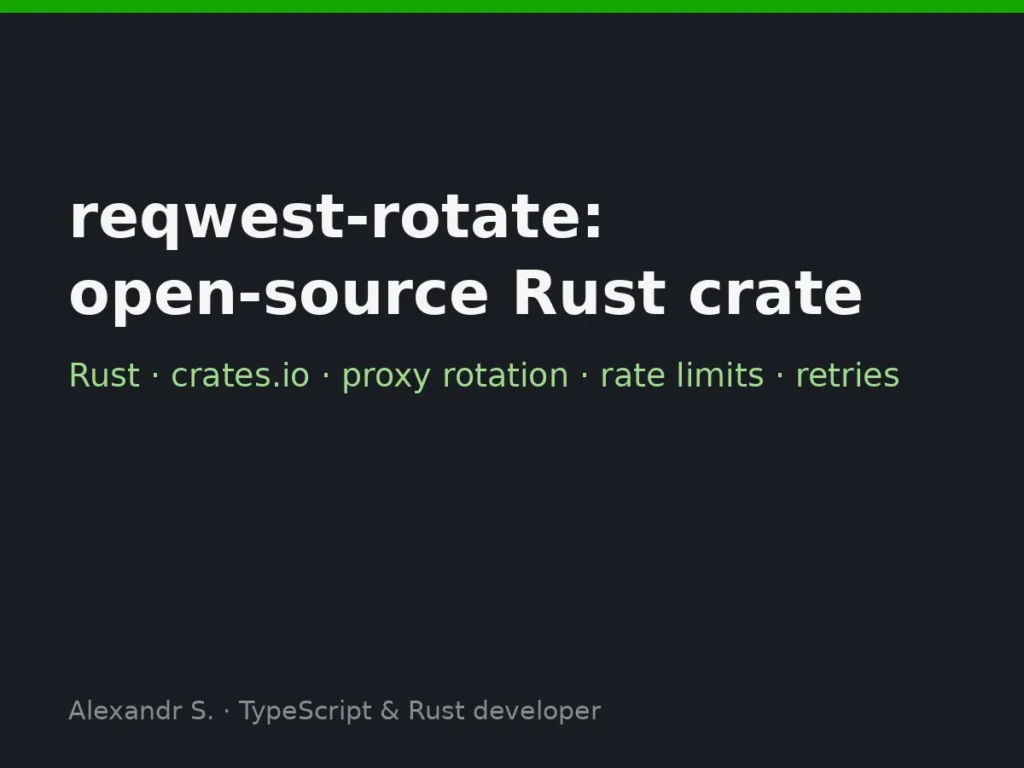
reqwest-rotate: open-source crate
A small reqwest wrapper for scrapers and API clients that need proxy rotation, per-host rate limiting and retry with backoff, without pulling in a middleware framework. Published on crates.io with docs, CI and tests.
Service Details
Frequently Asked Questions
Yes. The pipeline still installs, lints, type-checks and builds, which catches most broken pushes. When tests are added later, the pipeline picks them up.
Only on Advanced, and only for the deploy. A dedicated deploy user with its own SSH key is best; the key lives in your CI platform's secrets, not with me.
Node.js, Next.js and Rust are what I work in. For another stack, write to me before ordering, and I'll tell you honestly whether I'm the right person for it.
No. It is plain Docker and a standard GitHub Actions or GitLab CI pipeline in your repository, documented, so any developer can change it.
Customer Reviews
See what our customers say about this Zinn
Categories
Zinner Policies
Related Zinns
I Will build your full-stack web app with React, Next.js, TypeScript, Node.js, Laravel or Python