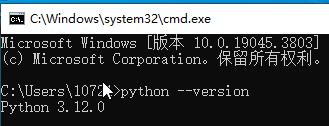
One-click Python installation script with automatic environment setup. Customizable version, install path, and PATH configuration — includes PDF guide and video tutorial.

I Will Create a One-Click Python Installer Script for Windows With PDF Guide
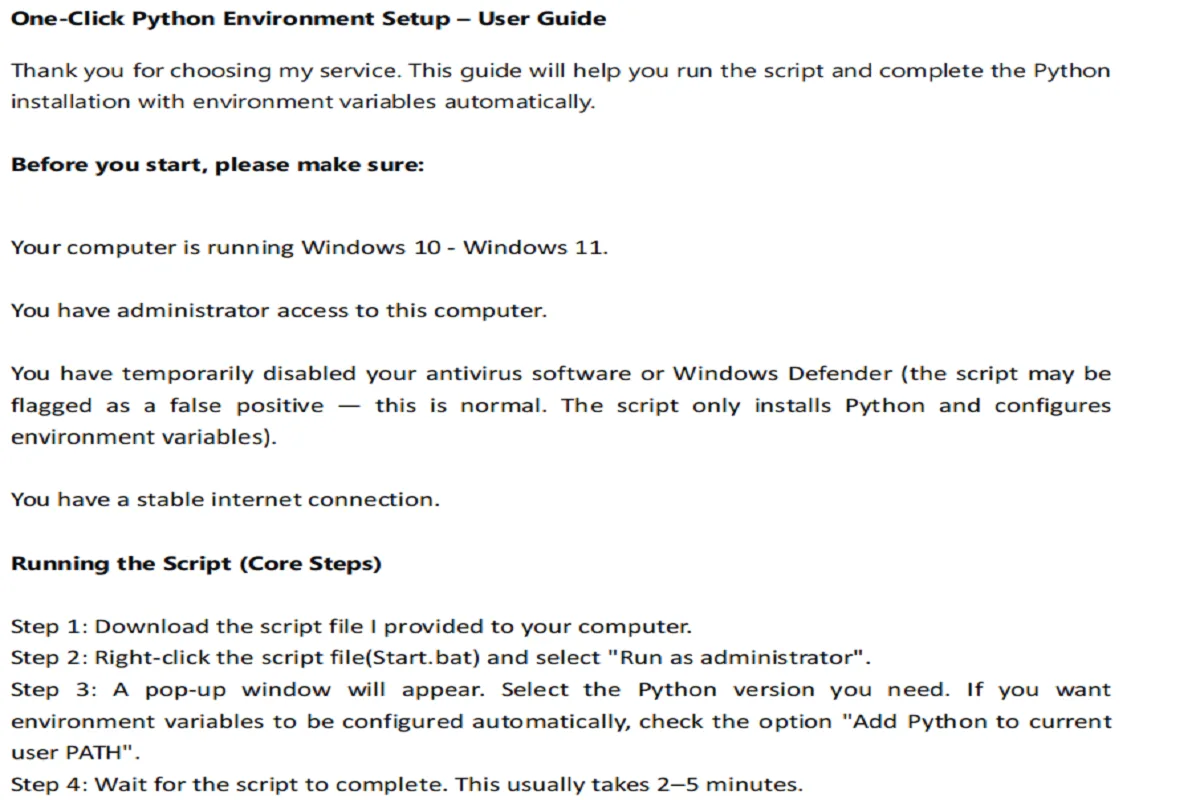
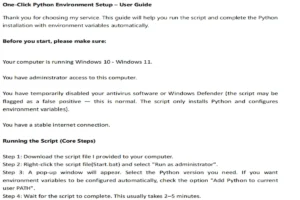
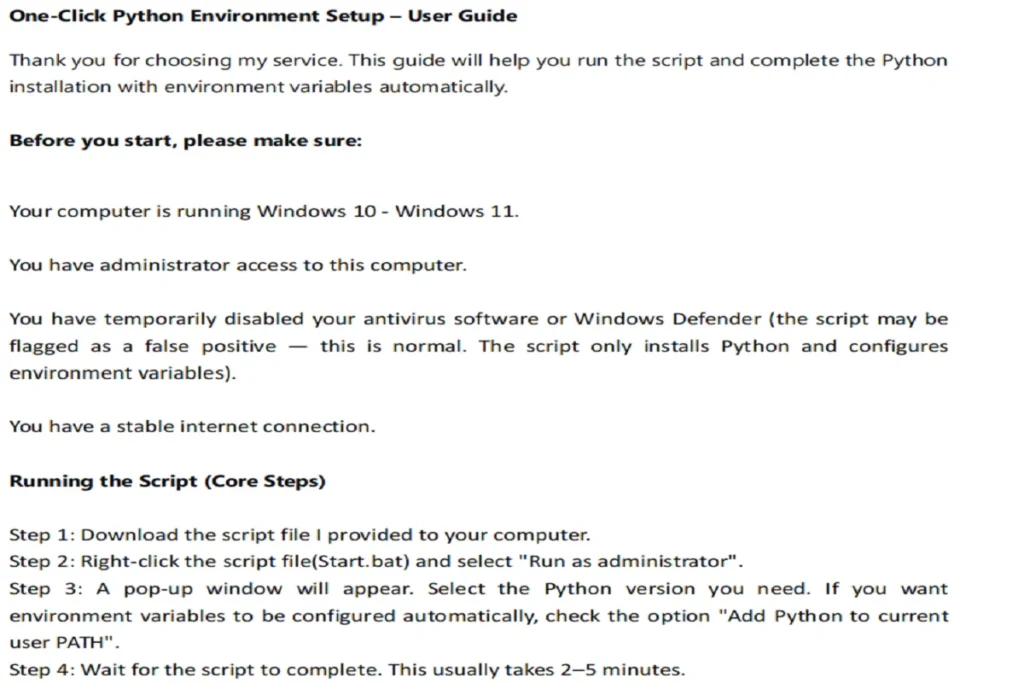
Automated installation script + detailed PDF guide with step-by-step instructions and screenshots
- Everything in Basic - Step-by-step MP4 video (approx. 4 min) for beginners: package contents, PDF guide overview, running the script, verifying installation.
Request a Custom Offer
Log In to Request a Custom Offer
Create a free account or log in to request a personalised offer from this Zinner.
Log In / RegisterAsk a Pre-Sale Question
Log In to Ask a Question
To reduce platform spam, pre-sale messages can only be sent by logged-in users.
Create a free account or log in to message this Zinner directly.
Log In / RegisterAt a Glance
Key details about this service to help you decide. Generated by Zinn Hub, not the seller.
Value Position
Platform
Python Versions
Script Type
Support Period
What You'll Receive
Full Description
One-Click Python Installation – Automated Setup with PDF + Video
What You Get
You will receive a fully automated Python installation script that runs on Windows with just one click. The script is a standardized solution. No manual configuration, no PATH errors, no version conflicts. Just run the script and start coding.
The installation script is a hybrid solution using both .bat and .ps1 files. The .bat file handles the initial execution and user prompts, while the .ps1 file runs the core automation logic. Both files are provided, and you only need to run the .bat file as administrator — the rest runs automatically.
Security & Transparency
- The delivered package is fully in English, including the script, documentation, and code comments. After delivery, you receive the full source code and can review, modify, and use it freely.
- Python is downloaded from the official Python source (python.org). The script uses the official Python installer.
- By default, the script installs the latest stable Python version. If you need a specific older version, you can manually specify a version from Python 3.8 to the latest stable release, subject to official availability for your system architecture.
What's Included in Each Package
Basic — $15
- Automated installation script (.bat + .ps1)
- Detailed PDF guide with step-by-step instructions and screenshots
Standard — $25
- Everything in Basic
- MP4 video tutorial (approx. 4 minutes) covering the package contents, an overview of the PDF guide, running the script, and verifying the installation
How It Works
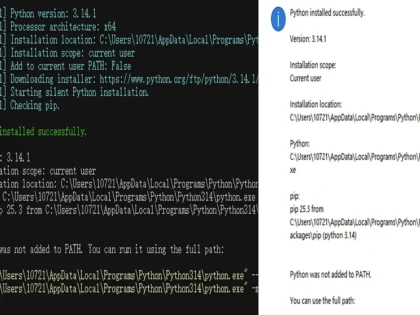
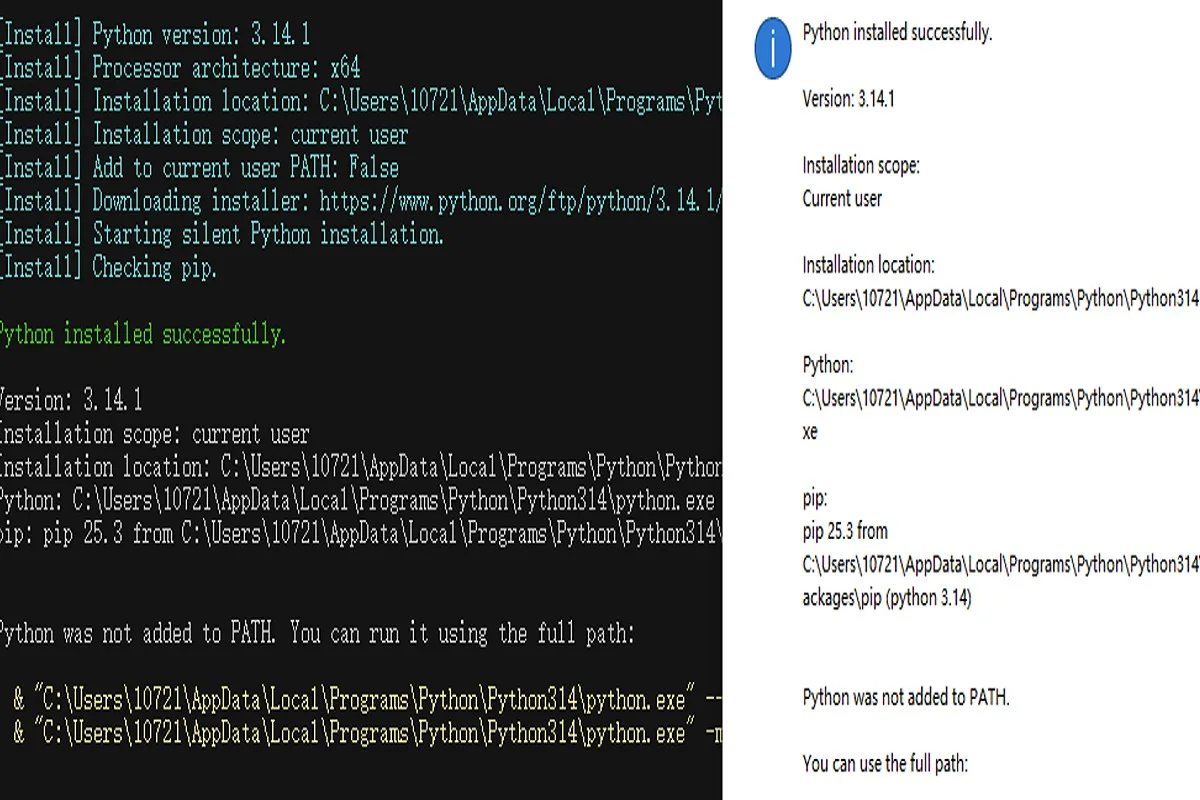
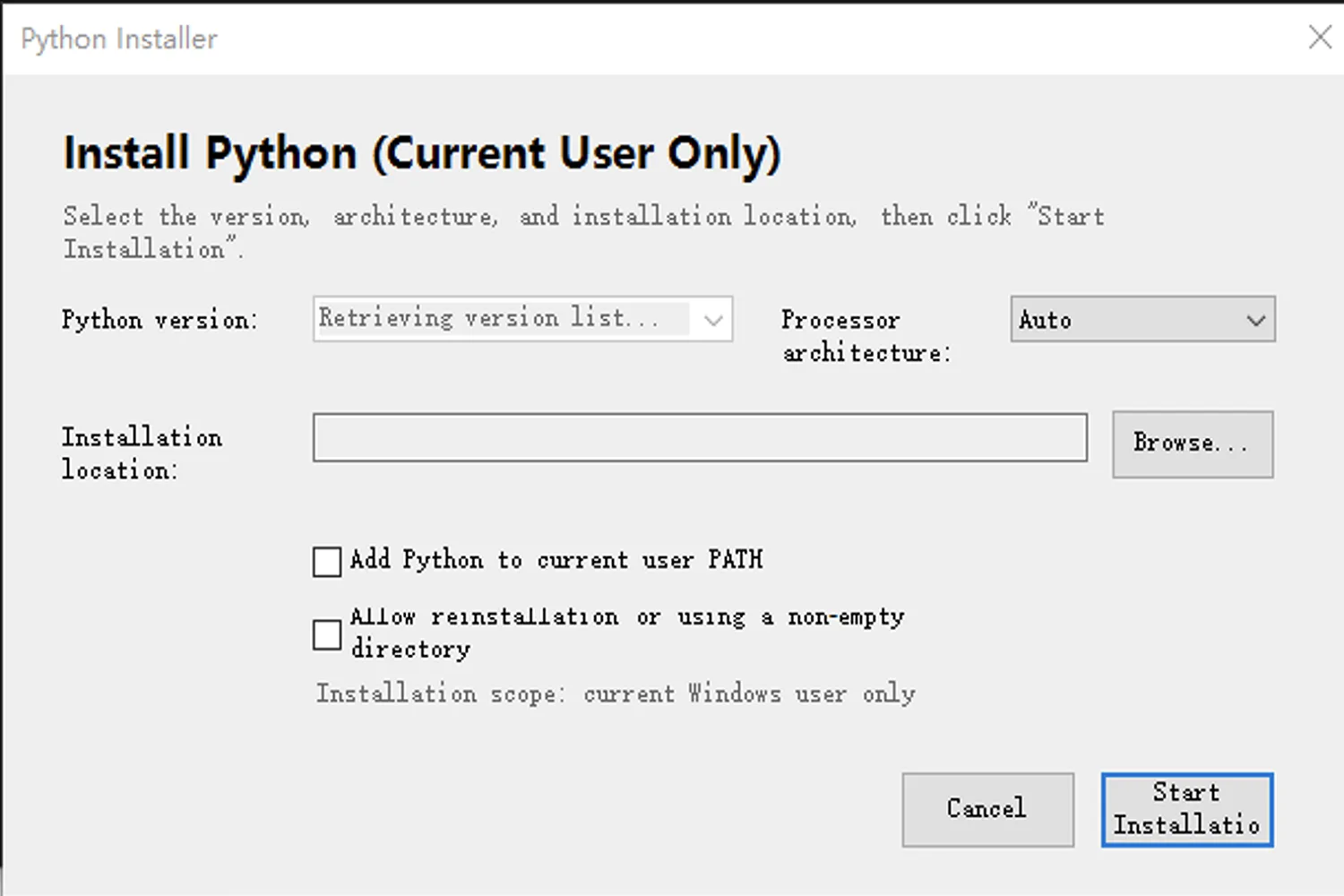
The script is simple to use. You run it on your Windows computer, and it automatically detects your system architecture. It then downloads and installs the appropriate Python version without manual intervention. You can choose your installation folder and decide whether to add Python to your system PATH. The script also verifies that the installation was successful so you can be confident everything works.
The script supports Python 3.8 through the latest stable release. By default, it fetches the latest stable version from python.org. If you need a specific version, you can manually specify it during setup.
Why Choose This Service
Installing Python manually can be frustrating, especially if you're new to programming. Error messages, environment variables, and compatibility issues often turn a simple task into a time-consuming headache. This service removes all that friction by providing a reliable, tested script that does the work for you. You save hours of research and troubleshooting, and you get a clean installation that just works.
Whether you're a complete beginner or just want to save time, this service is designed to get you up and running with minimal effort.
Who This Is For
- Beginners who want to start programming without dealing with installation issues
- Anyone who finds manual Python setup confusing or time-consuming
- Users who need a clean, working Python installation quickly
System Requirements
- Windows 10 or 11
- PowerShell 5.1 or later (pre-installed on Windows 10/11)
- Administrator privileges to run the script
- The script automatically detects your system architecture.
Post-Delivery Support
- 7 days of post-delivery support for installation and setup issues on a supported Windows system.
- Covered: script installation errors, PATH not working, version detection issues, script execution errors, and installation verification problems. If the issue is caused by the script, I will fix it or guide you at no extra cost.
- Not covered: custom code modifications, unsupported Windows versions, conflicts with other software, manual edits to the script, or problems caused by pre-existing Python installations or environments configured by others.
- The script can detect existing Python installations in common locations, but it does not uninstall, clean up, or repair existing Python environments. If a previous Python installation was placed in a non-standard or custom location, or the location is unknown, the script may not detect it.
- If a pre-existing Python setup causes conflicts, I can provide general guidance, but cleaning up or repairing third-party configurations is not included in the free support scope.
- Support is provided via Zinn Hub order messages. I usually respond within 24 hours.
Turnaround Time
- Script and PDF: delivered within 24 hours
- Video tutorial: included with the Standard package
This service is designed for a single Windows computer. Multi-machine deployment or enterprise-wide setup is not included in the Basic or Standard package.
Zinner Quality Guarantee
Every Zinner is reviewed and approved before joining the platform.
All services are backed by our quality assurance commitment.
Your payment is protected until you approve the delivered work.
Compare Packages
| 特色 | Basic | Standard |
|---|---|---|
| script | ✓ | ✓ |
| ✓ | ✓ | |
| VIDEO | ✕ | ✓ |
Portfolio
Examples of the seller's work related to this Zinn.
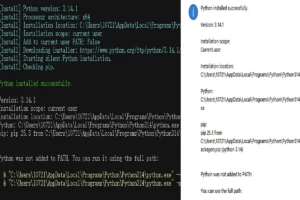
Run Result
Service Details
Frequently Asked Questions
This script supports Windows 10 and 11 (64-bit and ARM64). It is not available for macOS or Linux.
Your antivirus or Windows Defender may flag the script as suspicious. This is a false positive because the script automates system-level changes (installing Python and modifying PATH). The script is completely safe — you can open it in Notepad to review the code before running it.
BASIC includes the script + PDF guide. STANDARD includes everything in BASIC plus a video tutorial showing the full installation and verification process.
Supports all officially available Python versions (3.8, 3.9, 3.10, 3.11, 3.12, 3.13, etc.). The script always fetches the latest stable version from python.org.
Yes. Once delivered, the script belongs to you. You can modify and use it freely.
Yes. You get 7 days of post-delivery support for installation and setup issues on a supported Windows system. Covered issues include script installation errors, PATH problems, version detection issues, script execution errors, and installation verification problems. If the issue is caused by the script, I will fix it or guide you at no extra cost. Not covered: custom code modifications, unsupported Windows versions, conflicts with other software, manual edits to the script, or problems caused by pre-existing Python installations or environments configured by others. The script can detect existing Python installations in common locations, but it does not uninstall, clean up, or repair existing Python environments. If a previous Python installation was placed in a non-standard or custom location, or the location is unknown, the script may not detect it.
The Standard package includes an MP4 video tutorial, approximately 4 minutes long. It covers the full installation and verification process.
Yes. The script lets you choose your installation folder and specify the Python version during setup. This is included in both Basic and Standard at no extra cost.
The Basic and Standard packages are designed for installation on a single Windows computer. Batch deployment, silent install parameters, and enterprise-wide setup are not included in these packages.
Customer Reviews
See what our customers say about this Zinn