

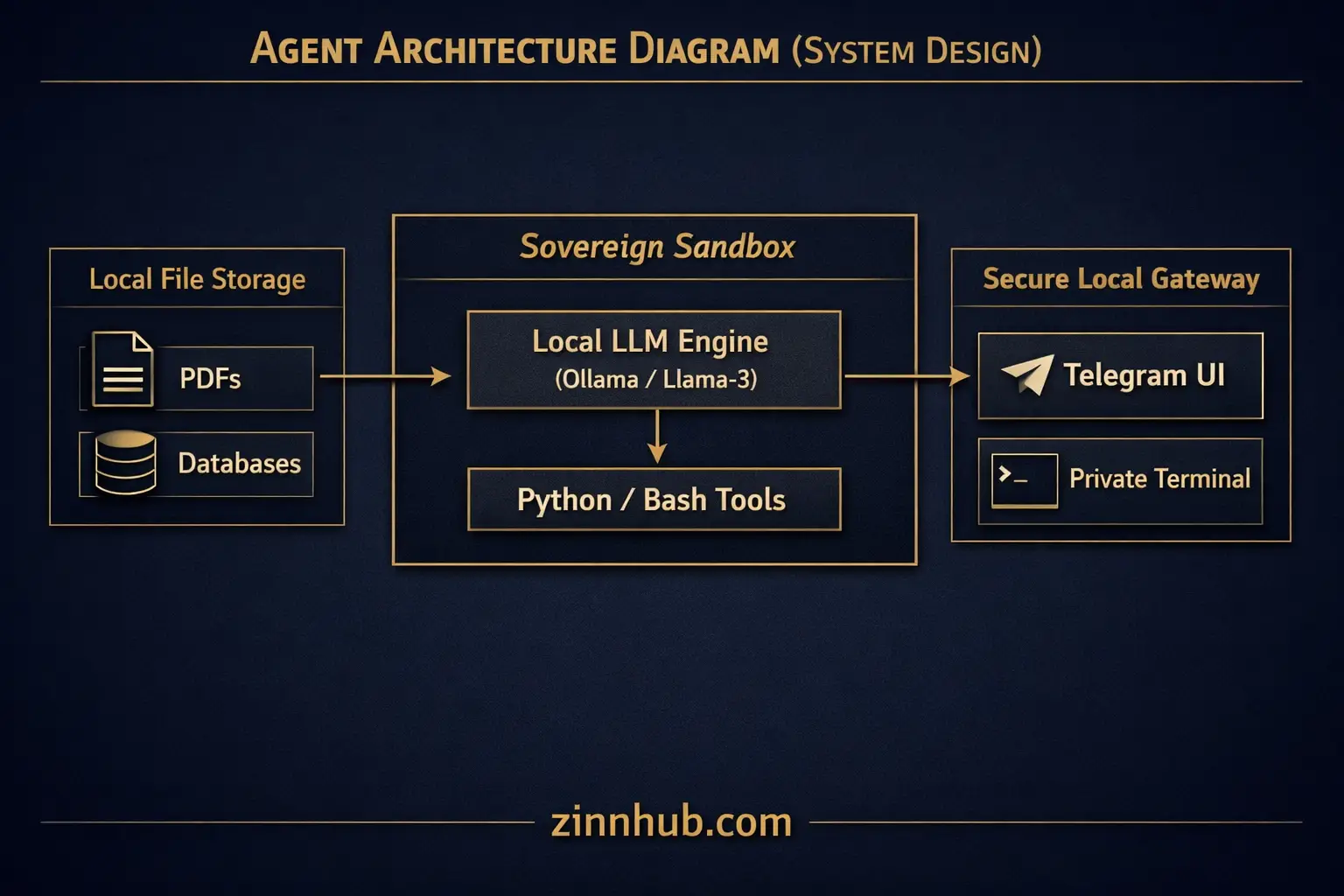
Running local LLMs and RAG pipelines requires a precise balance of hardware resources. If your model parameters exceed your available GPU VRAM or system RAM, execution speed drops to near-zero as your OS is forced to use system storage. This…

I will conduct a local hardware & model compatibility audit
Request a Custom Offer
Log In to Request a Custom Offer
Create a free account or log in to request a personalised offer from this Zinner.
Log In / RegisterAsk a Pre-Sale Question
Log In to Ask a Question
To reduce platform spam, pre-sale messages can only be sent by logged-in users.
Create a free account or log in to message this Zinner directly.
Log In / RegisterAt a Glance
Key details about this service to help you decide. Generated by Zinn Hub, not the seller.
Value Position
What You Receive
Fast Turnaround
What You Need to Provide
Best For
Full Description
Running local LLMs and RAG pipelines requires a precise balance of hardware resources. If your model parameters exceed your available GPU VRAM or system RAM, execution speed drops to near-zero as your OS is forced to use system storage.
This Micro Zinn provides a complete compatibility audit of your hardware before you buy or install any software. We evaluate your physical system—whether it is an Apple Silicon Mac, an NVIDIA CUDA workstation, or a standard Windows/Linux server—to tell you exactly how to achieve optimal local performance.
What we analyze:
1. GPU VRAM constraints: We map your dedicated graphics memory to find your maximum model parameter ceiling (e.g., 7B, 13B, or 34B models).
2. System RAM allocation: We determine your CPU-inference thresholds and offloading limits if you lack a dedicated GPU or run on shared system memory.
3. Quantization mapping: We recommend the exact quantization level (such as Q4_K_M, Q5_K_M, or Q8_0) to balance processing speed and model intelligence.
4. Context window limits: We calculate your safe maximum token limits to prevent system out-of-memory crashes during heavy document retrieval.
Stop guessing which open-source weights to download or why your local setup is slow. Get an engineered, hardware-specific map for your local AI environment from operators who build these systems on physical metal daily.
Completed hardware compatibility audit mapping Ollama model parameter limits, context window scales, and optimal Q4/Q5 quantizations for 128GB RAM.
View example ↗A Micro Zinn is a small, fixed-price taster or micro service. CAVOK_Designs is offering this one for:
Skills showcasePortfolio builderOpen to new clientsZinner Quality Guarantee
Every Zinner is reviewed and approved before joining the platform.
All services are backed by our quality assurance commitment.
Your payment is protected until you approve the delivered work.
Customer Reviews
See what our customers say about this Zinn

