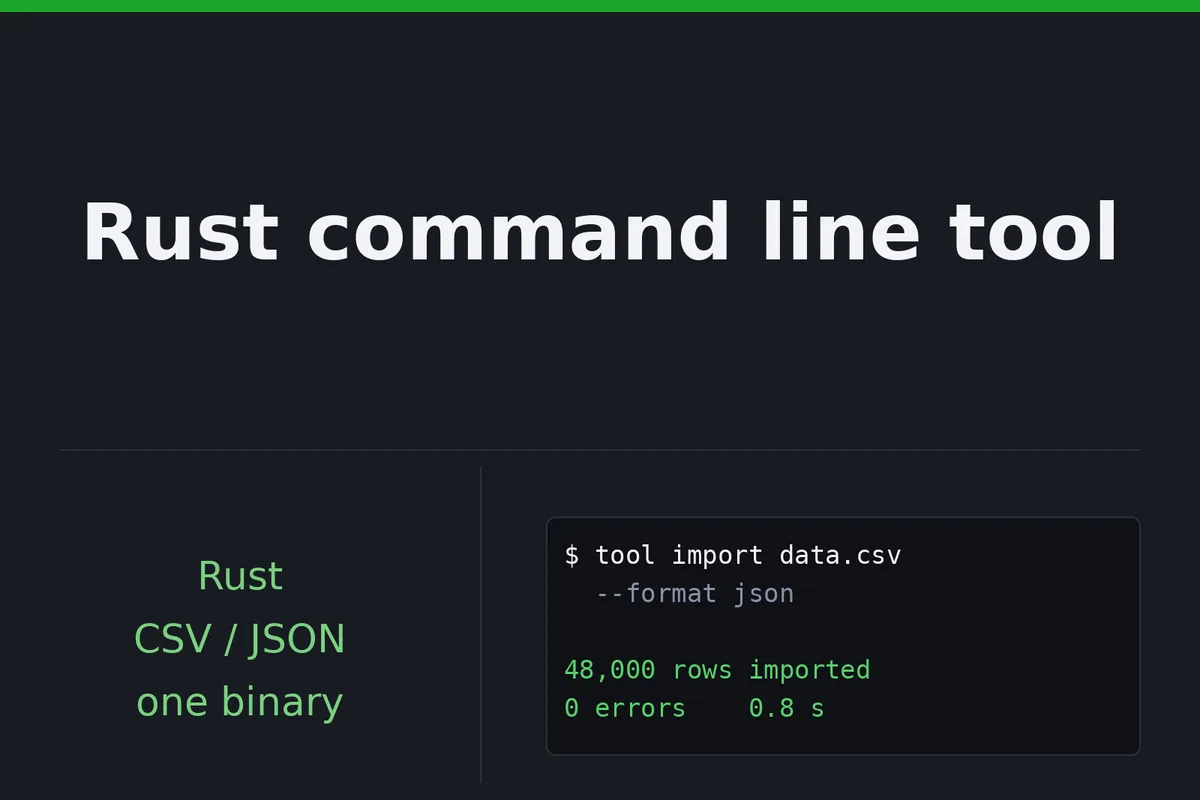
Command line tools in Rust for the jobs that get done by hand every week: converting or validating a file, renaming and sorting in bulk, calling an API and writing the result to CSV or JSON, running on a schedule and reporting what it did. It ships as one binary, nothing to install on the machine that runs it.

I Will build a Rust command line tool to automate files, APIs and scheduled tasks
1 tool, up to 3 commands, CSV and JSON in and out, tests, README, one binary.
- 1 tool, up to 3 commands
- Source code
Up to 6 commands, a validated config file, binaries for Linux, Windows, macOS.
- Up to 6 commands, config, 3 binaries
- Source code
Up to 10 commands, all of Standard, parallel processing, tagged releases.
- Up to 10 commands, parallel
- Source code
Request a Custom Offer
Log In to Request a Custom Offer
Create a free account or log in to request a personalised offer from this Zinner.
Log In / RegisterAsk a Pre-Sale Question
Log In to Ask a Question
To reduce platform spam, pre-sale messages can only be sent by logged-in users.
Create a free account or log in to message this Zinner directly.
Log In / RegisterAt a Glance
Key details about this service to help you decide. Generated by Zinn Hub, not the seller.
Value Position
Language & Runtime
Delivery Format
Platform Support
Ownership & Source
What You'll Receive
Full Description
For small teams and solo operators who do the same file, API or rename job by hand every week and want one command to do it instead. Rust compiles the tool into a single fast binary: nothing to install on the machine that runs it, no Python or Node version to keep in sync, and it stays quick on large files.
Starter is one tool with up to 3 commands, arguments and a help screen, CSV, JSON in and out, tests, a README, a binary for the platform you name, and the source in your repository. A command is one verb with its arguments: import and validate are two. Standard goes to 6 commands and adds a config file whose errors name the line and field that failed, plus binaries for Linux, Windows, macOS. Advanced goes to 10 commands, includes the config file and all three binaries, and adds parallel processing with a progress line for inputs too large to walk row by row, plus a release workflow that builds the binaries on every tag you push.
If the brief grows mid-order, I quote the extra before doing it: the add-on, or a new order. Not included: a graphical interface, a mobile app, game server plugins. Rust the language, not the game.
The code is yours: the full source goes to your repository, and you can change it, reuse it or hand it to another developer. After delivery, I fix anything that doesn't work as we agreed, free of charge.
I've been in IT for 10+ years and build in Rust. My public work includes reqwest-rotate, an open-source Rust HTTP library on crates.io with 200+ tests and CI.
Written updates each working day on a multi-day build, fast replies, no calls.
Steps for completing your project
1. Scope confirmed in writing - I read your requirements and confirm the command list, the input and output formats and the tier fit before any code. A command is one verb with its arguments.
2. Skeleton with the first command - The project skeleton, the help screen and the first command working end to end on your sample file, so you can run an early build and correct the direction while it is cheap.
3. Remaining commands, with tests - The rest of the commands, each with its tests. On a multi-day build you get a short written update every working day.
4. Binaries, config, README - The binary for your platform (all three on Standard and Advanced), the config file and parallel processing where the tier includes them, and a README with the exact line to run it on a schedule.
5. Handover in your repository - Source delivered in your repository with a written handover: how to build it, how to run the tests, how to cut a release.
Zinner Quality Guarantee
Every Zinner is reviewed and approved before joining the platform.
All services are backed by our quality assurance commitment.
Your payment is protected until you approve the delivered work.
Compare Packages
| Функция | Starter | Standard | Advanced |
|---|---|---|---|
| Delivery Time | 4 days | 7 days | 14 days |
| Revisions | 1 | 2 | 3 |
| Scope | 1 tool, up to 3 commands | Up to 6 commands, config, 3 binaries | Up to 10 commands, parallel |
| Source code | ✓ | ✓ | ✓ |
Portfolio
Examples of the seller's work related to this Zinn.
reqwest-rotate: open-source crate
A small reqwest wrapper for scrapers and API clients that need proxy rotation, per-host rate limiting and retry with backoff, without pulling in a middleware framework. Published on crates.io with docs, CI and about two hundred tests.
Service Details
Frequently Asked Questions
One verb with its own arguments. Import is one command, validate is another. Starter covers up to 3, Standard up to 6, Advanced up to 10, and the add-on adds more one at a time.
Starter builds one binary for the platform you name in the requirements. Standard and Advanced ship all three, built on hosted Windows and macOS runners, with the --help output as proof.
Tell me roughly how large before you buy. When the input is too big to walk row by row, parallel processing with a progress line handles it: included in Advanced, and on Starter and Standard it is the Large input speed-up add-on.
No. This is Rust the programming language: no server plugins, no game work of any kind.
You do. The full source goes to your repository, and you can change it, reuse it or hand it to another developer without asking me.
Current stable Rust, 2024 edition. If the tool has to fit an existing codebase or an older toolchain, name the version in the requirements and I will build against it.
Yes. Text formats like YAML, TOML or XML are fine, just name them in the requirements. Binary or proprietary formats need a look at a sample first, and I quote them before you buy.
Customer Reviews
See what our customers say about this Zinn