A desktop application is the right answer when the work happens on the machine and not in a browser: files that never leave the office, a tool the team opens every morning, a window that keeps working when the connection does not. I build those in Rust with the interface in Tauri, so what you install is one small file.

I Will build a Lightweight Cross-Platform Desktop App in Rust and Tauri for Windows, macOS and Linux
Up to 3 screens, 1 platform, early running build, source in your repository.
- Up to 3 screens, 1 platform
- Source code
- Setup file
Up to 6 screens, Windows, Linux, macOS builds, local database, CSV/Excel import.
- Up to 6 screens, 3 platforms + DB
- Source code
- Setup file
Up to 10 screens, all of Standard, auto-updates, installers, release workflow.
- Up to 10 screens, updates, installer
- Source code
- Setup file
Request a Custom Offer
Log In to Request a Custom Offer
Create a free account or log in to request a personalised offer from this Zinner.
Log In / RegisterAsk a Pre-Sale Question
Log In to Ask a Question
To reduce platform spam, pre-sale messages can only be sent by logged-in users.
Create a free account or log in to message this Zinner directly.
Log In / RegisterAt a Glance
Key details about this service to help you decide. Generated by Zinn Hub, not the seller.
Value Position
Tech Stack
App Type
Platforms
What You Own
What You'll Receive
Full Description
Built for small businesses and in-house teams that have outgrown a spreadsheet or a script and want a proper program with its own window. In Tauri, the heavy work, such as processing large files or searching thousands of records, runs in Rust, while the screens are plain web code, so a new screen later is a small job.
Starter is one application with up to 3 screens, built for the platform you name, with a running build early in the project and the source in your repository. Standard goes to 6 screens and adds builds for Windows, Linux and macOS, a local SQLite database with search, and CSV or Excel import and export. Advanced goes to 10 screens, includes all of that, and adds automatic updates, installers for each platform, and a release workflow that builds them on every tag you push.
Typical jobs: an internal tool that reads and writes files in a shared folder, or a viewer for data your team keeps in CSV or a database. If the brief grows mid-order, I quote the extra screen before doing it: the add-on, or a new order.
Design: a clean, standard interface by default, or your mockups and brand colors if you have them.
Not included: games, mobile apps, anything that has to live in a browser tab, copies of existing commercial software.
The code is yours: every tier includes the full source in your repository, and you can change it, reuse it or hand it to another developer. After delivery, I fix anything that doesn't work as we agreed, free of charge.
I've been in IT for 10+ years and build in Rust. My public work includes reqwest-rotate, an open-source Rust HTTP library on crates.io, with a full test suite and CI.
Written updates each working day, fast replies, no calls.
Steps for completing your project
1. Scope confirmed in writing - I read your requirements and confirm the screen list, the data formats and the tier fit before any code. A screen is one window or view the user works in.
2. First screen as a running build - The app shell with the first screen working end to end on your real data, so you can run an early build and change direction while it is cheap.
3. Remaining screens, with tests - The rest of the screens, each with tests for the logic behind it. On a multi-day build you get a short written update every working day.
4. Builds, database, installers - Builds for the platforms your tier includes, the local database and import/export on Standard, automatic updates and installers on Advanced.
5. Handover in your repository - Source delivered in your repository with a written handover: how to build it, how to run the tests, how to ship an update.
Zinner Quality Guarantee
Every Zinner is reviewed and approved before joining the platform.
All services are backed by our quality assurance commitment.
Your payment is protected until you approve the delivered work.
Compare Packages
| Функция | Starter | Standard | Advanced |
|---|---|---|---|
| Delivery Time | 10 days | 14 days | 21 days |
| Revisions | 1 | 2 | 3 |
| Scope | Up to 3 screens, 1 platform | Up to 6 screens, 3 platforms + DB | Up to 10 screens, updates, installer |
| Source code | ✓ | ✓ | ✓ |
| Setup file | ✓ | ✓ | ✓ |
Portfolio
Examples of the seller's work related to this Zinn.
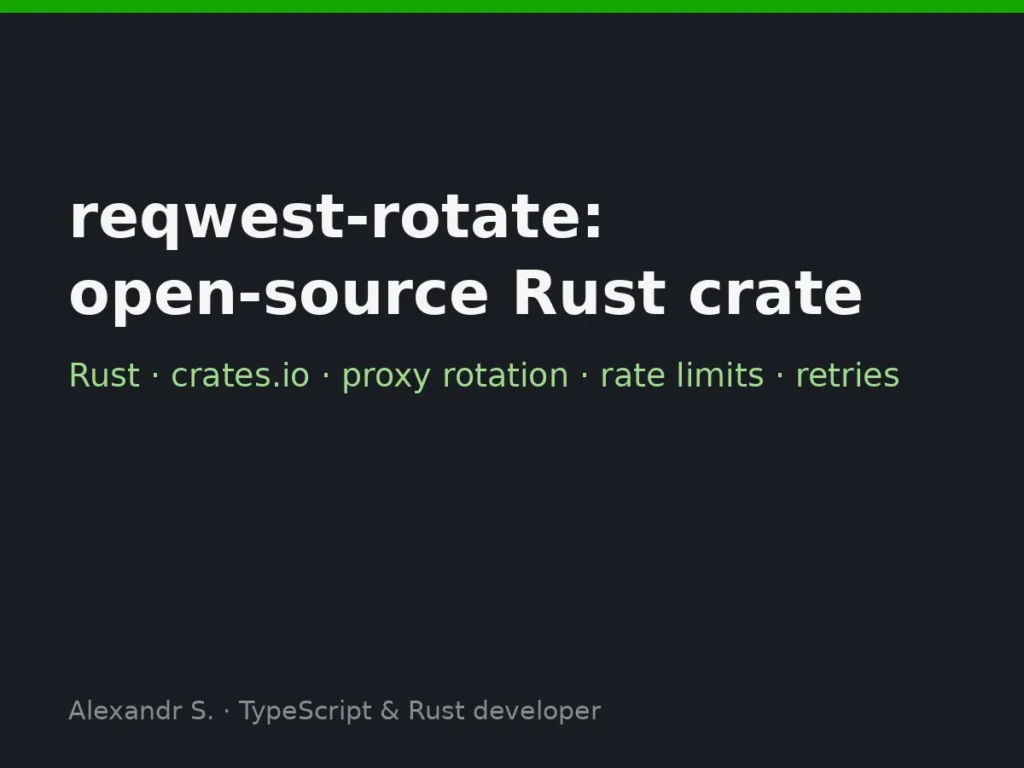
reqwest-rotate: open-source crate
A small reqwest wrapper for scrapers and API clients that need proxy rotation, per-host rate limiting and retry with backoff, without pulling in a middleware framework. Published on crates.io with docs, CI and about two hundred tests.
Service Details
Frequently Asked Questions
You get one small program instead of a bundled browser: it starts fast, stays light on memory and does not need an update every time a browser engine patches itself. The interface is still web technology, so it looks current.
Starter builds for the one platform you name in the requirements. Standard and Advanced build for Windows, Linux and macOS, and I test each build before handing it over.
Usually not, and that is often the point. Unless the job itself calls a service, the data stays on the machine and in your own files.
You get a running build early, before the app is finished, exactly so changes happen while they are cheap. Inside the scope we agreed, redoing a screen costs you nothing extra.
Which system it must run on first, your screens in plain words (what the user sees and clicks), and one real example of each file or data format it reads or writes. With that I confirm the tier fits before any code.
Customer Reviews
See what our customers say about this Zinn