
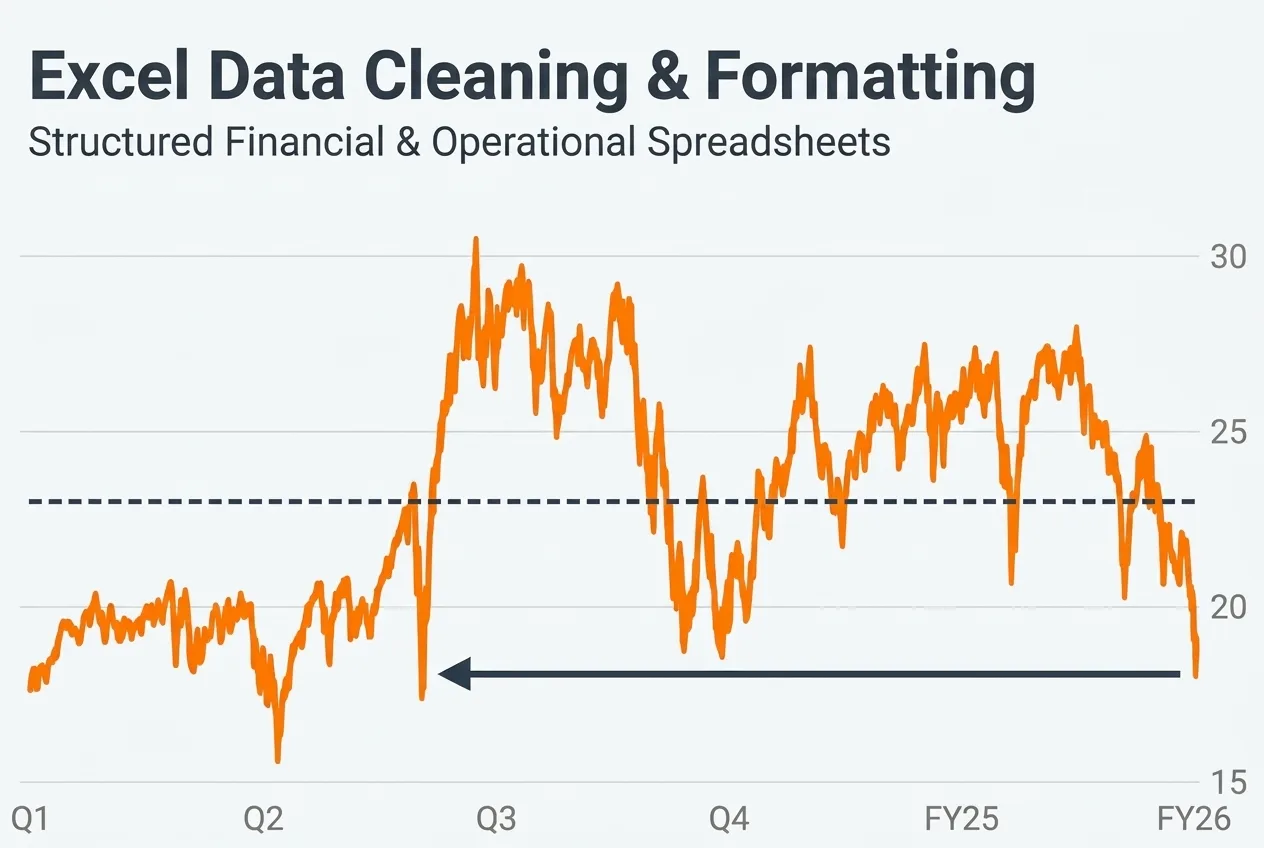
Are your business revenues and expenses scattered across messy spreadsheets, making it hard to see your true monthly cash position? A clear, structured cash flow summary is essential for controlling operational costs and making confident financial decisions. In this Micro…

I will audit and structure a basic cash flow summary in Excel
Request a Custom Offer
Log In to Request a Custom Offer
Create a free account or log in to request a personalised offer from this Zinner.
Log In / RegisterAsk a Pre-Sale Question
Log In to Ask a Question
To reduce platform spam, pre-sale messages can only be sent by logged-in users.
Create a free account or log in to message this Zinner directly.
Log In / RegisterAt a Glance
Key details about this service to help you decide. Generated by Zinn Hub, not the seller.
Value Position
What You Get
Fast Turnaround
What to Have Ready
Gateway Service
Full Description
Are your business revenues and expenses scattered across messy spreadsheets, making it hard to see your true monthly cash position? A clear, structured cash flow summary is essential for controlling operational costs and making confident financial decisions.
In this Micro Zinn, I will audit and organize your raw income and expense records into a clean, easy-to-read cash flow summary in Excel. With a background in Financial Management and corporate risk analysis, I structure your numbers logically so you can immediately track cash inflows, operational outflows (OpEx), and net cash balance.
Here is what is included in this package:
- Audit and categorization of raw cash inflows and operational expenses (up to 300 transactions).
- Structuring a clean, formula-driven monthly cash flow summary table in Excel (.xlsx).
- Basic variance check to highlight unusual expense spikes or missing entries.
- Clear visual breakdown so your financial records are ready for management review.
All data is processed 100% manually with strict confidentiality and zero third-party AI tools. Simply share your raw transaction file upon ordering to get started. Whether you are a startup founder, small business owner, or independent consultant, having organized cash flow figures helps you spot unnecessary spending, plan upcoming budgets, and communicate clearly with stakeholders.
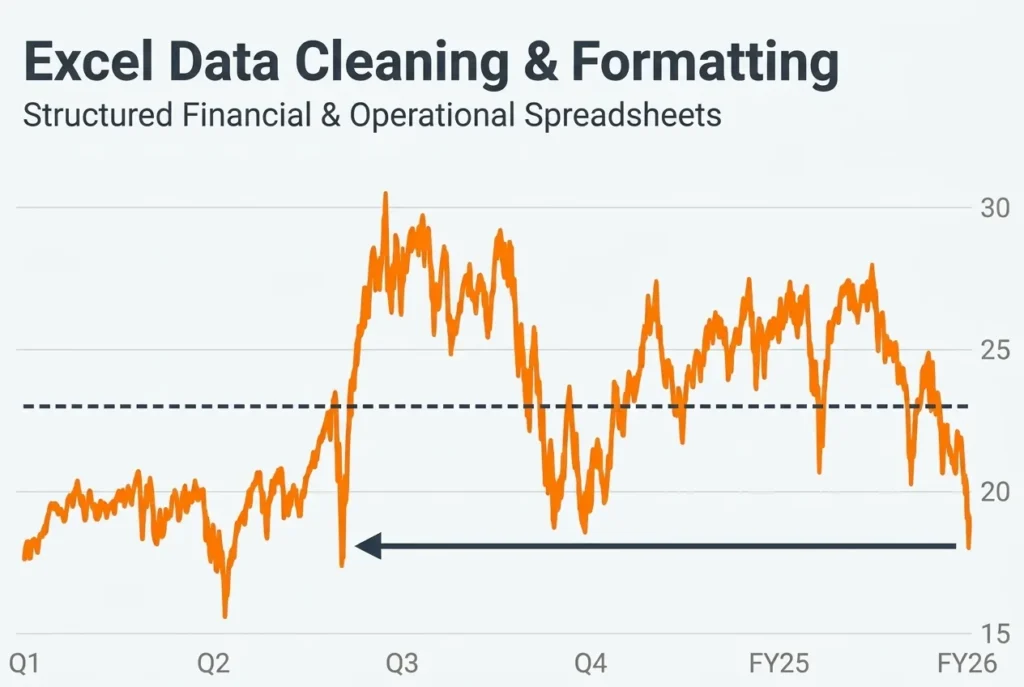
Audited 250 raw expense and revenue entries and built a clean, categorized monthly cash flow summary table in Excel.
A Micro Zinn is a small, fixed-price taster or micro service. indahrahajeng is offering this one for:
Skills showcasePortfolio builderService taster →Quick small jobOpen to new clientsZinner Quality Guarantee
Every Zinner is reviewed and approved before joining the platform.
All services are backed by our quality assurance commitment.
Your payment is protected until you approve the delivered work.
Customer Reviews
See what our customers say about this Zinn