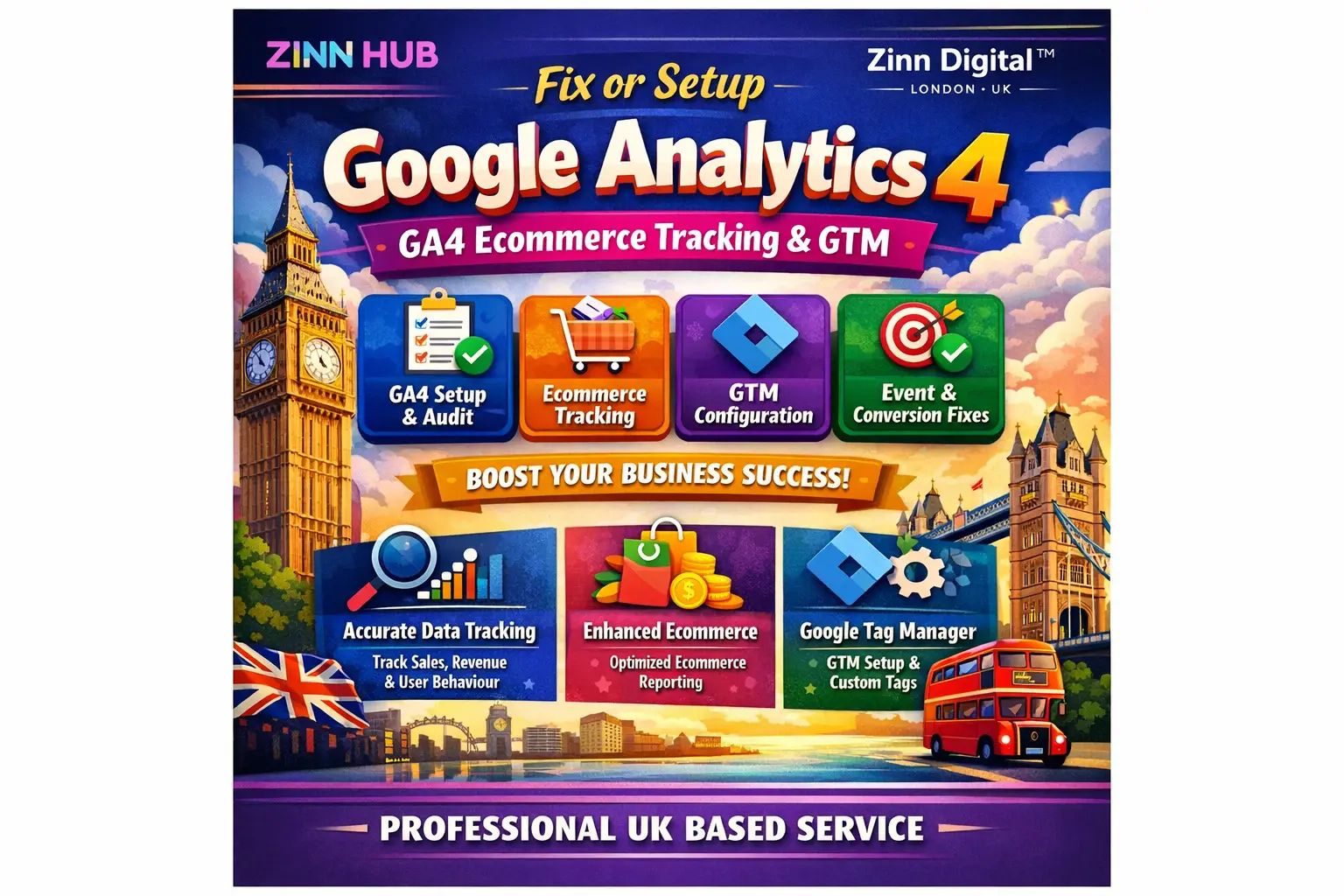

Get a professional GA4 and Google Tag Manager setup that accurately tracks every visitor, conversion, and purchase on your WordPress, Shopify, Magento, or custom website — so your data finally works for you.

I Will Set Up or Fix Google Analytics 4 and GTM Tracking
Core GA4 and GTM installation with essential tracking events configured and Google Signals enabled.
- GA4 property and GTM container installed and configured
- First visit, page view, and session-start events enabled
- Google Signals enabled for personalised ads and audiences
- Internal traffic blocked for clean reporting
- Google Ads Remarketing Tag and remarketing audience setup
- Admin access returned to you for both GA4 and GTM
Full foundation setup plus ecommerce purchase tracking, social platform tracking, and up to 5 conversion goals.
- Everything in the Foundation tier
- Ecommerce purchase tracking via data layer
- Social platform tracking configured
- Up to 5 conversion goals set up in GA4
- Form tracking including Contact Form 7
- Button click and outbound link tracking
Comprehensive tracking suite with all engagement events, ecommerce, social tracking, and up to 10 conversion goals for larger or more complex sites.
- Everything in the Standard tier
- Up to 10 conversion goals configured in GA4
- Scroll depth, site search, video engagement, and file download tracking
- Enhanced ecommerce data-layer tracking for complex catalogues
- Google Ads remarketing audiences built in GA4
- Priority configuration review via order chat
Request a Custom Offer
Log In to Request a Custom Offer
Create a free account or log in to request a personalised offer from this Zinner.
Log In / RegisterAsk a Pre-Sale Question
Log In to Ask a Question
To reduce platform spam, pre-sale messages can only be sent by logged-in users.
Create a free account or log in to message this Zinner directly.
Log In / RegisterAt a Glance
Key details about this service to help you decide. Generated by Zinn Hub, not the seller.
Value Position
Platform Coverage
Tracking Scope
Turnaround Time
Certification & Location
What You'll Receive
Full Description
If your analytics data is missing, inaccurate, or simply never configured properly, you are making marketing decisions in the dark. This service delivers a complete, certified Google Analytics 4 and Google Tag Manager implementation — built correctly from day one, or fixed if things have gone wrong.
As a Google-certified GA4, GTM, and Google Ads specialist with three years of hands-on experience based in London, England, and with over 100 ecommerce tracking implementations completed, every setup is carried out to current best-practice standards so you can trust your data and act on it with confidence.
**What You Receive**
The entry setup covers the full GA4 and GTM foundation: installing and configuring GA4 and GTM, enabling Google Signals for personalised ads and audience insights, blocking internal traffic so your reports are clean, and ensuring the core engagement events — first visit, page view, and session start — are firing correctly from day one.
The standard tier extends this to include social platform tracking, full ecommerce purchase tracking via the data layer, and up to five conversion goals — giving you a complete picture of the customer journey from first click to completed transaction.
The full-scope tier covers everything above, scaled up to ten conversion goals and a deeper tracking configuration, making it the right choice for busier stores and sites where precision reporting across multiple conversion types is essential.
All tiers include tag manager setup, analytics and tracking setup, and configuration work carried out inside your accounts — no third-party tools storing your data.
**How It Works**
Once your order is placed, share GA4 and GTM access with the seller's email — no need to hand over your Google account password. If you do not yet have GTM or GA4 accounts, they will be created and admin access handed back to you. For platforms such as WooCommerce and Shopify, website-level access is needed to enable the data layer. Full guidance is provided at every step via the order chat.
**Supported Platforms**
WooCommerce, Shopify, Magento, funnel pages (such as landing-page builders), Laravel, and other custom-built websites.
**Who This Is For**
E-commerce store owners who need reliable purchase and revenue tracking. Marketing managers who need clean, trustworthy GA4 data before running paid campaigns. Agencies or developers handing off a properly configured analytics stack to a client. Any business that has upgraded to GA4 but suspects the setup is incomplete or broken.
Accurate data is not a luxury — it is the foundation of every good marketing decision. Let a certified specialist get it right.
Zinner Quality Guarantee
Every Zinner is reviewed and approved before joining the platform.
All services are backed by our quality assurance commitment.
Your payment is protected until you approve the delivered work.
Compare Packages
| Feature | Foundation | Standard | Premium |
|---|---|---|---|
| Delivery Time | 1 days | 2 days | 3 days |
| Revisions | 1 | 1 | 2 |
| GA4 property and GTM container installed and configured | ✓ | ✕ | ✕ |
| First visit, page view, and session-start events enabled | ✓ | ✕ | ✕ |
| Google Signals enabled for personalised ads and audiences | ✓ | ✕ | ✕ |
| Internal traffic blocked for clean reporting | ✓ | ✕ | ✕ |
| Google Ads Remarketing Tag and remarketing audience setup | ✓ | ✕ | ✕ |
| Admin access returned to you for both GA4 and GTM | ✓ | ✕ | ✕ |
| Everything in the Foundation tier | ✕ | ✓ | ✕ |
| Ecommerce purchase tracking via data layer | ✕ | ✓ | ✕ |
| Social platform tracking configured | ✕ | ✓ | ✕ |
| Up to 5 conversion goals set up in GA4 | ✕ | ✓ | ✕ |
| Form tracking including Contact Form 7 | ✕ | ✓ | ✕ |
| Button click and outbound link tracking | ✕ | ✓ | ✕ |
| Everything in the Standard tier | ✕ | ✕ | ✓ |
| Up to 10 conversion goals configured in GA4 | ✕ | ✕ | ✓ |
| Scroll depth, site search, video engagement, and file download tracking | ✕ | ✕ | ✓ |
| Enhanced ecommerce data-layer tracking for complex catalogues | ✕ | ✕ | ✓ |
| Google Ads remarketing audiences built in GA4 | ✕ | ✕ | ✓ |
| Priority configuration review via order chat | ✕ | ✕ | ✓ |
Portfolio
Examples of the seller's work related to this Zinn.

Set Up or Fix Google Analytics 4 and GTM Tracking


Set Up or Fix Google Analytics 4 and GTM Tracking

Extra Information
Why Choose Me
Tools I Use
Perfect For
Frequently Asked Questions
You will need to share access to three things: your GA4 property, your GTM container, and your website (WooCommerce, Shopify, or similar) so the data layer can be enabled. If you do not yet have a GA4 or GTM account, these will be created for you and admin access handed back to you. Full instructions are provided via the order chat — no technical knowledge is required on your part.
No — you simply add the seller's email address as a user within your GA4 and GTM accounts. Step-by-step guidance is provided after your order is placed. If you are unsure how to do this, sharing your Google login details is also an option, though it is not required.
WooCommerce, Shopify, Magento, Laravel, funnel-page builders, and other custom-built websites are all supported. If you are on a platform not listed here, please get in touch before ordering to confirm compatibility.
Yes. Enhanced ecommerce tracking has been implemented on over 100 websites across a range of platforms. If your store runs on a different platform or uses a custom build, please reach out before ordering so the scope can be confirmed upfront.
A conversion goal in GA4 marks a specific user action as important — for example, a completed purchase, a form submission, or a phone-number click. The Standard tier includes five goals and the Premium tier includes ten. If you need more, an add-on is available.
Each setup is tested using GTM Preview mode and the GA4 DebugView before the order is marked as delivered. You will be able to see live events firing in your GA4 account. A written configuration report is also available as an add-on if you would like a full written summary of every tag, trigger, and goal configured.
No. All changes are made through Google Tag Manager, which operates independently of your website's core code. Tags are tested in preview mode before being published, so there is no risk to your site's performance or availability during the setup process.
Customer Reviews
See what our customers say about this Zinn

Bappi was awesome to work with! Although I was a little bit lost on how to provide him with the information he needed to get my Google Analytics set up, he walked me through it and exceeded my expectations with the final work. I will absolutely use him again for future projects!

I had problems with the tracking and didn't know how to solve it. Bappi not only solved this issue but also investigated further some problems with the cookie banner and gave me the necessary information to further improve the tracking for the WooCommerce shop. If you're looking for someone that actually knows what they're doing, then go with Bappi :)

Working with Bappi was an absolute pleasure. He set up Google Analytics, Google Tag Manager, and connected everything seamlessly with Google Ads, allowing me to track conversions and and understand exactly where my website visitors come from. He also took the time to jump on a Zoom call and patiently walk me through every question I had, making sure I fully understood the process. Everything was done efficiently and professionally. I’m very happy with the results and will definitely hire him again in the future.
Only logged in customers who have purchased this product may leave a review.