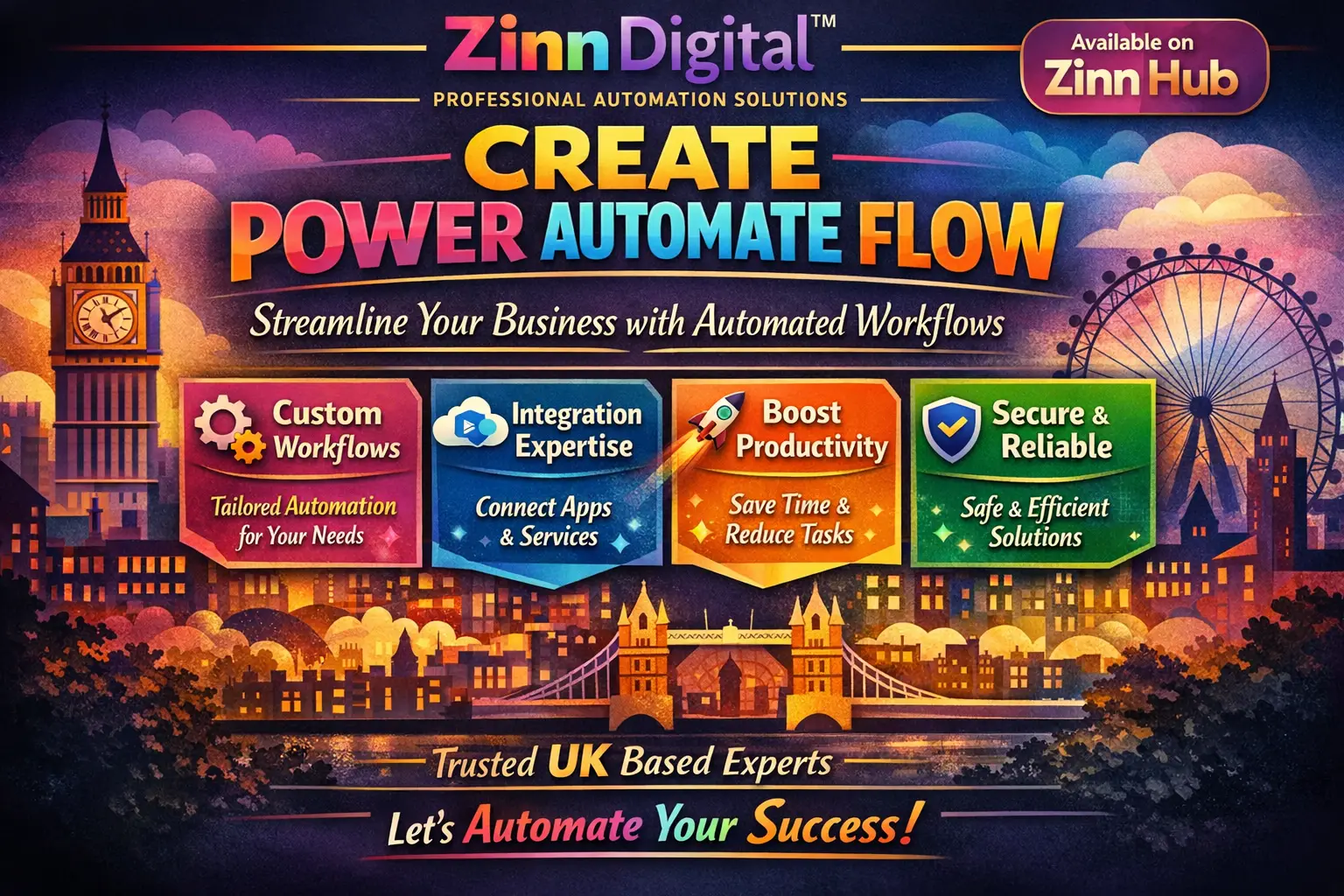


Get a custom Power Automate flow built by a London-based specialist. Automate your Office 365 processes — emails, files, approvals and more — saving you time and reducing manual effort every single day.

I Will Build a Professional Microsoft Power Automate Flow
A single, clean Power Automate Cloud flow built to automate one straightforward process.
- Single Power Automate Cloud flow
- One trigger with connected automated actions
- Suitable for simple, single-step or two-step automations
- Works with Microsoft 365 services (Outlook, OneDrive, SharePoint, Excel, etc.)
- Delivered ready to activate
- Support via order chat throughout
A more capable flow build covering moderately complex automations with additional steps or connected services.
- Power Automate Cloud flow of moderate complexity
- Multiple steps and/or connected services within the flow
- Suitable for automations involving conditions, loops or data logging
- Integration across two or more Microsoft 365 services
- Delivered ready to activate with notes on how the flow operates
- Support via order chat throughout
A comprehensive, fully tailored Power Automate solution for complex, multi-step or multi-service automation requirements.
- Complex Power Automate Cloud flow with advanced logic
- Multi-step automation spanning multiple connected services
- Conditions, approvals, loops and data handling as required
- Full scope discussed and scoped before build begins
- Delivered ready to activate with clear walkthrough notes
- Support via order chat throughout the build
Request a Custom Offer
Log In to Request a Custom Offer
Create a free account or log in to request a personalised offer from this Zinner.
Log In / RegisterAsk a Pre-Sale Question
Log In to Ask a Question
To reduce platform spam, pre-sale messages can only be sent by logged-in users.
Create a free account or log in to message this Zinner directly.
Log In / RegisterAt a Glance
Key details about this service to help you decide. Generated by Zinn Hub, not the seller.
Value Position
Automation Platform
Pre-Order Requirement
Base Turnaround
Use Case Fit
What You'll Receive
Full Description
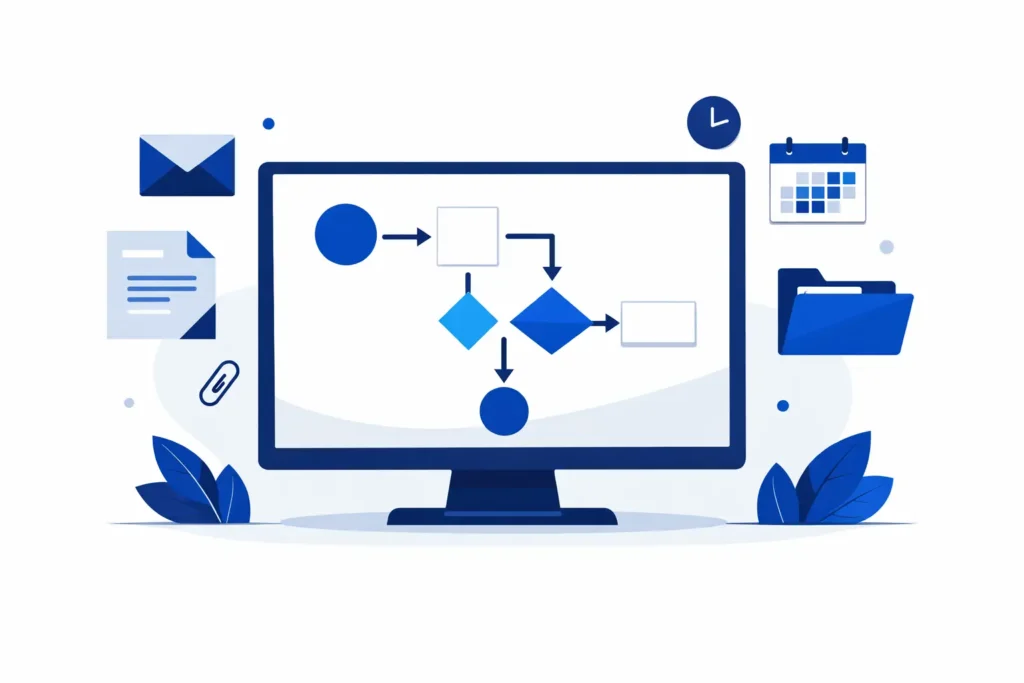
Stop wasting hours on repetitive tasks. Whether you are forwarding emails, moving files, logging data into spreadsheets, or triggering multi-step approval workflows, Power Automate can handle it automatically — and this service delivers exactly that, built and configured for you by a specialist team.
Based in London, England, Zinn Digital brings professional-grade automation expertise to Office 365 and the Microsoft 365 ecosystem. Every flow is tailored to your specific process, not copied from a template and handed over untested.
**What this service covers:**
Power Automate is remarkably versatile. Here are just a few examples of what can be automated:
— Email automation: trigger actions when emails arrive matching specific criteria — forward to the right person, extract attachments, log sender details and timestamps into Excel automatically.
— File and folder automation: when a file is created or modified in SharePoint, OneDrive or another connected location, trigger moves, renames, data extraction or notifications without lifting a finger.
— Data logging and record-keeping: capture form submissions, email data or approval responses into structured spreadsheets or lists in real time.
— Multi-step connected flows: chain together several services — Outlook, SharePoint, Teams, Excel, Forms and more — into one smooth automated process.
This service covers Power Automate Cloud flows. If you require Power Automate Desktop automation, simply mention this when you get in touch and it can be discussed accordingly.
**How it works:**
Once your order is placed, send through the details of what you need to automate — the platform, the trigger, what should happen and any connected services involved. The team will review your requirements, ask any clarifying questions via the order chat, and build a flow tailored precisely to your process. Delivery is fast and the solution is ready to use.
**Who this is for:**
This service suits businesses, teams and individuals using Microsoft 365 who want to eliminate repetitive manual work, reduce human error and free up time for higher-value tasks. Whether you are new to automation or have a specific process in mind, the team handles the technical side entirely.
All tiers are priced according to the scope and complexity of the automation required — from a single clean flow at entry level, through to a more capable build with a broader scope at the premium tier. If you are unsure which tier fits your project, describe your requirements in the order and the team will advise.
Zinner Quality Guarantee
Every Zinner is reviewed and approved before joining the platform.
All services are backed by our quality assurance commitment.
Your payment is protected until you approve the delivered work.
Compare Packages
| Feature | Basic | Boost | Premium |
|---|---|---|---|
| Delivery Time | 1 days | 2 days | 4 days |
| Revisions | 1 | 2 | 3 |
| Single Power Automate Cloud flow | ✓ | ✕ | ✕ |
| One trigger with connected automated actions | ✓ | ✕ | ✕ |
| Suitable for simple, single-step or two-step automations | ✓ | ✕ | ✕ |
| Works with Microsoft 365 services (Outlook, OneDrive, SharePoint, Excel, etc.) | ✓ | ✕ | ✕ |
| Delivered ready to activate | ✓ | ✕ | ✕ |
| Support via order chat throughout | ✓ | ✓ | ✕ |
| Power Automate Cloud flow of moderate complexity | ✕ | ✓ | ✕ |
| Multiple steps and/or connected services within the flow | ✕ | ✓ | ✕ |
| Suitable for automations involving conditions, loops or data logging | ✕ | ✓ | ✕ |
| Integration across two or more Microsoft 365 services | ✕ | ✓ | ✕ |
| Delivered ready to activate with notes on how the flow operates | ✕ | ✓ | ✕ |
| Complex Power Automate Cloud flow with advanced logic | ✕ | ✕ | ✓ |
| Multi-step automation spanning multiple connected services | ✕ | ✕ | ✓ |
| Conditions, approvals, loops and data handling as required | ✕ | ✕ | ✓ |
| Full scope discussed and scoped before build begins | ✕ | ✕ | ✓ |
| Delivered ready to activate with clear walkthrough notes | ✕ | ✕ | ✓ |
| Support via order chat throughout the build | ✕ | ✕ | ✓ |
Portfolio
Examples of the seller's work related to this Zinn.

Build a Professional Microsoft Power Automate Flow


Build a Professional Microsoft Power Automate Flow
Extra Information
Why Choose Me
Perfect For
My Process
Frequently Asked Questions
Please share as much detail as possible about the process you want to automate: the trigger (what starts the flow), the steps that should happen, and which Microsoft 365 services or applications are involved. The more context you provide, the faster the build can begin. If anything is unclear, the team will follow up via the order chat.
This service primarily covers Power Automate Cloud flows, which connect and automate actions across Microsoft 365 services such as Outlook, SharePoint, OneDrive, Teams, Excel and more. If you require Power Automate Desktop automation (for automating actions on your local machine or desktop applications), please mention this in your order requirements — it can be accommodated and is available as an add-on.
Once the flow is built and tested, it will be shared with you via the order. Depending on your setup, this may involve exporting the flow package or providing step-by-step instructions for importing it into your Microsoft 365 environment. Full delivery notes are included so you can activate it straight away.
A simple flow typically involves one trigger and one or two automated actions — for example, receiving an email and logging it to a spreadsheet. A moderate flow might include conditions (if/else logic), multiple steps, or data being passed between two or more services. A complex flow involves advanced logic such as approvals, loops, error handling, or orchestrating several services in sequence. If you are unsure, describe your requirements and the team will recommend the appropriate tier.
Power Automate supports connections across the full Microsoft 365 suite including Outlook, SharePoint, OneDrive, Microsoft Teams, Excel, Microsoft Forms, Planner, Dataverse and many third-party connectors. If you use a specific service or application, mention it in your requirements so compatibility can be confirmed before work begins.
Each tier includes a set number of revisions. If the delivered flow does not perform as described in your requirements, raise it in the order chat and the issue will be investigated and corrected. Clear requirements at the outset help ensure the build matches your expectations first time.
Power Automate Cloud has hundreds of connectors including non-Microsoft services. If your automation involves a third-party service, include those details in your requirements and the team will confirm whether it is supported within the scope of your chosen tier.
Customer Reviews
See what our customers say about this Zinn

Great Work!

As always, I love working with Neil. He's very helpful, kind, fast, knowledgeable, and always there to help when required. I'm planning to work with him again in future. Thanks for being amazing Neil! :)

Awesome work ! Very happy with the result.

Great Job .we will come back

Awesome to work with. That's all that needs to be said about that.
Only logged in customers who have purchased this product may leave a review.