
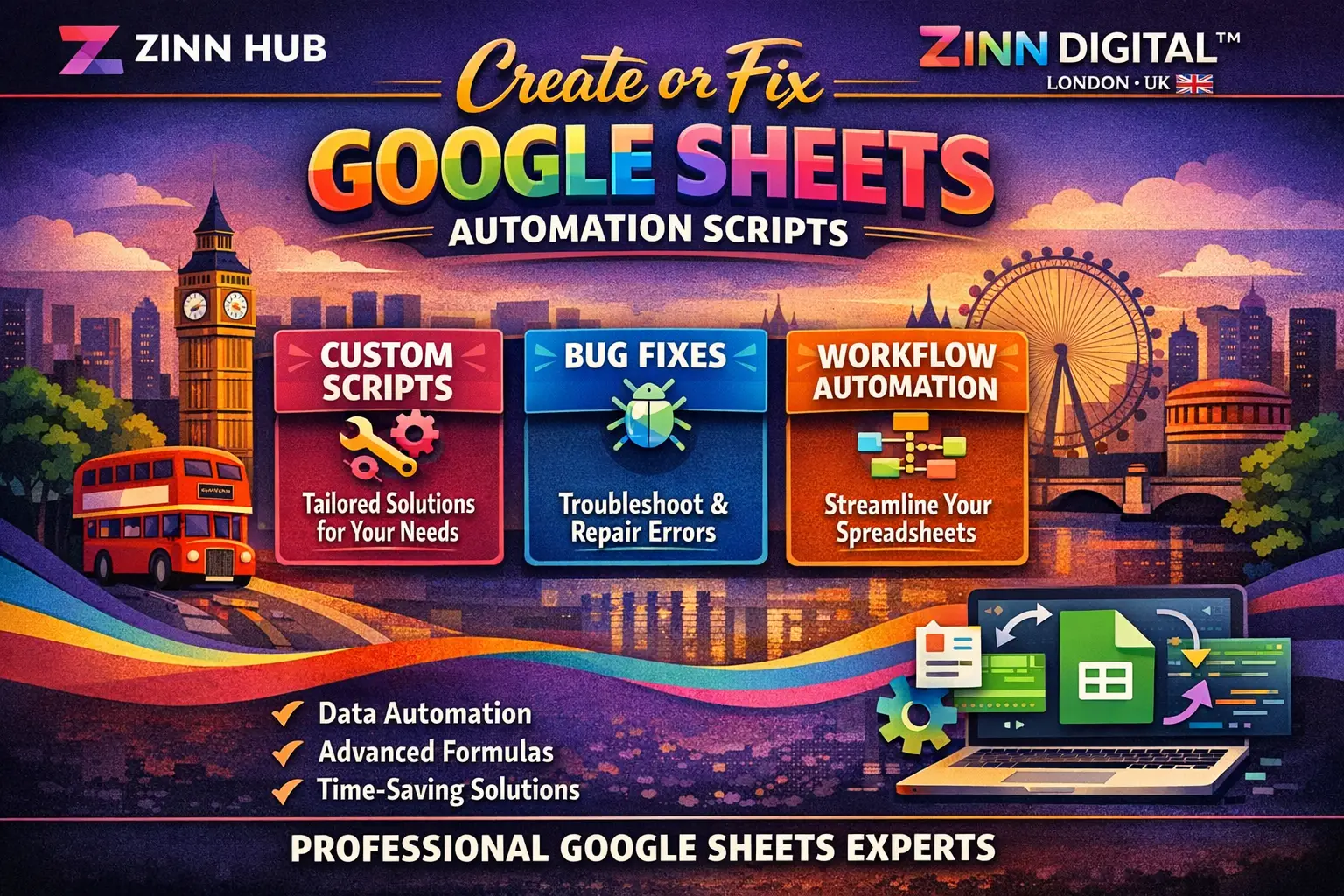

Get a custom Google Apps Script built or fixed fast — automate repetitive tasks, process data, send emails, and save hours every week with a clean, working solution delivered to your spreadsheet.

I Will Build or Fix Your Google Sheets Automation Script
One small script or macro for a single data-processing task — ideal for a quick fix or a straightforward trigger.
- 1 Google Apps Script macro or automation
- Covers tasks such as onEdit triggers, custom formulas, or a quick fix
- Full source code included
- Works within a single Google Sheet
- Delivery in 1 day
- 1 revision included
Two scripts or macros for slightly more complex workflows — great for automations that span multiple steps or sheets.
- 2 Google Apps Script macros or automations
- Suitable for multi-step or cross-sheet data processing
- Triggers, email sending, formatting or data cleanup included
- Full source code included for all scripts
- Delivery in 2 days
- 1 revision included
Five scripts or macros for comprehensive Google Workspace automation — ideal for full workflow builds, CRM setups, or integrations.
- 5 Google Apps Script macros or automations
- Complex workflows: invoicing, mail merge, API/Firebase, Calendar, Drive exports
- Multi-sheet and multi-file data processing supported
- Custom menus, buttons or dashboard logic included where needed
- Full source code included for all scripts
- 2 revisions included
Request a Custom Offer
Log In to Request a Custom Offer
Create a free account or log in to request a personalised offer from this Zinner.
Log In / RegisterAsk a Pre-Sale Question
Log In to Ask a Question
To reduce platform spam, pre-sale messages can only be sent by logged-in users.
Create a free account or log in to message this Zinner directly.
Log In / RegisterAt a Glance
Key details about this service to help you decide. Generated by Zinn Hub, not the seller.
Value Position
Automation Scope
Source Code Included
Turnaround Time
Pre-Order Requirement
What You'll Receive
Full Description
If your spreadsheet is eating up hours of manual work, a well-written Google Apps Script changes everything. Whether you need a quick fix, a smart trigger, or a multi-step automation that runs entirely on its own, this service delivers working, source-code-included scripts built around exactly what your workflow requires.
Google Apps Script (GAS) sits at the heart of everything Google Workspace touches — Sheets, Docs, Drive, Gmail, Forms, Calendar, and beyond. Used correctly, it removes the repetitive clicks, the copy-paste errors, and the overnight data crunching that slow teams down. This service gives you that power without needing to write a single line of code yourself.
Here is what can be built or fixed for you:
— onEdit, onChange and time-based triggers
— Custom formulas and macro-based data processing
— Automatic formula dragging and conditional formatting
— Data transfer and processing across multiple sheets or files
— Sending emails and mail merges directly from Google Sheets via Gmail
— Saving sheets automatically as PDF, DOC, CSV, JSON or HTML to Google Drive
— Invoice generation and sending from Sheets
— Inventory tracking and automatic updates
— CRM management within Google Sheets
— Adding and removing Google Calendar events programmatically
— Google Maps distance calculations
— Duplicate removal and unique ID generation
— Google Forms integration
— API and Firebase database integration
— Shopify data processing
— Custom menus, buttons and dashboards
— And much more — if you do not see your use case listed, simply ask before ordering
Each delivery includes the full source code, so your team can maintain or extend the script in the future. Nothing is locked away.
HOW IT WORKS:
Start by reaching out before placing your order. A brief conversation about your exact requirements ensures the right package is selected, the scope is clear, and delivery goes smoothly. Once the order is placed, share your spreadsheet and a description of what the script should do. Everything from that point is handled professionally, with communication throughout the order.
WHO THIS IS FOR:
Small business owners managing data manually, operations teams running MIS or reporting workflows, e-commerce sellers processing Shopify data, finance teams generating invoices, HR teams running mail merges, and developers who need a reliable specialist to handle the Google Workspace automation layer.
Please message before ordering so the correct scope can be confirmed and your delivery time can be guaranteed.
Zinner Quality Guarantee
Every Zinner is reviewed and approved before joining the platform.
All services are backed by our quality assurance commitment.
Your payment is protected until you approve the delivered work.
Compare Packages
| Feature | Basic | Boost | Premium |
|---|---|---|---|
| Delivery Time | 1 days | 2 days | 5 days |
| Revisions | 1 | 1 | 2 |
| 1 Google Apps Script macro or automation | ✓ | ✕ | ✕ |
| Covers tasks such as onEdit triggers, custom formulas, or a quick fix | ✓ | ✕ | ✕ |
| Full source code included | ✓ | ✕ | ✕ |
| Works within a single Google Sheet | ✓ | ✕ | ✕ |
| Delivery in 1 day | ✓ | ✕ | ✕ |
| 1 revision included | ✓ | ✓ | ✕ |
| 2 Google Apps Script macros or automations | ✕ | ✓ | ✕ |
| Suitable for multi-step or cross-sheet data processing | ✕ | ✓ | ✕ |
| Triggers, email sending, formatting or data cleanup included | ✕ | ✓ | ✕ |
| Full source code included for all scripts | ✕ | ✓ | ✓ |
| Delivery in 2 days | ✕ | ✓ | ✕ |
| 5 Google Apps Script macros or automations | ✕ | ✕ | ✓ |
| Complex workflows: invoicing, mail merge, API/Firebase, Calendar, Drive exports | ✕ | ✕ | ✓ |
| Multi-sheet and multi-file data processing supported | ✕ | ✕ | ✓ |
| Custom menus, buttons or dashboard logic included where needed | ✕ | ✕ | ✓ |
| 2 revisions included | ✕ | ✕ | ✓ |
Portfolio
Examples of the seller's work related to this Zinn.

Build or Fix Your Google Sheets Automation Script


Build or Fix Your Google Sheets Automation Script

Extra Information
Perfect For
My Process
Tools I Use
Frequently Asked Questions
Yes — please reach out before ordering. A short conversation about your requirements ensures the right package is selected, avoids any misunderstanding about scope, and means your delivery time can be confirmed in advance. Orders placed without prior discussion may be delayed while scope is clarified.
Share your Google Sheet (or a sample version with dummy data if the data is sensitive), a clear description of what the script should do, and any specific triggers or conditions it should respond to. The more detail you provide upfront, the faster and more accurately your script can be delivered.
If you have one small task — a trigger, a fix, or a custom formula — the Basic package is the right fit. If your workflow involves two connected automations or a slightly more complex process, choose Boost. For larger builds involving multiple scripts, integrations, or a full workflow, the Premium package is the appropriate choice. When in doubt, message first for a recommendation.
Yes, all packages include the full source code. It is delivered directly inside your Google Sheet via the Apps Script editor, so you and your team can view, maintain, or extend it at any time.
Google Apps Script is a scripting language built on JavaScript that allows you to automate and extend Google Workspace applications — including Sheets, Docs, Gmail, Drive, Calendar and Forms. It runs in the cloud, requires no installation, and can be triggered automatically based on time, user actions, or external events.
Yes. Google Apps Script supports API calls to external services and can integrate with Firebase databases and platforms such as Shopify. If your project requires an integration not explicitly listed, please describe it before ordering so the scope can be assessed.
A revision covers adjustments to the delivered script that fall within the originally agreed scope. If the requirements change or expand significantly after delivery, that would be treated as additional work. Clear requirements at the start of the order help avoid any confusion here.
Customer Reviews
See what our customers say about this Zinn

Always great

Thanks and well done

Asir had great communication and delivered a script that is going to help my business tremendously. I highly recommend using his services and I will be reaching out to him again!

Very helpful and quick!
Only logged in customers who have purchased this product may leave a review.