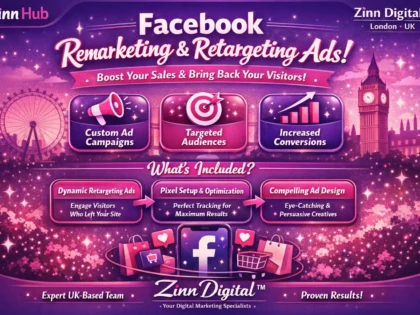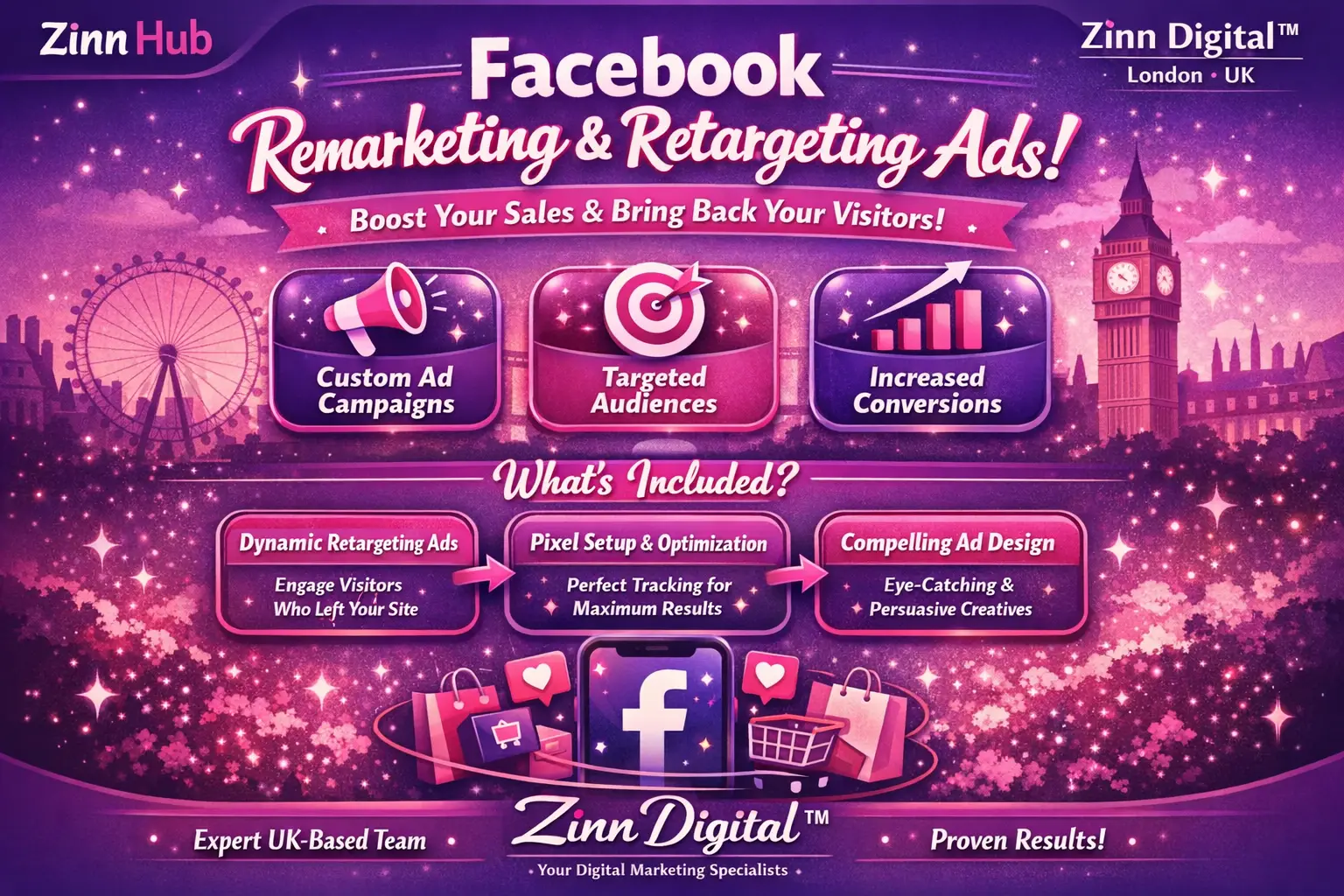
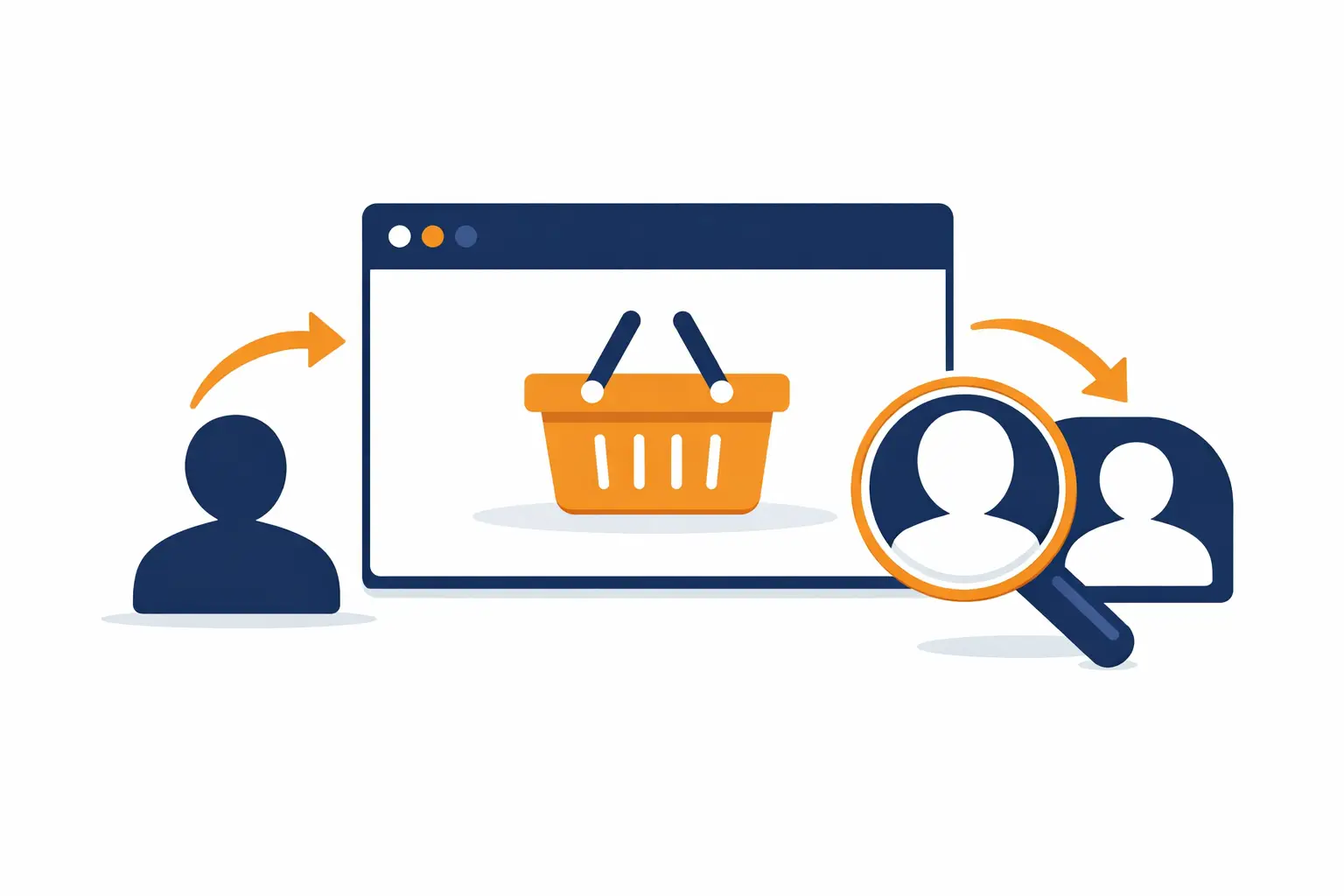
Re-engage warm audiences and turn lost visitors into paying customers with a fully built Facebook remarketing campaign — pixel setup, custom audiences, and conversion-focused ads handled for you.

I Will Set Up Your Facebook Remarketing & Retargeting Campaigns
Core remarketing setup: pixel, audiences, and one conversion-focused ad — ready to launch in two days.
- Facebook Pixel setup or third-party remarketing app integration
- 3 custom remarketing audiences built and configured
- Target audience research tailored to your business
- Ad content creation for 1 remarketing ad
- Full campaign setup and structure
- Suitable for e-commerce and service businesses
Expanded campaign with three ads, 14-day active management, optimisation, and a full analytics report.
- Everything in Essential, scaled up
- 3 remarketing ads created and deployed
- 14-day active campaign management
- Campaign optimisation for maximum effectiveness
- Ads analytical report delivered at close of management period
- Target audience research and full campaign setup included
Full-service remarketing: five ads, 30-day management, current campaign audit, and a strategic action plan.
- Everything in Boost, at full scale
- 5 remarketing ads created and deployed
- Audit of your current campaigns with findings included
- Written action plan for ongoing remarketing strategy
- 30-day active campaign management and optimisation
- Ads analytical report delivered at close of management period
Request a Custom Offer
Log In to Request a Custom Offer
Create a free account or log in to request a personalised offer from this Zinner.
Log In / RegisterAsk a Pre-Sale Question
Log In to Ask a Question
To reduce platform spam, pre-sale messages can only be sent by logged-in users.
Create a free account or log in to message this Zinner directly.
Log In / RegisterAt a Glance
Key details about this service to help you decide. Generated by Zinn Hub, not the seller.
Value Position
Campaign Focus
Pixel & Audience Setup
Tier Differences
Turnaround & Revisions
What You'll Receive
Full Description
If someone visited your website, browsed your products, or engaged with your brand but didn't convert — they are your warmest possible audience. Facebook remarketing lets you follow up with precision, keeping your brand front of mind and pulling those near-buyers back to complete the action you want.
This service handles the full technical and strategic setup of your Facebook remarketing campaigns, so you can stop leaving warm traffic on the table.
**What's included across all tiers:**
Every package begins with Facebook Pixel installation or third-party remarketing app integration (tailored to your niche), target audience research, and custom remarketing audience creation. Campaigns are built specifically for your business — not templated copy-paste work — with ad content created and campaigns fully configured and ready to run.
**Why remarketing works:**
Retargeting re-engages users who have already shown genuine interest in what you offer. The result is enhanced reach, stronger brand recall, and meaningfully higher conversion rates compared to cold prospecting alone. Staying consistently visible to warm audiences builds trust and accelerates buying decisions.
**How the process works:**
Once your order is placed, you'll be asked to provide access credentials, any existing ad creatives you'd like used, and relevant business details. From there, the pixel or integration is set up, your remarketing audiences are built, and your campaigns are structured and launched. Larger packages add campaign optimisation, analytical reporting, a full audit of any existing campaigns, and a written action plan for ongoing performance.
**Who this is for:**
This service is ideal for e-commerce store owners, direct-to-consumer brands, service businesses, and any advertiser who already has website traffic and wants to convert more of it. It suits both businesses launching remarketing for the first time and those looking to professionalise or scale an existing setup.
**Why Zinn Digital:**
Based in London, England, Zinn Digital brings hands-on expertise in Facebook remarketing campaign strategy and setup, with a focus on customised retargeting solutions built around your specific business needs and niche. Every campaign is built to drive real conversions and measurable return on ad spend — not vanity metrics.
If you have your own ad creatives, please share them when placing your order. For bespoke scopes beyond what the packages cover, get in touch via the order chat to discuss requirements.
Zinner Quality Guarantee
Every Zinner is reviewed and approved before joining the platform.
All services are backed by our quality assurance commitment.
Your payment is protected until you approve the delivered work.
Compare Packages
| Feature | Essential | Boost | Premium |
|---|---|---|---|
| Delivery Time | 2 days | 14 days | 30 days |
| Revisions | 0 | 0 | 0 |
| Facebook Pixel setup or third-party remarketing app integration | ✓ | ✕ | ✕ |
| 3 custom remarketing audiences built and configured | ✓ | ✕ | ✕ |
| Target audience research tailored to your business | ✓ | ✕ | ✕ |
| Ad content creation for 1 remarketing ad | ✓ | ✕ | ✕ |
| Full campaign setup and structure | ✓ | ✕ | ✕ |
| Suitable for e-commerce and service businesses | ✓ | ✕ | ✕ |
| Everything in Essential, scaled up | ✕ | ✓ | ✕ |
| 3 remarketing ads created and deployed | ✕ | ✓ | ✕ |
| 14-day active campaign management | ✕ | ✓ | ✕ |
| Campaign optimisation for maximum effectiveness | ✕ | ✓ | ✕ |
| Ads analytical report delivered at close of management period | ✕ | ✓ | ✓ |
| Target audience research and full campaign setup included | ✕ | ✓ | ✕ |
| Everything in Boost, at full scale | ✕ | ✕ | ✓ |
| 5 remarketing ads created and deployed | ✕ | ✕ | ✓ |
| Audit of your current campaigns with findings included | ✕ | ✕ | ✓ |
| Written action plan for ongoing remarketing strategy | ✕ | ✕ | ✓ |
| 30-day active campaign management and optimisation | ✕ | ✕ | ✓ |
Portfolio
Examples of the seller's work related to this Zinn.

Set Up Your Facebook Remarketing & Retargeting Campaigns

Set Up Your Facebook Remarketing & Retargeting Campaigns

Extra Information
Why Choose Me
Perfect For
My Process
Frequently Asked Questions
All Facebook remarketing audiences should include at least 1,000 people to be eligible for delivery. If your audience is smaller than this, Facebook will not show your ads. It's worth ensuring your website has a reasonable level of traffic before launching remarketing campaigns.
Building a retargeting audience based on website visitors typically takes at least 30 days, though this can be shorter or longer depending on your traffic volume. The pixel or tracking integration needs to be in place before you can begin collecting audience data — which is why early setup is so important.
You'll need to share access to your Facebook Ads Manager (or Business Manager), your website details, and any existing ad creatives you'd like used. Full instructions are requested at checkout, and the team will follow up via order chat if anything additional is needed.
Yes, you will need an active Facebook Ads Manager account. If you don't have one yet, please set one up before placing your order — you'll also need a verified payment method attached to the account so campaigns can run once configured.
Ad spend is separate from this service fee and is paid directly to Facebook. As a general guide, most brands allocate 10–40% of their total advertising budget to retargeting, with the remainder going towards prospecting. The right balance depends on your traffic volume and overall marketing goals.
The Premium package includes a full audit of your current campaigns before setup begins, so any existing activity is reviewed and taken into account. If you're on the Essential or Boost package and have existing campaigns, please mention this in the order chat so the setup can be planned accordingly.
Yes, ad content creation is included in every package. If you have your own approved creatives or brand assets you'd like used, please share them when you place your order — this can help ensure the ads are on-brand from the outset.
The Essential package delivers a fully configured campaign ready to run. The Boost and Premium packages include active management and optimisation over 14 or 30 days respectively, followed by a full analytical report. After delivery, you retain full ownership and control of all campaigns in your Ads Manager.
Customer Reviews
See what our customers say about this Zinn

Expert service.
Only logged in customers who have purchased this product may leave a review.