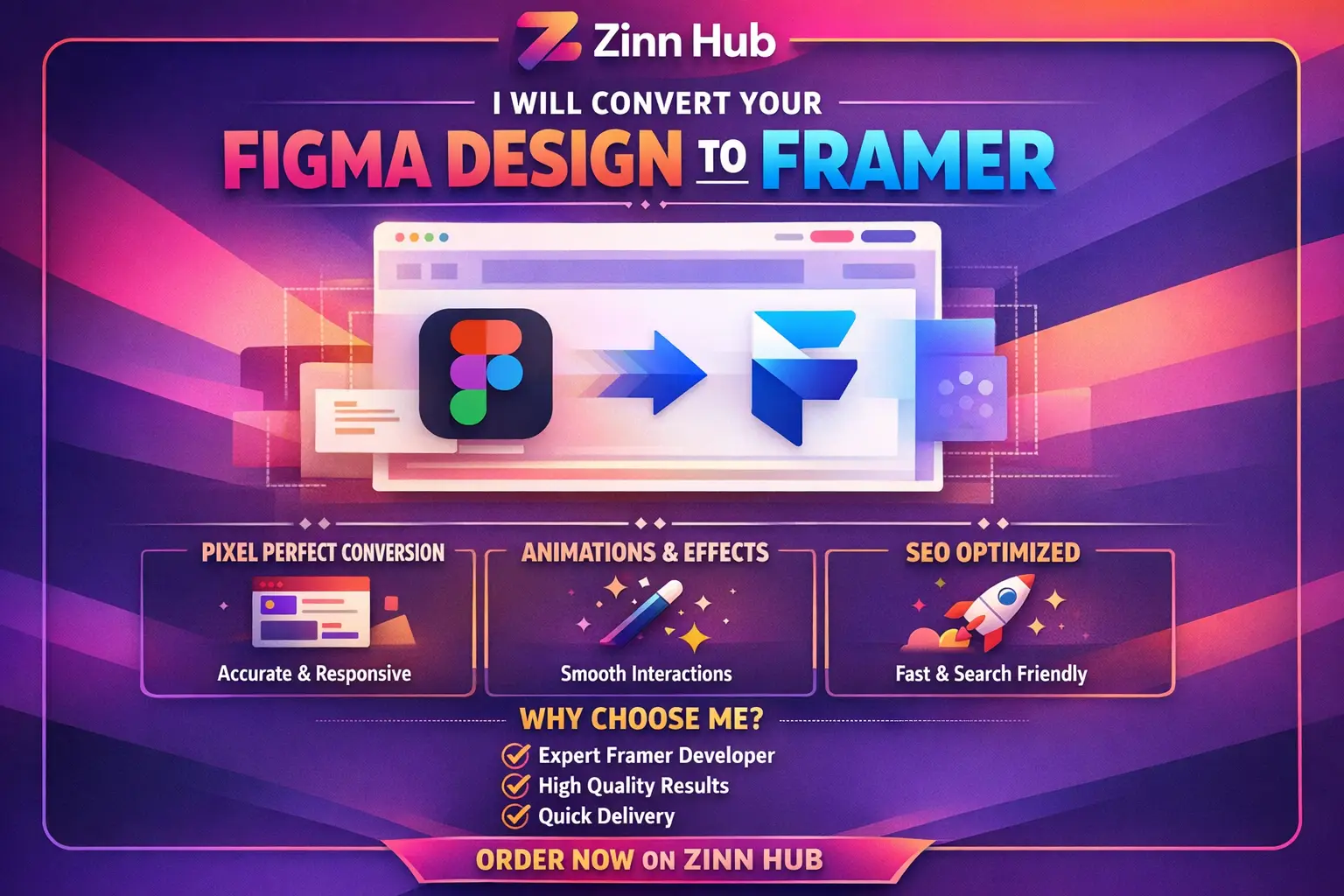
Convert 1 page of your Figma design into Framer | Graphic Design Studio

convert your figma design to framer
Request a Custom Offer
Log In to Request a Custom Offer
Create a free account or log in to request a personalised offer from this Zinner.
Log In / RegisterAsk a Pre-Sale Question
Log In to Ask a Question
To reduce platform spam, pre-sale messages can only be sent by logged-in users.
Create a free account or log in to message this Zinner directly.
Log In / RegisterAt a Glance
Key details about this service to help you decide. Generated by Zinn Hub, not the seller.
Value Position
Tech Stack
Page Scope
Turnaround Time
E-commerce Ready
Full Description
Are you a creative professional looking to bring your Figma designs to life with interactivity and animation? Look no further! Zinn Digital®'s specialised service seamlessly transforms your Figma designs into dynamic, interactive prototypes in Framer. Experience the power of high-fidelity prototyping and take your designs to the next level.
Why choose Zinn Digital®'s Figma to Framer conversion service?
- Enhanced Interactivity
- Responsive Design on all device sizes
- Content Upload Capabilities (premium)
- E-commerce Functionality (premium)
- Seamless Integration
What we need from you to get started:
- Figma design file
- Brand identity (optional)
- Your business name and logo
- Brief about your business, target market, and services
- Competitors (optional)
Based in London, England, we're ready to help transform your static designs into engaging, interactive experiences. Don't hesitate to drop us a message if you have any questions. Let's get in touch and take your business to the next level!
This Zinn Will Include (Basic)
Convert 1 page of your Figma design into Framer
Delivery: 5 days
Revisions: None
Includes:
• Functional website
• Number of pages: 1
• Responsive design
• Content upload
• Plugins/extensions installation: 1
• Number of products: 3
• Speed optimization
• Social media icons
Upgrade Options
Choose an upgrade addon to get more features:
| Feature | Basic | Boost Upgrade | Premium Upgrade |
|---|---|---|---|
| Delivery | 5 days | 10 days | 14 days |
| Revisions | None | None | None |
| Functional website | ✓ | ✓ | ✓ |
| Number of pages | 1 | 5 | 10 |
| Responsive design | ✓ | ✓ | ✓ |
| Content upload | ✓ | ✓ | ✓ |
| Plugins/extensions installation | 1 | 3 | 5 |
| Number of products | 3 | 9 | 12 |
| Speed optimization | ✓ | ✓ | ✓ |
| Social media icons | ✓ | ✓ | ✓ |
| Additional page | ✗ | ✗ | ✗ |
| Opt-in form | ✗ | ✓ | ✓ |
| E-commerce functionality | ✗ | ✗ | ✓ |
| Payment Integration | ✗ | ✗ | ✓ |
| Hosting setup | ✗ | ✗ | ✓ |
Zinner Quality Guarantee
Every Zinner is reviewed and approved before joining the platform.
All services are backed by our quality assurance commitment.
Your payment is protected until you approve the delivered work.
Extra Information
Chat With Us
Frequently Asked Questions
It's a cloud-based design tool used for interface design, graphic design, and prototyping. Figma allows multiple users to collaborate in real-time on design projects.
Yes, Framer is another design tool, but it has a specific focus on interactive and responsive web and mobile prototyping. It's known for its advanced capabilities in creating complex animations and interactions.
No, this gig only converts Figma designs to Framer. For website design, please see our other gigs.
Yes, we can connect your Framer website with your domain
Customer Reviews
See what our customers say about this Zinn

I really enjoyed working with them. The attention to detail and the quality of the design is fantastic. I will always recommend them and will use them for future projects.
As always, it's a pleasure working with them.
Only logged in customers who have purchased this product may leave a review.