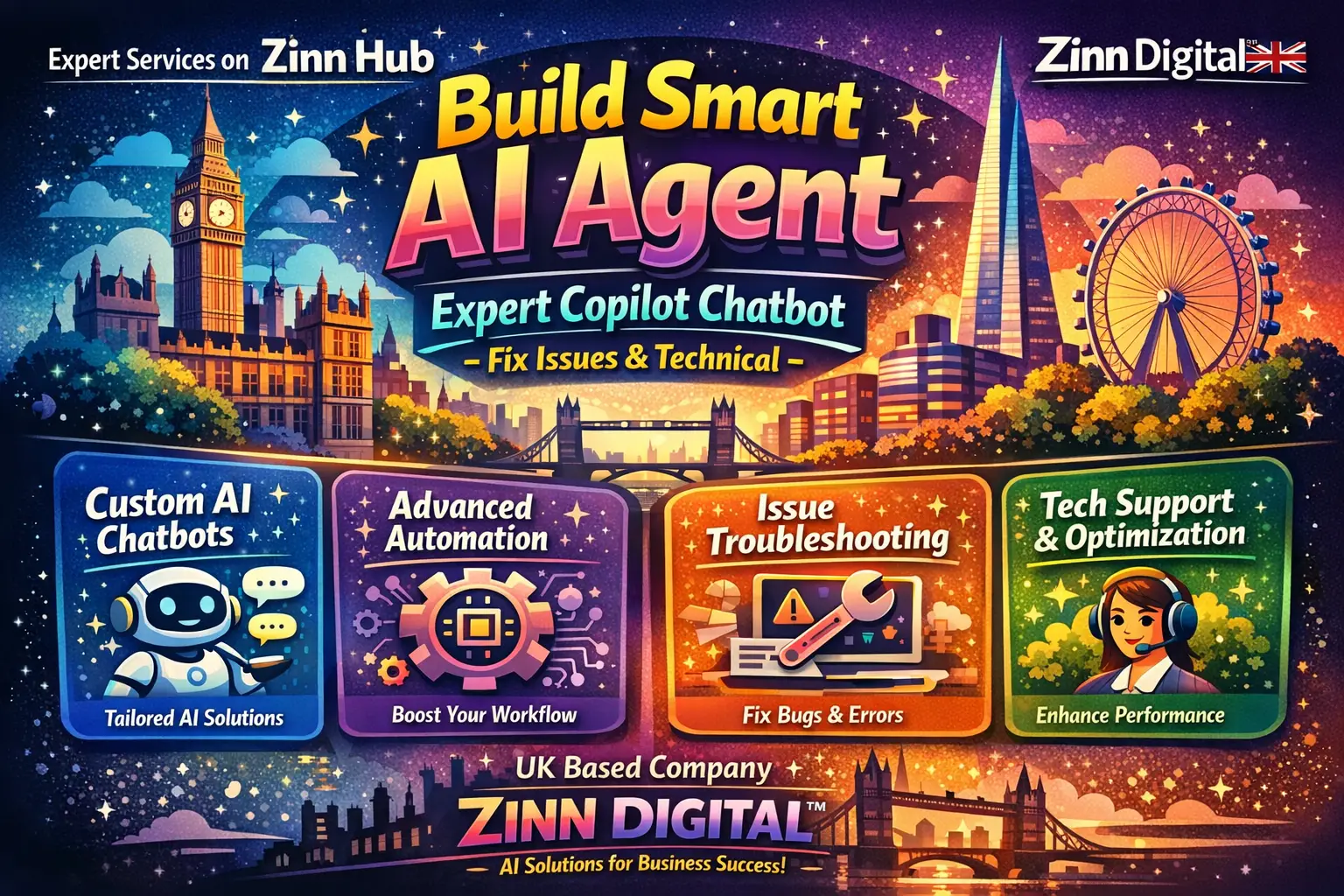

Get expert Microsoft Copilot Studio and Azure AI support — whether you need a consultation, a fully built intelligent agent, or a broken bot fixed by a specialist with 20+ real-world implementations.

I Will Build or Fix Your Microsoft Copilot AI Agent or Chatbot
A focused one-hour expert session to diagnose, advise, and plan your Copilot or Azure AI project.
- 1-hour Copilot Studio / Azure AI expert consultation
- AI LLM model integration guidance
- Retrieval-Augmented Generation (RAG) advisory
- Bug diagnosis and configuration review
- Actionable recommendations for your specific setup
- 1 revision to the session scope or focus
A fully configured agent with conversational journeys and CRM or database integration, ready to handle real user interactions.
- Everything in Consultation, plus full agent build
- AI LLM model integration and RAG implementation
- Pre-set conversational journey design
- CRM or database integration
- Microsoft 365 ecosystem connectivity (Teams, SharePoint, Power Automate)
- 2 revisions to the delivered build
A production-ready, enterprise-grade agent with authentication, multi-language support, and full integration — built to scale.
- Everything in Boost Build, plus advanced enterprise features
- User authentication for secure, personalised experiences
- Multi-language support for broader audience reach
- Full Microsoft 365 and website or social platform integration
- Suitable for customer-facing or internal enterprise deployments
- 3 revisions to the delivered solution
Request a Custom Offer
Log In to Request a Custom Offer
Create a free account or log in to request a personalised offer from this Zinner.
Log In / RegisterAsk a Pre-Sale Question
Log In to Ask a Question
To reduce platform spam, pre-sale messages can only be sent by logged-in users.
Create a free account or log in to message this Zinner directly.
Log In / RegisterAt a Glance
Key details about this service to help you decide. Generated by Zinn Hub, not the seller.
Value Position
Platform Specialisation
Scope of Work
Upgrade Unlocks
Engagement Model
What You'll Receive
Full Description
If your business needs a smarter way to handle enquiries, automate internal operations, or finally fix that Copilot setup that simply is not working — you are in the right place.
Zinn Digital® is a London-based AI specialist with over 20 real-world implementations delivered across multiple industries. The focus is Microsoft Copilot Studio and Azure AI: building intelligent, scalable, and reliable agents that genuinely serve your business rather than adding complexity to it.
**What this service covers**
Whether you are starting from scratch or already have something broken that needs attention, this service is built around your situation. Engagements range from a focused one-hour consultation — ideal for diagnosing issues, mapping out a build strategy, or getting unstuck — through to a fully developed agent with CRM integration, user authentication, and multi-language capability.
Every tier includes AI LLM model integration and Retrieval-Augmented Generation (RAG), so your agent draws on real knowledge rather than guessing. Higher tiers add pre-set conversational journeys to guide users through structured interactions, direct integration with your CRM or database, user authentication for secure personalised experiences, and multi-language support to serve a broader audience.
**Integrations supported**
Agents built or configured here can connect seamlessly with websites, social platforms, and the full Microsoft 365 ecosystem — including Teams, SharePoint, OneDrive, and Power Automate. Cold-calling agent setups and customer-facing bots that handle enquiries around the clock are also within scope.
**Who this is for**
This service suits business owners who want to automate customer interactions without needing a technical background, IT teams who have hit a wall with a Copilot configuration, developers seeking expert guidance on Azure AI architecture, and individuals or teams who want hands-on training in Copilot Studio.
**How it works**
Once your order is placed, share your project details via the order chat. The work begins with a clear understanding of your goals, existing setup (if any), and the outcome you need. You will receive hands-on, patient support regardless of your technical level — the aim is always a real, working solution, not a demo that collapses under real conditions.
**Why Zinn Digital®**
With 20+ successful implementations, deep expertise across Microsoft platforms, and a track record spanning multiple industries, Zinn Digital® brings the kind of practical, battle-tested experience that saves you time and budget. Support is patient and thorough — no assumption of prior technical knowledge required.
Zinner Quality Guarantee
Every Zinner is reviewed and approved before joining the platform.
All services are backed by our quality assurance commitment.
Your payment is protected until you approve the delivered work.
Compare Packages
| Feature | Consultation | Boost Build | Premium Agent |
|---|---|---|---|
| Delivery Time | 1 days | 4 days | 7 days |
| Revisions | 1 | 2 | 3 |
| 1-hour Copilot Studio / Azure AI expert consultation | ✓ | ✕ | ✕ |
| AI LLM model integration guidance | ✓ | ✕ | ✕ |
| Retrieval-Augmented Generation (RAG) advisory | ✓ | ✕ | ✕ |
| Bug diagnosis and configuration review | ✓ | ✕ | ✕ |
| Actionable recommendations for your specific setup | ✓ | ✕ | ✕ |
| 1 revision to the session scope or focus | ✓ | ✕ | ✕ |
| Everything in Consultation, plus full agent build | ✕ | ✓ | ✕ |
| AI LLM model integration and RAG implementation | ✕ | ✓ | ✕ |
| Pre-set conversational journey design | ✕ | ✓ | ✕ |
| CRM or database integration | ✕ | ✓ | ✕ |
| Microsoft 365 ecosystem connectivity (Teams, SharePoint, Power Automate) | ✕ | ✓ | ✕ |
| 2 revisions to the delivered build | ✕ | ✓ | ✕ |
| Everything in Boost Build, plus advanced enterprise features | ✕ | ✕ | ✓ |
| User authentication for secure, personalised experiences | ✕ | ✕ | ✓ |
| Multi-language support for broader audience reach | ✕ | ✕ | ✓ |
| Full Microsoft 365 and website or social platform integration | ✕ | ✕ | ✓ |
| Suitable for customer-facing or internal enterprise deployments | ✕ | ✕ | ✓ |
| 3 revisions to the delivered solution | ✕ | ✕ | ✓ |
Portfolio
Examples of the seller's work related to this Zinn.
Build or Fix Your Microsoft Copilot AI Agent or Chatbot

Build or Fix Your Microsoft Copilot AI Agent or Chatbot
Extra Information
Why Choose Me
Tools I Use
Perfect For
Frequently Asked Questions
Please share a description of your project, your current setup (if one exists), the platforms you are using, and the outcome you are hoping to achieve. The more context you can give, the faster work can begin. If anything additional is needed, the team will follow up via the order chat.
Yes, absolutely. Diagnosing and fixing existing Copilot Studio or Azure AI configurations is a core part of this service. The Consultation tier is a great starting point for this, and larger fixes can be scoped into the Boost or Premium packages depending on complexity.
Agents can be integrated with Microsoft Teams, SharePoint, OneDrive, and Power Automate, as well as websites and social platforms. CRM or database integrations are available in the Boost Build and Premium Agent tiers.
Yes. The service is designed to be accessible to clients at any technical level. Support is patient and hands-on, and explanations are tailored to your background. No prior knowledge of Copilot Studio or Azure AI is required.
Revisions apply to adjustments within the agreed scope of the order — for example, changing a conversational journey, tweaking integration behaviour, or refining responses. Out-of-scope additions would be treated as a new or expanded order.
Training and tutoring for individuals and teams is within the scope of what Zinn Digital® offers. If team training is your primary goal, the Consultation tier is a good starting point; for ongoing training as part of a build, mention this in your project brief and it can be discussed.
Depending on the nature of the work, delivery may include a video recording of the session, a cloud link to configured assets, or files via the order manager. The exact format will be confirmed based on your specific project requirements.
The Boost Build covers the core agent build with conversational journeys and CRM or database integration. The Premium Agent adds user authentication (so the bot can recognise and personalise interactions for individual users) and multi-language support — making it suitable for larger or enterprise-level deployments.
Customer Reviews
See what our customers say about this Zinn

Neil was extremely professional and efficient. He quickly identified the issue in my Virtual Agent Copilot and found the right solution in no time. I really appreciated his expertise and how smoothly he handled the situation. Excellent support!! Recommend!

It was a pleasure working with you.

Neil is an incredible resource with a deep understanding, fantastic conversational skills and infinite patience. We built something very useful in a short amount of time.

Neil is building a robust project management agent for our construction company. The project is being delivered in two phases, and the first phase has gone very well. Communication has been clear, progress has been strong, and we’re looking forward to starting the final phase and seeing the full agent integration in action.

It was great working with Neil. He was very professional, patient and committed to completing the project to our satisfaction.
Only logged in customers who have purchased this product may leave a review.