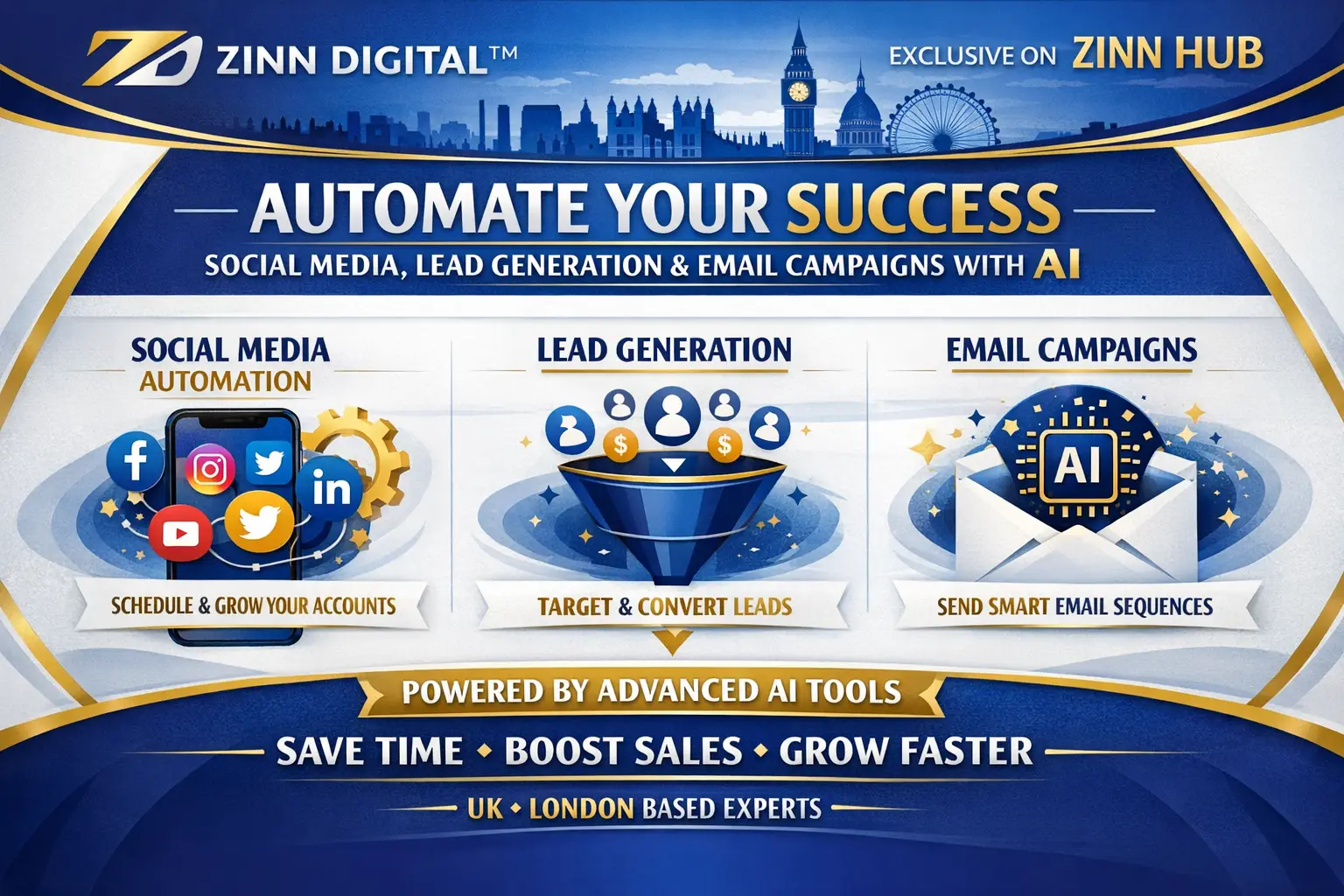

Get a fully automated client acquisition system — social media scraping, personalised outreach, and email campaigns all connected in one no-code dashboard built with Make.com, Airtable, and Mailchimp.

I Will Build an AI-Powered Lead Generation and Email Automation System
Single platform lead scraping setup with Airtable database — the essential foundation for automated lead capture.
- 1 social media platform integration (e.g. LinkedIn)
- Automated keyword-triggered data extraction via Apify
- Clean, deduplicated contact data stored in Airtable
- Basic Airtable database structure configured
- Make.com scenario built and tested
- Delivered as a live, working automation
Expanded scraping with intelligent outreach workflows and survey routing — your full lead capture and qualification layer.
- Everything in Starter
- Up to 2 platform integrations (e.g. LinkedIn + Instagram)
- Automated outreach workflow with Survey A / B assignment
- Dynamic Google Forms dispatched based on source or campaign
- Form submission and engagement tracking in Airtable
- Real-time Airtable KPI dashboard with live updates
The complete end-to-end system — scraping, outreach, survey routing, and full Mailchimp email marketing automation in one unified pipeline.
- Everything in Boost
- Full Mailchimp email marketing automation integrated
- Personalised email sequences with embedded video support
- Audience targeting based on behaviours and survey responses
- Open rate, click-through, and performance tracking surfaced in dashboard
- End-to-end pipeline tested across all connected platforms
Request a Custom Offer
Log In to Request a Custom Offer
Create a free account or log in to request a personalised offer from this Zinner.
Log In / RegisterAsk a Pre-Sale Question
Log In to Ask a Question
To reduce platform spam, pre-sale messages can only be sent by logged-in users.
Create a free account or log in to message this Zinner directly.
Log In / RegisterAt a Glance
Key details about this service to help you decide. Generated by Zinn Hub, not the seller.
Value Position
Automation Stack
Lead Sources
Delivery Type
Best For
What You'll Receive
Full Description
Stop chasing leads manually. This service builds you a fully automated client acquisition and engagement workflow — so your business discovers potential customers, nurtures them with personalised outreach, and tracks every interaction, all without lifting a finger after setup.
Using Make.com, Airtable, Apify, and Mailchimp, a complete no-code automation system is assembled around your goals. You define the target audience and platform; the system does the rest.
**What Gets Built For You**
Automated Social Media Scraping — Keywords trigger data extraction from platforms such as LinkedIn, Instagram, Reddit, and Facebook. Contact information, comments, and post interactions are collected automatically, deduplicated, and stored cleanly inside Airtable.
Intelligent Outreach Workflows — New contacts are automatically assigned to Survey A or B based on their source or campaign. Dynamic Google Forms are dispatched accordingly, and all form submissions and engagement signals are tracked in real time without any manual intervention.
Real-Time Dashboard and KPIs — An Airtable dashboard gives you live visibility over every metric that matters: contacts acquired, emails delivered, survey responses, and engagement rates. No guesswork, no spreadsheet wrangling.
Email Marketing Automation via Mailchimp — Personalised email sequences — including embedded video capability — are triggered automatically based on survey responses and behavioural signals. Open rates, click-throughs, and campaign performance are tracked and surfaced directly in your dashboard.
**How It Works**
Once your order is placed, details about your target platform, keywords, and campaign goals are collected. The system is then configured and tested end-to-end before delivery. You receive a working, live automation — not a template or a guide.
**Who This Is For**
This service is ideal for founders, marketing teams, sales professionals, consultants, and agencies who want to replace repetitive manual outreach with a reliable, scalable automated pipeline. If you are spending hours prospecting on social media or managing contact lists by hand, this system is built for you.
**Why Zinn Digital**
Zinn Digital specialises exclusively in no-code automation and CRM workflow builds. Every system delivered uses the same stack — Make.com, Airtable, Apify, Mailchimp — meaning the integrations are proven, the logic is clean, and the dashboards are genuinely usable from day one. This is not a generic automation; it is a purpose-built acquisition engine tailored to your platform and campaign.
Zinner Quality Guarantee
Every Zinner is reviewed and approved before joining the platform.
All services are backed by our quality assurance commitment.
Your payment is protected until you approve the delivered work.
Compare Packages
| Feature | Starter | Boost | Premium |
|---|---|---|---|
| Delivery Time | 2 days | 4 days | 6 days |
| Revisions | 0 | 0 | 0 |
| 1 social media platform integration (e.g. LinkedIn) | ✓ | ✕ | ✕ |
| Automated keyword-triggered data extraction via Apify | ✓ | ✕ | ✕ |
| Clean, deduplicated contact data stored in Airtable | ✓ | ✕ | ✕ |
| Basic Airtable database structure configured | ✓ | ✕ | ✕ |
| Make.com scenario built and tested | ✓ | ✕ | ✕ |
| Delivered as a live, working automation | ✓ | ✕ | ✕ |
| Everything in Starter | ✕ | ✓ | ✕ |
| Up to 2 platform integrations (e.g. LinkedIn + Instagram) | ✕ | ✓ | ✕ |
| Automated outreach workflow with Survey A / B assignment | ✕ | ✓ | ✕ |
| Dynamic Google Forms dispatched based on source or campaign | ✕ | ✓ | ✕ |
| Form submission and engagement tracking in Airtable | ✕ | ✓ | ✕ |
| Real-time Airtable KPI dashboard with live updates | ✕ | ✓ | ✕ |
| Everything in Boost | ✕ | ✕ | ✓ |
| Full Mailchimp email marketing automation integrated | ✕ | ✕ | ✓ |
| Personalised email sequences with embedded video support | ✕ | ✕ | ✓ |
| Audience targeting based on behaviours and survey responses | ✕ | ✕ | ✓ |
| Open rate, click-through, and performance tracking surfaced in dashboard | ✕ | ✕ | ✓ |
| End-to-end pipeline tested across all connected platforms | ✕ | ✕ | ✓ |
Portfolio
Examples of the seller's work related to this Zinn.
Build an AI-Powered Lead Generation and Email Automation System


Build an AI-Powered Lead Generation and Email Automation System

Extra Information
Perfect For
Tools I Use
My Process
Frequently Asked Questions
The system supports LinkedIn, Instagram, Reddit, and Facebook. The Starter package covers one platform; Boost and Premium can cover two or more. Let us know your priority platform when you place your order.
No. The entire system is built using no-code tools — Make.com, Airtable, Apify, and Mailchimp. Once delivered, you manage everything through your Airtable dashboard without touching any code.
You will need to share your target platform, the keywords or search criteria you want to use, and any existing Airtable or Mailchimp account credentials where the system should be built. Full details are requested after purchase.
Yes. The Make.com scenarios, Airtable bases, and Mailchimp sequences are built inside your own accounts. You have full ownership and ongoing control of everything delivered.
When a new contact is added to your Airtable database, Make.com automatically assigns them to Survey A or B based on criteria such as their source platform or campaign tag, then sends the appropriate Google Form link. All responses flow back into Airtable automatically.
The packages are scoped builds rather than iterative design work, so revisions are not included in the standard packages. If something is not working as specified, it will of course be corrected. Additional scope changes can be discussed via the order chat.
Free tiers exist for all three platforms and are sufficient for getting started. Depending on your data volumes and automation run frequency, you may eventually need a paid plan — this is worth reviewing before ordering so expectations are clear from the outset.
Customer Reviews
See what our customers say about this Zinn
Only logged in customers who have purchased this product may leave a review.