Table of Contents
A website redesign is one of the most impactful investments a business can make — and one of the riskiest if handled poorly. Done right, a redesign improves conversions, strengthens your brand, and boosts search rankings. Done wrong, it can destroy years of SEO progress overnight, break functionality your customers depend on, and cost far more than you budgeted.
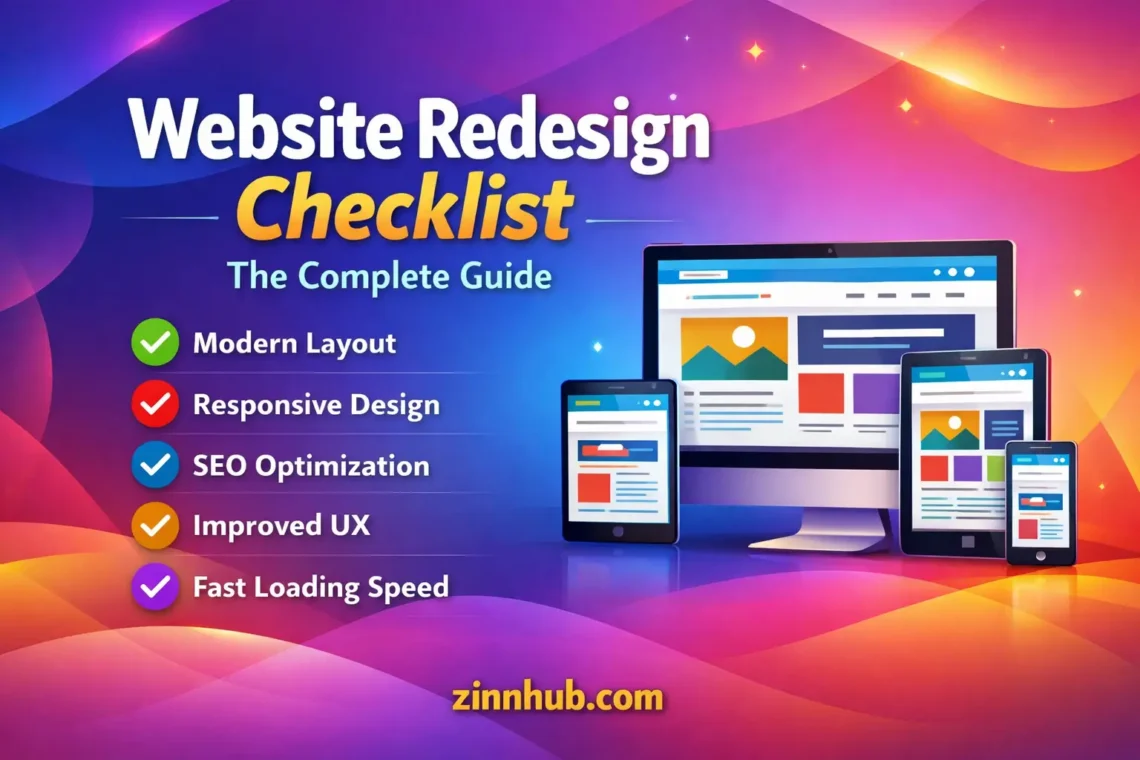
This checklist covers every phase of a website redesign, from initial planning through post-launch monitoring. Use it as your roadmap whether you’re managing the project yourself or working with a freelance designer or developer.
Phase 1 — Pre-Redesign Planning
Before anyone opens a design tool or writes a line of code, you need answers to these fundamental questions. Skipping this phase is the number one reason redesigns go over budget and under-deliver.
Define Your Goals
Why are you redesigning? Without specific, measurable objectives, you can’t evaluate whether the redesign succeeded. Common goals include:
- Increase conversion rate from X% to Y%
- Reduce bounce rate on key landing pages
- Improve mobile experience and Core Web Vitals scores
- Update brand identity to match business evolution
- Add functionality the current site can’t support
- Improve site speed and performance
- Make content management easier for your team
Write these goals down. Every design and development decision should be evaluated against them.
Audit Your Current Site
Before you change anything, document what you have. You need to understand what’s working well (so you don’t accidentally break it) and what’s failing (so you prioritise fixing it).
- Analytics review — Which pages get the most traffic? Which have the highest conversion rates? Which have the highest bounce rates? Export this data
- Content inventory — List every page on your current site. Note which pages to keep, update, merge, or delete. This prevents content from being lost during migration
- SEO baseline — Document your current keyword rankings, organic traffic, backlink profile, and indexed pages. You’ll compare these post-launch to measure impact
- Technical audit — Check site speed, mobile responsiveness, broken links, crawl errors, and Core Web Vitals. These are your benchmarks
- User feedback — What do customers actually complain about? What questions does your support team answer repeatedly? Real user feedback is more valuable than design opinions
Set Your Budget and Timeline
Website redesigns almost always cost more and take longer than expected. Build in contingency — typically 20-30% buffer on both budget and timeline. Key budget considerations:
- Design (UX research, wireframes, visual design, prototyping)
- Development (front-end, back-end, integrations, migration)
- Content (rewriting, new copy, photography, video)
- SEO (redirect mapping, meta data, schema, technical SEO)
- Testing (QA, cross-browser, device testing, user testing)
- Post-launch support (bug fixes, optimisation, monitoring)
If you’re hiring freelancers for any of these phases, browse service categories on Zinn Hub to compare pricing and find specialists for each specific phase.
Phase 2 — SEO Preservation (Critical)
This is where most redesigns go catastrophically wrong. If your current site has organic search traffic, protecting those rankings during a redesign is non-negotiable. Losing rankings means losing revenue, and recovery can take months.
URL Mapping and Redirects
Create a complete mapping of every old URL to its new equivalent. Every page that changes URL needs a 301 redirect. This is tedious but essential.
- Export all current URLs from your sitemap and Google Search Console
- Map each old URL to its new URL in a spreadsheet
- Implement 301 redirects for every URL change before launch
- Test every redirect after implementation
- Handle pages being deleted with redirects to the most relevant remaining page
Preserve On-Page SEO Elements
- Migrate existing meta titles and descriptions (or improve them)
- Maintain heading structure (H1, H2, H3 hierarchy)
- Keep or improve internal linking structure
- Preserve image alt text
- Maintain or update structured data (schema markup)
- Keep URL structures clean and logical
Maintain Technical SEO
- Update XML sitemap with all new URLs
- Update robots.txt
- Ensure canonical tags are correct on all pages
- Verify hreflang tags if you have multilingual content
- Check that the new site doesn’t accidentally block crawlers
- Submit updated sitemap to Google Search Console immediately after launch
Phase 3 — Design
UX Research and Wireframes
Start with structure, not aesthetics. Wireframes define the layout, hierarchy, and user flow before any visual design happens. This is where you solve usability problems — trying to fix UX issues during visual design is expensive and frustrating.
- Map out user journeys for your primary conversion goals
- Create wireframes for key page templates (homepage, service pages, product pages, blog, contact)
- Test wireframes with real users if possible (even informal testing with 5 people reveals major issues)
- Get stakeholder approval on wireframes before moving to visual design
Visual Design
- Design key templates based on approved wireframes
- Define a design system (colours, typography, spacing, components) for consistency
- Design for mobile first, then scale up to desktop
- Consider accessibility (contrast ratios, font sizes, interactive element sizes)
- Create a style guide that developers can reference during build
Phase 4 — Content
Content is frequently the bottleneck in redesign projects because it’s left until last. Start content work in parallel with design.
- Rewrite underperforming pages — Pages with high traffic but low conversion need better copy, not just better design
- Create missing content — Identify gaps from your content audit. Are there service pages missing? FAQ content that would help conversions?
- Optimise for keywords — Update content to target current search terms, not keywords from years ago
- Prepare images and media — New design means new image sizes, formats, and potentially new photography or video
- Write microcopy — Button labels, form fields, error messages, success messages, tooltips. These small details significantly impact usability
Phase 5 — Development and Build
Development Checklist
- Build on a staging environment (never develop on the live site)
- Implement responsive design across all breakpoints
- Optimise for performance from the start (image compression, lazy loading, minimal JavaScript, efficient CSS)
- Implement all 301 redirects
- Set up analytics tracking (Google Analytics 4, conversion tracking, event tracking)
- Configure forms and integrate with your CRM/email platform
- Implement schema markup (Organisation, LocalBusiness, FAQ, Product, etc.)
- Set up SSL certificate and ensure all pages load over HTTPS
- Generate and submit XML sitemap
- Configure robots.txt
Integration Checks
- Payment gateways working correctly
- Email forms sending to the right addresses
- CRM integration capturing leads properly
- Third-party tools (chat, analytics, advertising pixels) all installed
- Social media sharing previews displaying correctly (Open Graph tags)
Phase 6 — Testing
Never launch without thorough testing. This phase catches issues that are cheap to fix before launch and expensive to fix after.
- Cross-browser testing — Chrome, Firefox, Safari, Edge at minimum
- Device testing — Desktop, tablet, mobile (test on actual devices, not just browser emulators)
- Functionality testing — Every form, button, link, menu item, search function, and interactive element
- Content review — Check every page for typos, placeholder text, missing images, and broken formatting
- Performance testing — Run Google PageSpeed Insights and Core Web Vitals checks. Fix critical issues before launch
- SEO testing — Verify all redirects work, check meta data on every key page, validate structured data, crawl the staging site with Screaming Frog
- Accessibility testing — Check keyboard navigation, screen reader compatibility, and colour contrast
- Load testing — If you expect high traffic, test that the server handles it
Phase 7 — Launch
Launch Day Checklist
- Deploy to production during a low-traffic period
- Verify all redirects are working (spot-check at least 20)
- Submit updated sitemap to Google Search Console
- Test all forms and conversion paths on the live site
- Verify analytics tracking is firing on all pages
- Check that no staging URLs or placeholder content went live
- Monitor server performance for the first few hours
- Have your developer on standby for emergency fixes
Phase 8 — Post-Launch Monitoring
The work doesn’t stop at launch. The first 30 days after a redesign are critical for catching issues and validating that your goals are being met.
Week 1
- Monitor Google Search Console for crawl errors, 404s, and indexing issues daily
- Check analytics for unexpected traffic drops on key pages
- Fix any broken links or redirect issues immediately
- Gather user feedback (bugs, confusion, complaints)
Week 2-4
- Compare organic traffic and rankings against your pre-launch baseline
- Monitor conversion rates on key pages
- Run Core Web Vitals checks on live site
- Address any remaining bugs or UX issues reported by users
Month 2-3
- Comprehensive SEO comparison — rankings, organic traffic, indexed pages
- Conversion rate analysis across all key funnels
- A/B test any pages that aren’t meeting conversion targets
- Plan iterative improvements based on real user data
Finding the Right Help for Your Redesign
Unless you have an in-house team covering design, development, content, and SEO, you’ll need external help. The most common approach is hiring specialists for each phase rather than one generalist for everything.
Browse services on Zinn Hub to find verified web designers, developers, content writers, and SEO specialists. Each seller has real buyer reviews and transparent pricing, and your payment is protected until the work is delivered. Whether you need a complete redesign from one provider or individual specialists for each phase, you’ll find the right match.
Planning to sell web design or development services yourself? Zinn Hub’s marketplace is where businesses come to find verified professionals for exactly this kind of project.