Table of Contents
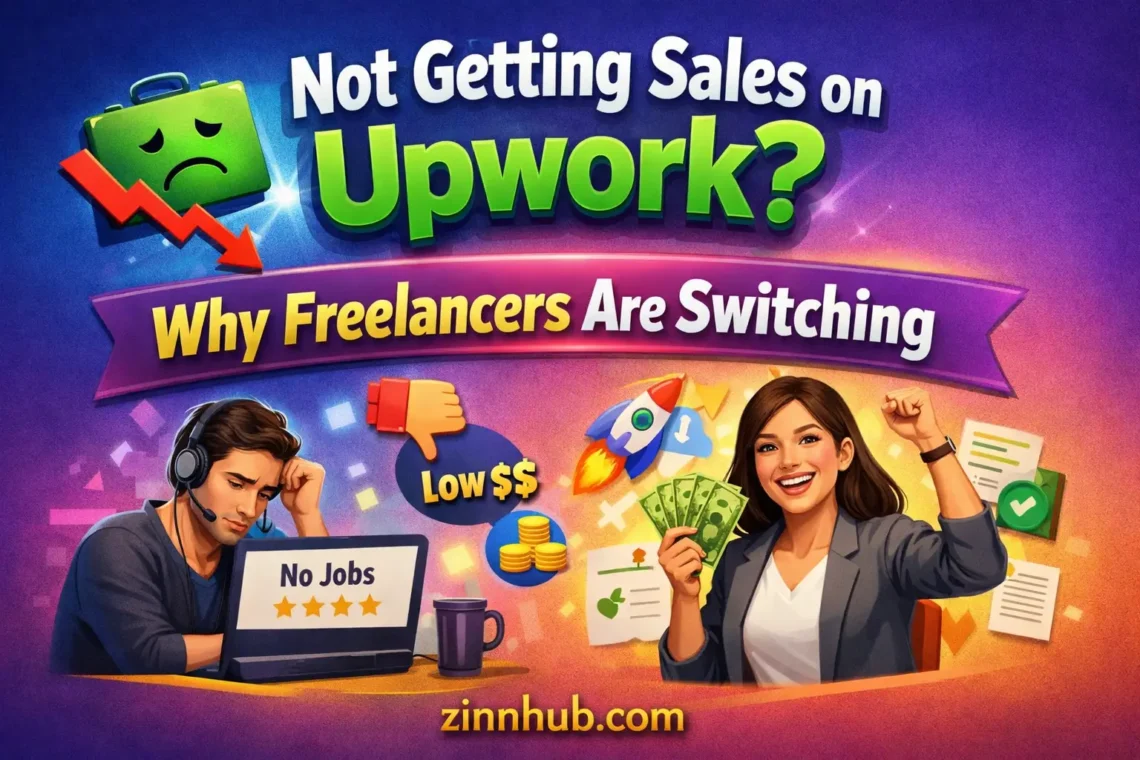
You’re spending hours every day writing custom proposals on Upwork. You’re buying Connects. You’re dropping your rates to compete. And you’re still not winning projects. Your Job Success Score won’t budge because you can’t get jobs, and you can’t get jobs because your score and review count are too low for clients to trust you.
This isn’t a reflection of your skills. It’s a reflection of Upwork’s marketplace design — a system that works brilliantly for the top 10% of freelancers and leaves everyone else fighting over scraps. If you understand why the system works against you, you can make better decisions about where to invest your time.
Why Upwork’s Model Works Against New Freelancers
The Connects Tax
Upwork charges Connects — essentially bidding tokens — for every proposal you submit. The more competitive the job, the more Connects it costs. You get a small number of free Connects each month, but serious job-seekers burn through them in days and have to purchase more.
This means you’re paying to apply for jobs you probably won’t get. For new freelancers with low win rates, Connects represent a genuine ongoing cost with no guarantee of return. You’re spending money before earning any.
The Job Success Score Trap
Upwork’s Job Success Score (JSS) is a proprietary metric that heavily influences your search ranking and your ability to win jobs. Clients see it prominently on your profile and use it as a quick filter.
The problem: JSS is calculated based on completed contracts, client feedback, and long-term client relationships. New freelancers with few completed contracts have volatile or non-existent scores. A single mediocre review can tank your JSS because the sample size is so small. And once your JSS drops below 80%, you become nearly invisible in search results.
Proposal Overload
Popular job postings on Upwork receive 20-50+ proposals within the first hour. Clients don’t read all of them — they typically review the first 5-10 and shortlist from there. Unless your proposal appears near the top (which Upwork determines based on your reputation metrics), it may never be read regardless of quality.
Many freelancers report spending 30-60 minutes crafting a personalised proposal only to discover the client had already hired someone before their proposal was even viewed.
The Boost Problem
Upwork’s “Boosted Proposals” feature lets freelancers pay extra Connects to push their proposal higher in the client’s view. This creates a pay-to-play dynamic where freelancers with bigger budgets literally buy visibility over those who can’t afford to boost every proposal.
Client Preference for Established Freelancers
When a client posts a job and receives 30 proposals, they naturally gravitate toward profiles with hundreds of reviews, high JSS scores, and “Top Rated” badges. This is rational behaviour from the client’s perspective — why take a risk on an unknown freelancer when proven options are available?
But it creates a marketplace where the rich get richer and new freelancers, regardless of their actual capability, can’t get a foothold.
The Hidden Cost of the Upwork Grind
Even setting aside the Connects cost, the time investment of Upwork’s proposal model is enormous. Consider the maths:
- Average time writing a quality proposal: 20-30 minutes
- Average win rate for new freelancers: 2-5%
- Proposals needed for one project: 20-50
- Time spent just proposing: 10-25 hours per project won
That’s 10-25 hours of unpaid work for every project you actually land. Those hours could be spent doing billable work, improving your portfolio, or building your presence on a platform with a better model.
What to Do When Upwork Isn’t Working
Recognise the Pattern
If you’ve been on Upwork for 3+ months, have sent 50+ proposals, and have fewer than 5 completed projects, the issue is likely structural rather than personal. More proposals and lower rates won’t fix a system that’s designed to favour established sellers.
Consider a Different Model Entirely
Upwork’s bidding model is just one way freelance marketplaces can work. The alternative is a service listing model — where you create your offerings once and buyers come to you, rather than you chasing every job posting.
Zinn Hub uses this listing model with critical additions that specifically address Upwork’s visibility problem:
- No bidding, no Connects — Create your service listings once. Buyers browse and purchase directly. No paying to apply for work
- Rotation-based visibility — Every seller appears in buyer recommendation emails on rotation. Your first month on the platform gets the same promotional treatment as sellers who’ve been there for a year
- AI-powered listing creation — The Zinn Creation Wizard helps you build listings that convert, with AI quality checks on your title, description, pricing, and images
- Multiple discovery paths — Buyers find you through service categories, marketplace pages, location pages, and AI-powered matching — not just a single search algorithm
- Crypto payments — Accept USDT, USDC, and other cryptocurrencies. No PayPal dependency
- Lower commission — Keep more of each payment compared to Upwork’s fee structure
Bring Your Professional History
If you’ve completed projects on Upwork, Zinn Hub’s free migration service can transfer your service descriptions, reviews, and FAQs to your new profile. Your Upwork track record doesn’t disappear — it becomes part of your Zinn Hub credibility.
The Listing Model vs The Bidding Model
The fundamental difference between Upwork’s model and Zinn Hub’s model is who does the work of finding a match.
Upwork (bidding model): The freelancer does the work. You search for jobs, write proposals, compete against other freelancers, and hope to be selected. The burden is entirely on you.
Zinn Hub (listing model): The platform does the work. You create your listing once, and the platform surfaces it to relevant buyers through search, categories, marketplace pages, and recommendation emails. Buyers come to you.
This isn’t just more convenient — it’s more efficient. Instead of spending 20 hours writing proposals to win one project, you spend 1-2 hours creating a great listing that generates orders for months.
Making the Transition
- Create your free Zinn Hub account — Zero cost to join, no subscription fees
- Migrate your Upwork profile for free — Bring your reviews and service descriptions
- Build optimised listings — Use the AI creation wizard and browse sell-services guides for your skill area
- Set strategic pricing — Use the income calculator instead of racing to the bottom
- Start appearing in buyer recommendations — Rotation-based emails begin featuring your services immediately
You don’t have to delete your Upwork account. Keep it active while building on Zinn Hub. Once you’re getting orders on a platform that treats you fairly, you can make an informed decision about where to focus your energy.
Tools to Help You Succeed
- AI Image Generator — Professional listing images without hiring a designer
- Video Call Platform — Built-in video for coaching, consulting, and client meetings
- Income Calculator — Understand what you need to charge to hit your income targets
- Earnings Planner — Map out realistic growth from your first month onwards
Stop Paying to Chase Work
Freelancing should be about doing great work for clients, not spending half your time writing proposals that nobody reads. If Upwork’s model isn’t delivering results after months of effort, the answer isn’t to try harder — it’s to try smarter.
Join Zinn Hub for free and see what it’s like to be on a platform where your visibility doesn’t depend on how many Connects you buy or how many proposals you grind out. For a full comparison, check our Zinn Hub vs Upwork breakdown or read the complete guide to switching from Upwork.
If your Upwork account has been suspended, see our dedicated guide on what to do when you’re banned from Upwork.