
Mrinmoy Mistri
Especialista en extracción y automatización de datos con IA
Explore sus enlaces y el resto de este perfil para conocer quiénes son. Zinn Hub mantiene el perfil de cada Zinner abierto y transparente, para que pueda generar confianza y contratar con seguridad.
Habilidades verificadas por Zinn Hub
Zinner VerificadoMrinmoy Mistri ha demostrado su conjunto de habilidades a Zinn Hub y ha proporcionado evidencia de su trabajo. Cada Zinner verificado pasa una revisión práctica de control de calidad, para que pueda contratar con confianza.
🛡️ Verificado desde November 2026
Acerca de
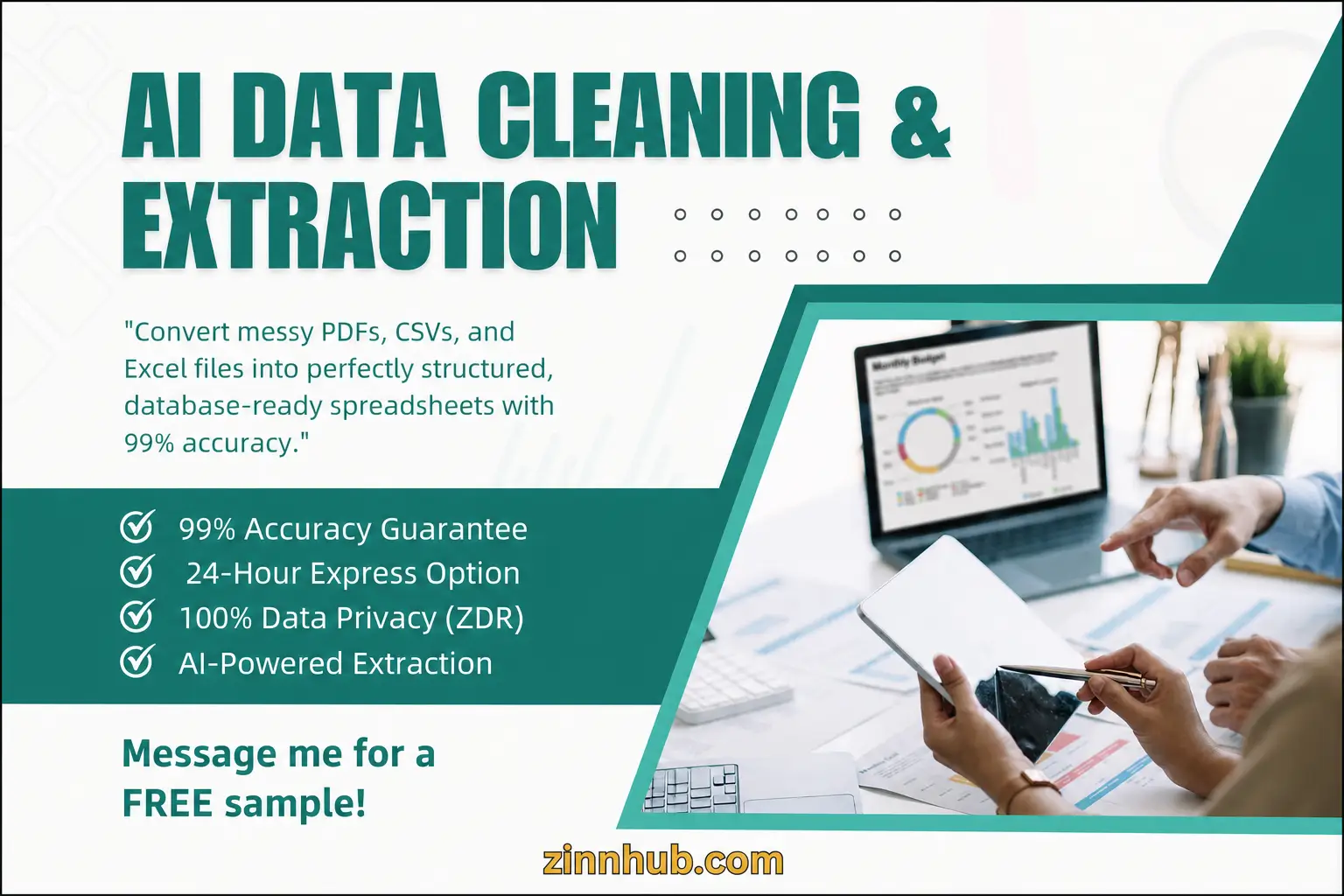
Hi, I'm Mrinmoy. I am a BCA student and developer specializing in AI-powered data automation. I help small business owners, accountants, and researchers eliminate tedious manual data entry by converting messy PDF, CSV, and Excel files into clean, structured spreadsheets.
What I Can Do For You:
I handle a variety of data challenges. Whether you have a scanned PDF full of financial tables, a CSV with broken columns, or a dataset that needs to be unpivoted for your CRM, I can help. I extract specific fields, format dates automatically, remove duplicates, and ensure the final output is ready for import. I am comfortable handling large datasets, including financial reports, customer lists, and inventory sheets.
How My AI Pipeline Works:
I use a multi-agent AI architecture. First, an extraction model (MiMo Pro) reads your document and pulls out the data. Then, a completely independent verification model (DeepSeek) checks the extracted data against the original text to catch errors. This cross-verification ensures a high level of accuracy before I deliver the final Excel or CSV file.
Technical Background:
I am a 2nd-year Bachelor of Computer Applications (BCA) student with a strong foundation in Python programming, database management, and API integration. I built my own AI data factory from scratch, meaning I understand the underlying code and can troubleshoot complex file formats that other freelancers might struggle with.
Data Privacy and Security:
I understand that your data is sensitive. I use enterprise-grade APIs with strict Zero-Data-Retention (ZDR) policies. Your files are processed securely in memory, are never stored on my personal computer, and are never used to train public AI models.
Tiempos de respuesta:
Small files (up to 100 rows): 24 hours
Medium files (100-500 rows): 2-3 days
Large files (500+ rows): Custom quote
Try Before You Buy:
If you have a file that is giving you a headache, message me. I am always happy to process your first 5 rows for free so you can see the quality of my work before you hire me.
Competencias
Tecnologías y áreas de especialización de este profesional autónomo.
Categorías
Áreas de servicio en las que este profesional autónomo está disponible.
Portafolio
AI Data Cleaning & Extraction
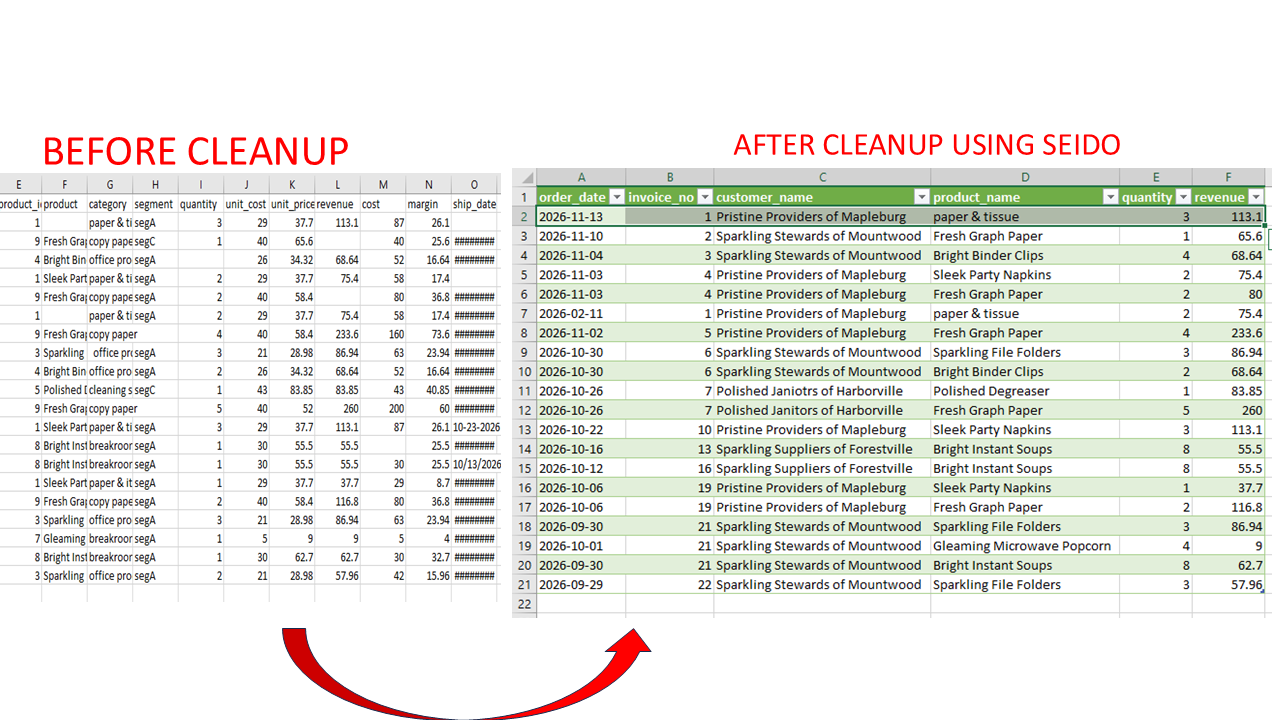
Demonstration of my custom AI pipeline. The image shows a raw, messy CSV file with broken columns (left) and the exact same data automatically extracted and formatted into a clean, database-ready table with 99% accuracy (right).
Zinns — Servicios listos para comprar (1)
Servicios ya preparados disponibles para su compra inmediata: explore la oferta, compre y empiece de inmediato.